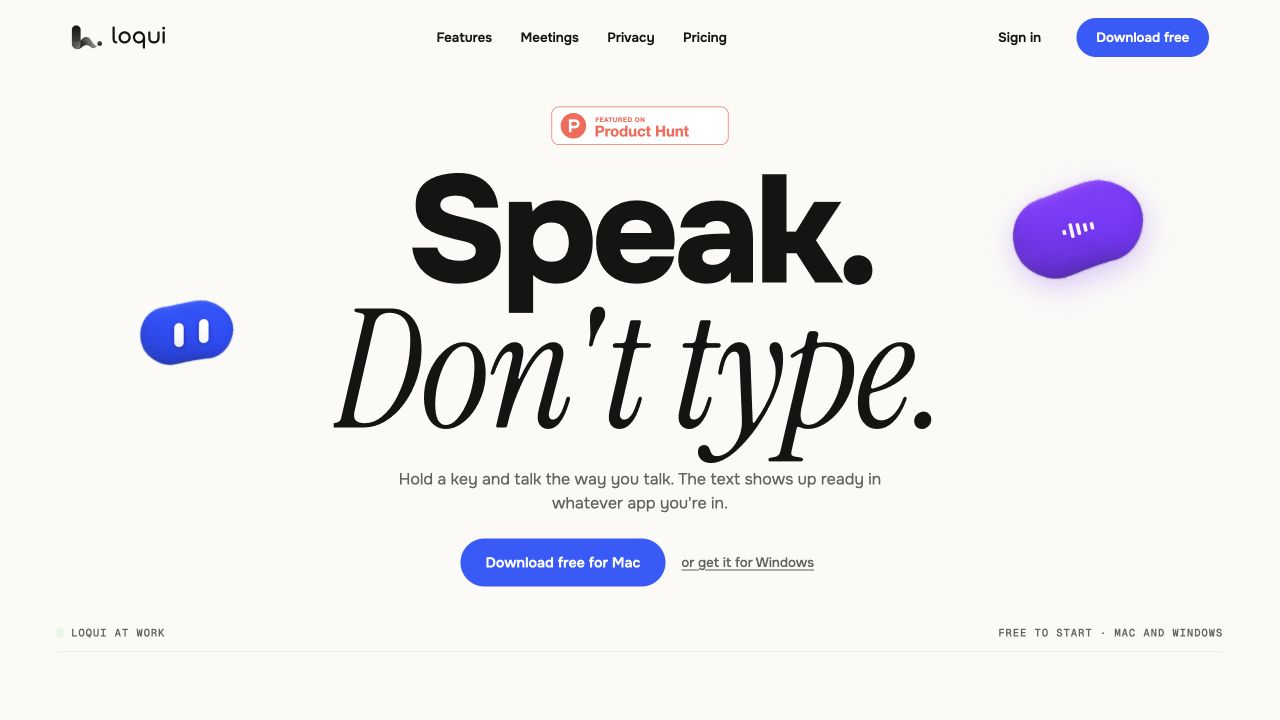
Loqui turns spoken input into text at your cursor and can adapt that text to the app you are using. It offers Mac and Windows downloads. It is a cloud-assisted dictation product, so local history does not mean offline transcription.
Loqui is worth investigating if your best first draft arrives when you speak, but your work still needs to land in an email, document or script editor. The interesting part is the route from spoken thought to usable text inside an existing app. It is less useful to judge it as a general-purpose chatbot. [1]
There is also an identity trap. This review covers loquime.com, the product linked from the Loqui Product Hunt listing ending in “loqui-2”. Search results surface other products using the same name. Their prices, mobile apps and privacy promises should not be attributed to this one. [1][5]
What Loqui does for a creator
The official product page describes cursor-based dictation, automatic cleanup, app-specific tone, a personal dictionary and reusable snippets. Its named transformation and snippet features add ways to reshape speech into writing. These are vendor-described capabilities; we did not install the application or measure recognition accuracy. [1]
For a newsletter writer, the sensible starting task is a short reply or an outline. Speak the idea, inspect the result, then edit for meaning. A tool that makes a sentence smoother can still remove a useful hesitation, change an unfamiliar name or make an uncertain claim sound definite. Read the final text before sending it.
A script needs a different check from an email. In a spoken script, contractions, pauses and informal phrasing can be intentional. Try the tone settings on a paragraph you would actually read aloud. Compare how much correction remains, rather than assuming cleaner prose automatically sounds more like you.
Loqui pricing and the free-plan limit
The official plan table shows a free tier with a recurring weekly dictation quota. The numeric word allowance was not exposed in the public table we inspected, so we are not quoting a free-words figure. The included free meeting allowance is one hour per account, granted once. It should not be read as one free hour every month. [2]
Pro is listed at US$8 per month, with no weekly dictation quota and three meeting hours per month. Pro + Meetings is US$16 per month with 30 meeting hours. An extra ten-hour meeting pack costs US$6 and does not expire, but using it requires an active paid plan. Prices and allowances were checked on 26 October 2026. [2]
Separate those two workloads before choosing. Someone who mainly dictates scripts may have little need for the larger meeting allowance. Someone who records long interviews should estimate meeting hours independently. “No weekly dictation quota” does not make the meeting service unlimited.
Does Loqui work offline?
The privacy policy describes server-based processing and names ElevenLabs for speech processing. Depending on configuration and fallback, text transformations can involve other AI providers. Loqui says it discards request audio and text on its own server, while provider-side handling remains subject to the relevant provider terms. That is different from a guarantee that no outside service receives or retains anything. [3]
Local history can include audio. Sync is optional and off by default; enabling it can store supported profile and meeting text information without syncing the recorded audio tracks. The separate optional improvement setting concerns dictation text samples and is also off by default. These are different controls with different purposes. [3][4]
For an unpublished launch, client interview or personal recording, the decision is therefore about what you are allowed to send for cloud processing. Review the settings and retention information first. A local history screen, by itself, is not proof of an offline workflow.
Mac, Windows and the launch-listing mismatch
The current official homepage offers both Mac and Windows downloads. The recent Product Hunt description emphasizes Mac. For current availability, the official download page is the better starting point; our review did not install either version or establish feature parity. [1][5]
Check your operating-system requirements and essential application compatibility before relying on it for daily work. If your workflow includes remote desktops, browser editors or unusual shortcuts, a representative trial matters more than a generic supported-platform badge.
When to shortlist Loqui
Consider it when speaking is a convenient way to draft and you want the result inside tools you already use. Evaluate a script paragraph, an email and a vocabulary-heavy note separately. Count correction time and any meaning changes. Keep meeting usage in its own budget.
If you already use a dictation product such as Wispr Flow, compare the same source paragraph under the plans available to you. We have not run that comparison and cannot name an accuracy winner. Loqui's public documentation gives enough information to investigate the workflow and its privacy tradeoffs, but not to promise that it will understand your voice better than an alternative.
How we assessed this tool
Documentation-based editorial research. Official pages, current public plan information and product-launch references checked on 26 October 2026. No paid account, installation, output generation or performance benchmark was conducted. Screenshot is the official website, not our test output.
Questions & answers
Is Loqui free?
Yes. The official page describes a recurring weekly dictation quota and a one-time one-hour meeting allowance. A numeric free dictation allowance was not verified in the inspected table.
Is Loqui offline?
No offline-only claim is supported. The privacy policy describes server and third-party speech processing, with separate local history and optional sync controls.
Does Loqui support Windows?
Its current official homepage provides Mac and Windows download links. We have not installed the Windows version or verified feature parity.
Sources & check dates
- 1. Official product and downloads ↗ · Checked 2026-10-26
- 2. Official plan table ↗ · Checked 2026-10-26
- 3. Privacy policy ↗ · Checked 2026-10-26
- 4. Data controls ↗ · Checked 2026-10-26
- 5. Recent Product Hunt launch listing ↗ · Checked 2026-10-26