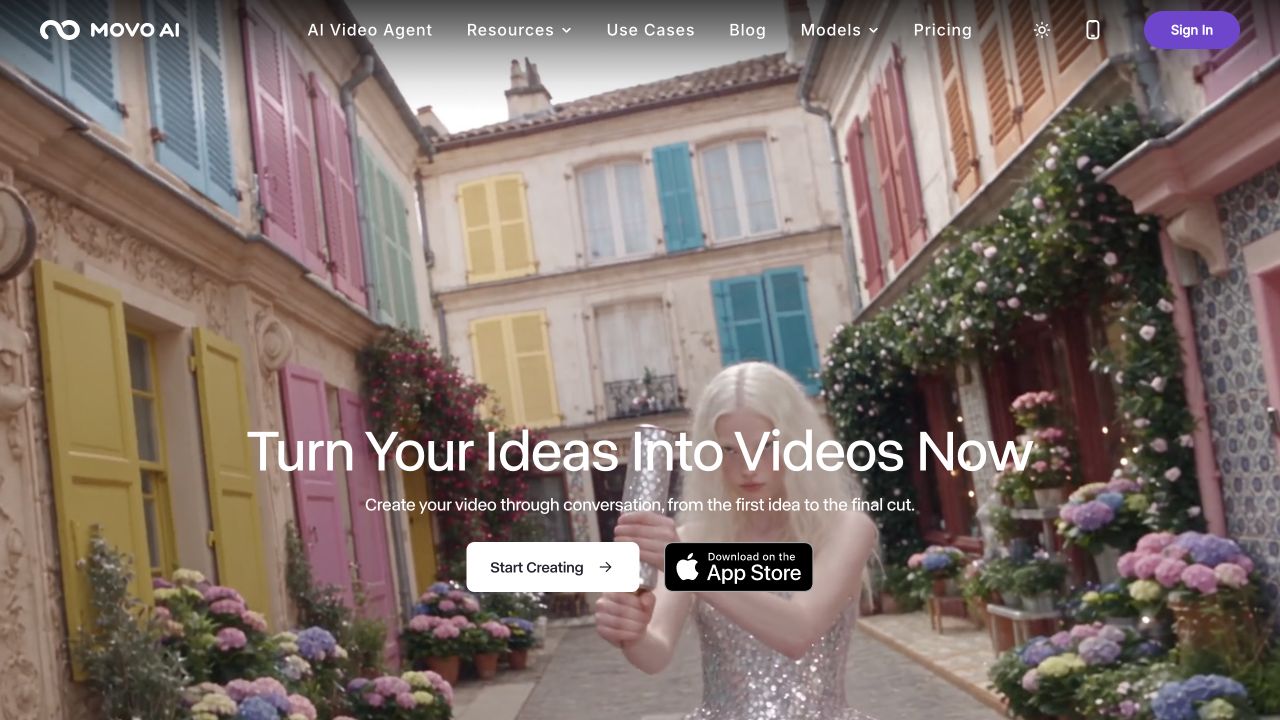
MOVO AI is a conversational video agent that plans and generates connected scenes using references and project context. New users are offered 100 free credits, but generation costs depend on model, duration, resolution and task.
MOVO AI is aimed at creators who want to develop a video as a connected story rather than manage a folder of unrelated generated clips. Its official materials describe a conversational agent that works from an idea, script or reference assets, plans scenes and helps refine the resulting sequence. [1][5]
This review covers movoai.pro. Several unrelated products share the Movo name, so a review, price or app listing found through search needs an identity check before it belongs in your buying decision. We checked public documentation and pages; we did not generate a film or test its consistency claims.
The problem MOVO is trying to solve
The vendor describes project memory and reference-based work as ways to maintain context across scenes. For a creator, that could be useful when a story requires the same subject, setting or visual treatment to recur. It is a product capability to investigate, not an independently verified guarantee that characters remain identical. [1][2]
Think about a short product story with an opening situation, a demonstration and a closing shot. Before generating anything, define which details must survive every scene: product shape, colors, label text and the setting. Those become acceptance criteria. A sequence can look cinematic and still fail the assignment if the product changes between shots.
The planning stage deserves attention too. Read the proposed sequence before spending credits on media. Remove scenes that do not advance the point and decide which assets you already have. A smaller, clearer brief makes it easier to identify whether the system understood the task and where correction will be needed.
What 100 free MOVO credits actually means
The official FAQ offers new users 100 free credits and says that grant does not expire. Credit consumption varies with the selected model, output type, resolution, duration and other task details. That makes credits a budget unit, not a fixed number of finished videos. [2]
The inspected plan table showed Starter with 500 monthly credits, Pro with 2,000 and Max with 5,000. Dollar amounts did not resolve in our public browser inspection. We are therefore not repeating a starting subscription price from a third-party review. Check the live checkout for the selected billing period before committing. [3]
One visible example listed 150 credits for a ten-second 720p Seedance 2.5 generation and 350 for the 1080p version. Those examples show why neither the introductory grant nor an annual comparison estimate should be converted into a universal clip count. Other models and settings can differ. We did not run a generation to validate billing. [3]
Budget for revisions as part of the job. A creator who needs three acceptable scenes may make several attempts at one difficult shot. Compare the credit estimate before each action, and keep a record of what was spent on planning, assets, revisions and final video. Our review does not establish a reliable cost for a completed 30-second or two-minute film.
Editing and export questions to settle early
The FAQ describes conversational refinement, uploaded references and model-dependent output settings. That does not establish the same level of manual control as a conventional timeline editor, nor does it verify every export combination on every plan. [2]
For your first project, ask for a specific correction to one scene while preserving the others. Inspect whether the requested change affects continuity elsewhere. Then export in the aspect ratio and resolution needed for your actual channel. Watch text, faces and product details at full size, not only in a small project preview.
Some public MOVO pages have described watermark-free access as a limited-time promotion. Without stable eligibility and expiry terms, we are not presenting it as a permanent free-plan entitlement or a Picktool discount. Confirm the export conditions shown in your own account before planning a client delivery. [1][2]
Privacy and commercial use
The privacy policy says third-party AI services may process the prompts and assets needed to deliver requested features. It also says private creative content, uploaded assets and generated projects are not used to train models without permission. This is a cloud-processing policy, not a promise that your assets never leave your device. [4]
The FAQ says MOVO does not claim ownership of generated outputs and permits commercial use subject to applicable law and third-party rights. That does not clear an uploaded character, a person's likeness or a copyrighted reference for you. Use material you are authorized to supply. [2]
Who should investigate MOVO AI?
Shortlist it when connected scene planning is the central problem and you are willing to evaluate a credit-based workflow. The current official homepage links to an iOS App Store listing. Some search captures retained older coming-soon language, so use the current official download destination for availability. We did not install or test the mobile app. [1][2]
Creators needing exact shot control, a fixed production cost or guaranteed character consistency should establish those requirements with a small authorized sample first. MOVO's broad workflow is interesting; the unresolved price display and untested output quality are reasons to investigate carefully before choosing a paid plan.
How we assessed this tool
Documentation-based editorial research. Official pages, current public plan information and product-launch references checked on 26 October 2026. No paid account, installation, output generation or performance benchmark was conducted. Screenshot is the official website, not our test output.
Questions & answers
Does MOVO AI give free credits?
The official FAQ offers 100 introductory credits to new users and says they do not expire. The amount of media they buy depends on settings and model.
How much does MOVO AI cost?
The inspected table exposed monthly credit tiers, but dollar prices did not load. Check the current official pricing and checkout; no starting dollar price is verified here.
Can MOVO videos be used commercially?
The FAQ permits commercial use subject to applicable law and third-party rights. You still need the necessary rights for uploaded material and the intended output.
Sources & check dates
- 1. Official MOVO AI product ↗ · Checked 2026-10-26
- 2. Official FAQ ↗ · Checked 2026-10-26
- 3. Official pricing ↗ · Checked 2026-10-26
- 4. Privacy policy ↗ · Checked 2026-10-26
- 5. User guide ↗ · Checked 2026-10-26
- 6. Recent Product Hunt listing ↗ · Checked 2026-10-26