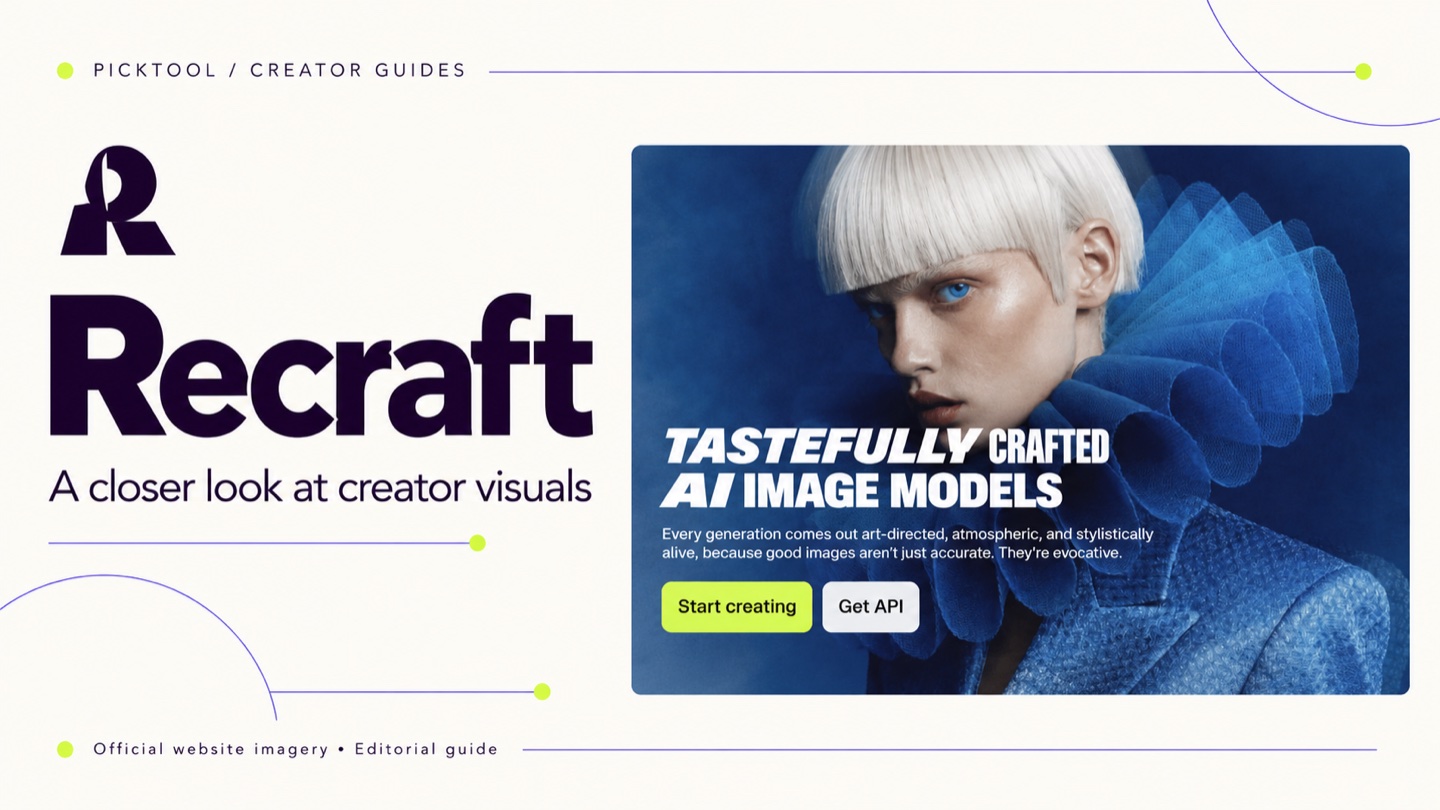
Recraft is worth shortlisting when you need related visual assets rather than a single isolated image. Its image and vector tools can support a creator's design process, but you should inspect the exported files and understand the difference between free and paid rights before using them commercially.
A creator's visual problem often begins after the first attractive image. The next post needs to look related. So does the diagram in a newsletter, the illustration on a landing page and the icon beside a tutorial. Recraft is interesting because its product places image generation alongside vector work and controls for visual style. [1]
That makes it a candidate for building a small family of assets. The quality of the result still depends on your art direction and the revisions you make. A collection of generated images does not automatically become a usable brand system.
Where Recraft fits in a creator workflow
Recraft's current product materials describe raster and vector generation, image editing and style-related features. Its changelog also documents work on vector editing and brand controls. These are useful capabilities to investigate if your graphics need to work across several formats. They are vendor-described features, rather than results from our own design test. [1][2]
Consider a creator who teaches personal finance. A recurring series might need simple illustrations of a receipt, a calendar and a savings jar. A shared palette, similar shapes and comparable detail can help those assets belong together. Start by defining that visual language in ordinary terms before asking a generator to produce the set.
Be specific about the intended use. An illustration that works on a large article cover can become indistinct inside a small thumbnail. Decide where the asset will appear, how much space it will occupy and what it must communicate at that size.
Why vector output deserves a separate test
Recraft advertises SVG vector output. A vector file can be useful when you need to resize or edit shapes in compatible design software. That is a different deliverable from a flattened image, even if both previews look similar. [1]
Open a sample in the software you plan to use. Inspect the shapes, the number of unnecessary elements and whether the design is practical to edit. A file with many awkward paths can create more cleanup than drawing a simple icon yourself. The SVG label alone does not tell you how much finishing work remains.
For a logo project, the standard should be higher. A generated mark may resemble existing work, and a plan's commercial-use permission is not trademark clearance. Use an AI concept as a starting point for a design process, then make the checks appropriate to the client's intended use.
Free and paid plans have a material rights difference
Recraft's pricing FAQ says Free-plan images are public, owned by Recraft and not licensed for commercial use. Paid subscribers receive ownership and commercial rights for images created while subscribed. Do not assume an upgrade retroactively changes the rights to earlier Free-plan output. [3]
This is a practical reason to check the terms before uploading a confidential campaign brief or producing a client deliverable. Public generation can be fine for an experiment you intend to share. It is a different proposition when the subject, reference material or launch timing must remain private.
The pricing page offers multiple paid tiers, but its interactive plan details did not provide a stable set of dollar prices in our source capture. This article therefore does not quote an unverified starting price. Confirm the selected tier, billing period, credits and image-visibility settings on the official page before buying. [3]
A useful first project for evaluating it
Give yourself a small assignment with a clear delivery format. Three illustrations for one article are more revealing than a folder of unrelated experiments. Keep a record of your prompt, references and intended style so you can judge whether the results are repeatable.
- Define the palette and visual rules, including what the images should avoid. Use only reference material you are allowed to upload.
- Generate a small related set. Compare proportions, line treatment and the amount of detail across the whole group.
- Export in the intended format and finish one asset in your normal design software. Record the cleanup required.
That last step is easy to overlook. A pleasing preview is useful, but the production file is what your newsletter, website or editor must accept. Judge the tool by the complete job, including the edits needed to make the assets ready.
When a layout tool or designer is the better choice
If you already have suitable assets and mostly need to arrange text, images and templates, a layout-focused tool such as Canva may be a simpler place to work. Recraft is more relevant when producing or refining the visual assets is the difficult part. Many creators will reasonably use one tool for the artwork and another for the finished layout.
For a distinctive identity with legal and production requirements, an experienced designer can also make decisions that a prompt does not resolve. Budget for that work when the stakes justify it. A generator can expand your options, but it cannot decide the meaning or suitability of a brand for you.
Picktool editorial judgment
Recraft belongs on the shortlist for creators who repeatedly need illustrations, icons or other coordinated assets. Before subscribing, test a related set and inspect the exports. Before using it for a client, settle the privacy and rights questions. We have not generated or benchmarked a sample set for this article, so we do not claim it outperforms another image tool.
How we assessed this tool
Documentation-based editorial assessment using the official sources listed below. We have not benchmarked the tool, verified output quality, or tested a paid subscription. Example workflows describe what to try; they are not reported test results.
Questions & answers
Can Recraft create vector files
Recraft advertises SVG vector generation. Test a sample in your intended editor to evaluate the actual shapes and cleanup work. [1]
Are Free-plan images private
Recraft's pricing FAQ says Free-plan images are public. Check the current plan conditions before including confidential material. [3]
Does commercial permission guarantee a unique logo
No. Permission to use an output commercially does not establish originality, trademark availability or suitability for a particular brand.
Sources & check dates
- 1. Recraft official product features and output formats ↗ · Checked 2026-10-26
- 2. Recraft changelog for vector and style functionality ↗ · Checked 2026-10-26
- 3. Recraft official pricing and rights FAQ ↗ · Checked 2026-10-26