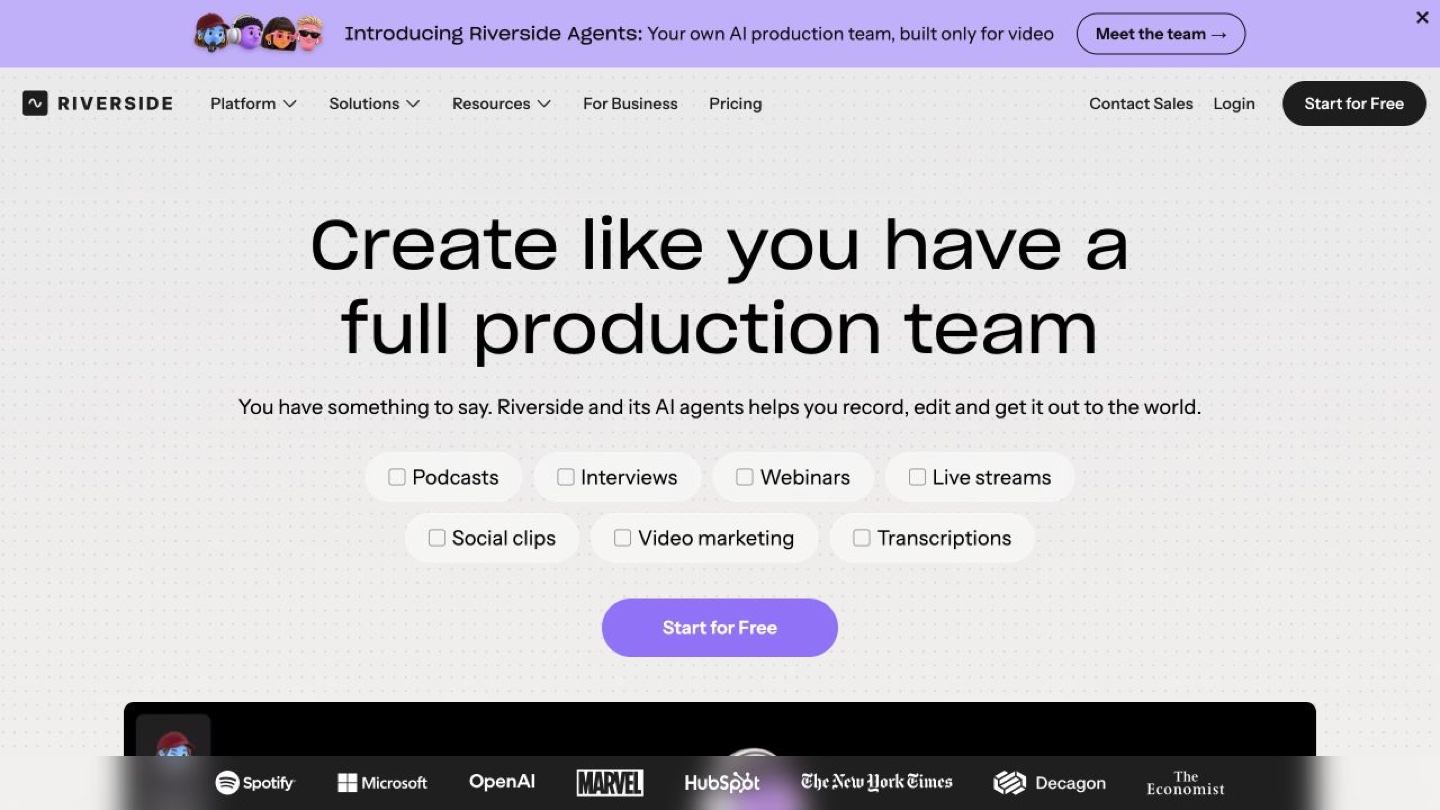
Riverside is worth considering when recording quality and editable guest tracks are central to your remote interview workflow. Local recording can reduce dependence on the quality of the call stream, but the files still need to be captured and uploaded correctly. Test the guest setup and final downloads before an important session.
A remote interview has two outputs that are easy to confuse: the conversation people hear while speaking and the recordings you need afterward. Riverside is built around that production problem. Its product materials describe local recording, separate participant tracks and editing features intended to take a session further toward a finished piece. [1][2]
For an interview-led channel, the practical question is whether the complete process is dependable for both host and guest. A sharp preview cannot compensate for a poor microphone, an incomplete file or a guest who does not understand what to do at the end of the call.
What local recording changes
Riverside describes local recording as capturing each participant on their own device and uploading the files. The intended benefit is that the production recording is not simply a copy of the compressed conversation stream. Its materials also advertise separate tracks, which can give an editor more control over individual participants. [1][2]
That distinction can matter when one person's connection becomes uneven during a conversation. It does not make the rest of the recording chain infallible. Microphone selection, clipping, room noise and device behavior still deserve attention. Local recording also means the material must reach the service before you can rely on the cloud copy.
Think of separate tracks as an editing opportunity. You might need to reduce one speaker's level or remove a distraction while preserving the other person's sentence. That is easier to plan for when the source files keep participants apart. The quality of your edit still depends on what was actually captured.
Prepare the guest for the recording you need
Send a short preparation note with the invitation. Explain the expected device, browser or app, microphone and quiet-space requirements using Riverside's current guidance. Ask the guest to leave enough time for a setup check. A brief rehearsal is particularly useful when the person has never recorded remotely.
During that check, have each participant speak at normal volume and play back a sample. Listen for clipping, fan noise and the wrong microphone being selected. Confirm framing and lighting if video matters. These are recording practices to apply to your test, rather than problems we observed in a Riverside session.
- Record a short rehearsal with the same devices and guest workflow planned for the real interview.
- Confirm that the files have finished uploading before participants close the session or leave the page.
- Download the intended tracks and open them in your editing software. Check synchronization and listen through the sample.
Keep a separate backup appropriate to the importance of the conversation. For a one-off interview with a difficult-to-rebook guest, a modest backup plan can be worth more than another optional editing feature.
AI editing is useful after the source files are safe
Riverside promotes transcription, transcript-based editing and automated clipping among its post-production tools. Those features can be useful to investigate once you have a usable recording, particularly when one interview needs to become several formats. We have not evaluated its clip choices or transcription quality. [1]
Review proposed cuts in context. A short clip can preserve the words while losing the question or qualification that made the answer accurate. For an educational interview, ask whether the excerpt stands alone without implying a stronger claim than the guest intended.
If you already have a dependable recording setup and only need to turn long files into short candidates, compare a dedicated repurposing workflow such as OpusClip. If transcript editing is the main requirement, compare the actual editing controls with a service such as Descript. Riverside becomes more relevant when capturing the original session is also part of the problem.
Choose a plan around the finished delivery
Riverside's current trial guide describes a 14-day trial, rather than a permanent free plan. Its help page says a credit card is required and billing begins after the trial unless you cancel. Check the terms attached to your signup before entering payment details. [4][5]
Pricing deserves an extra check. The public pricing page displays Pro at US$29 monthly or US$24 per month with annual billing, while the trial guide advertises paid plans from US$35 in several countries. Some comparison rows also retain older Free and Standard labels. These public sources do not provide one unambiguous price for every region and account. Check the selected plan, billing interval, trial conversion amount and cancellation deadline at checkout before entering payment details. [3][4][5]
Check recording hours, output quality, separate-track exports and AI allowances for that plan. A higher advertised maximum does not mean every device or plan produces it. If you use AI features on private interviews, also review the applicable data terms: Riverside's terms permit use of inputs and outputs to improve its own AI models. [6]
A rehearsal should test those requirements directly. If you need separate high-quality audio and a particular video format, download both from the trial project. Finding the right labels on a pricing table is helpful; opening the delivery files is a better final check.
Picktool editorial judgment
Riverside is a strong candidate for interview-led creators who want recording and post-production in one workflow. Its local-recording approach is the main reason to investigate it. The decision should depend on a complete rehearsal, including guest setup, upload and downloads. This article is based on documentation; no recording, stress test or output comparison was performed.
How we assessed this tool
Documentation-based editorial assessment using the official sources listed below. We have not benchmarked the tool, verified output quality, or tested a paid subscription. Example workflows describe what to try; they are not reported test results.
Questions & answers
Does local recording mean no internet is needed
No. Riverside describes local capture as part of a remote recording and upload workflow. Do not assume the service or file transfer works without connectivity. [1][2]
Will Riverside fix a poor microphone recording
Do not assume it will. Test the selected microphone, room and recording level before the interview, then judge any enhancement feature on the actual file.
Should a guest leave immediately after the conversation
Confirm that the required uploads have completed before the guest closes the session. Include this step in your rehearsal and use the current in-product instructions.
Sources & check dates
- 1. Riverside official recording and editing product information ↗ · Checked 2026-10-26
- 2. Riverside Help definition of high quality local tracks ↗ · Checked 2026-10-26
- 3. Riverside official pricing and plan comparison ↗ · Checked 2026-10-26
- 4. Riverside current free trial and plan pricing guide ↗ · Checked 2026-10-26
- 5. Riverside Help trial and billing requirements ↗ · Checked 2026-10-26
- 6. Riverside terms covering AI tools and data use ↗ · Checked 2026-10-26
- 7. Riverside Help completing a local track upload ↗ · Checked 2026-10-26