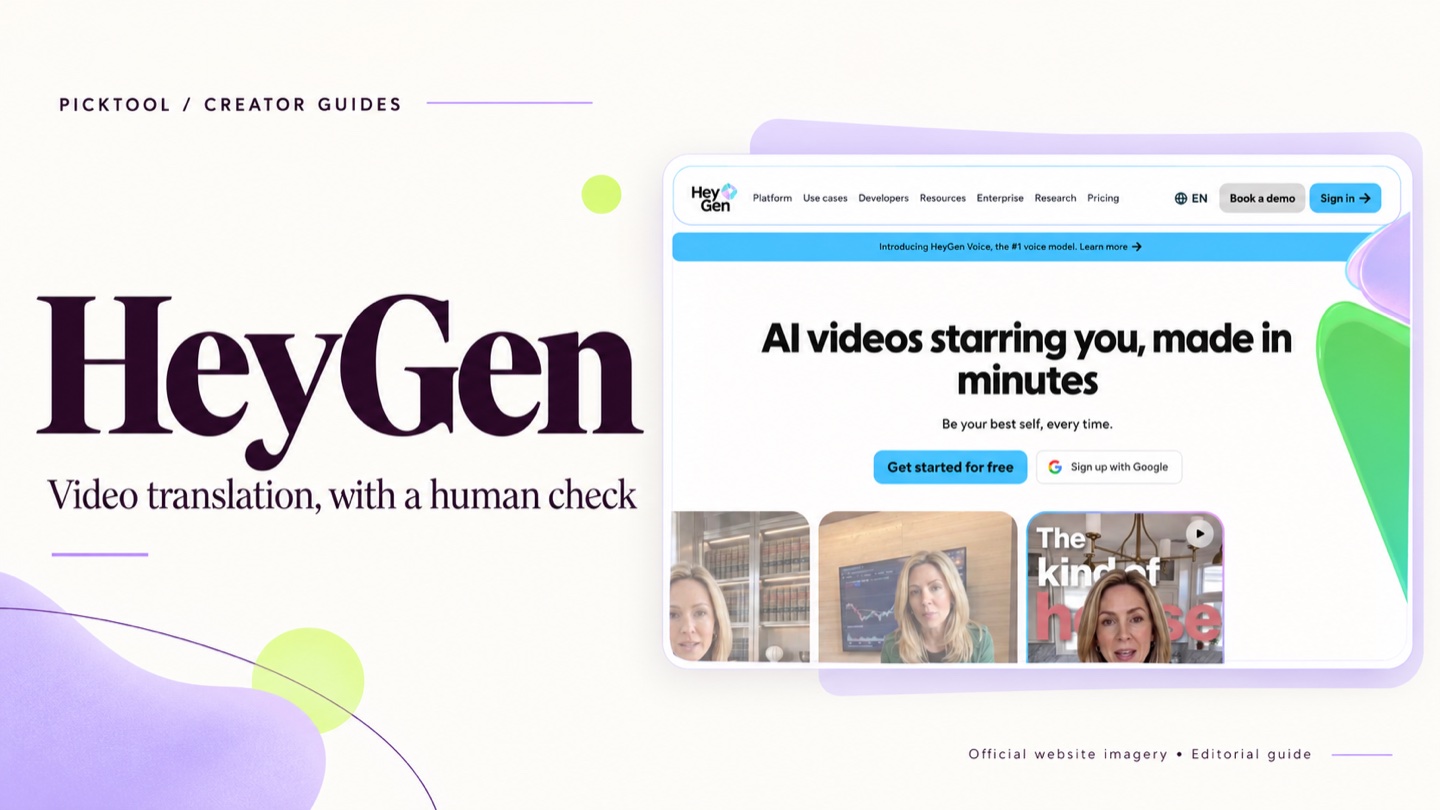
HeyGen is a useful candidate for creators who want to translate an existing video or produce a repeatable avatar presentation. The important checks are language quality, permissions, correction access and the plan's credit rules. A translated preview should be reviewed by someone who understands the target language.
A video that explains something well in English may be useful to viewers in another language. Re-recording it can be a substantial production job. HeyGen offers translation and avatar-based video workflows that are relevant to that problem. Its public materials also cover voice cloning and translated speech, so permission to use the original speaker's identity needs attention from the start. [1][2]
The strongest use case is an approved piece of content with a clear reason to reach another audience. A finished tutorial, a product explanation or a recurring course update gives you something concrete to evaluate. Creating dozens of translated videos before checking one complete example makes the quality problem harder to detect.
Translation and avatar production are different jobs
HeyGen's video translation workflow starts with existing footage. Avatar production is a separate route for presenting a script through a digital presenter. Both may be useful to a creator, but they should be evaluated against different requirements. [1][2]
For translation, ask whether the meaning, timing and speaker identity survive the adaptation. For an avatar-led lesson, ask whether the presentation is appropriate for the audience and whether you need to disclose how it was made. The same subscription can serve several workflows without making every workflow equally suitable for your channel.
A useful starting project is a short tutorial that contains a product name, an on-screen instruction and a number. These details reveal problems a smooth general preview can hide. A mistranslated menu label can make a tutorial impossible to follow even when the speech sounds natural.
Current pricing changes the correction decision
As checked on 26 October 2026, HeyGen lists Creator at US$29 per month, or US$24 per month with annual billing. Pro starts at US$49 monthly. Free access includes three videos per month with a one-minute maximum; paid plans have different credits, generation modes and output conditions. These are advertised prices before account-specific checkout details. [1]
Do not interpret a plan's unlimited language as unlimited access to every generation mode. Check the credit allowance and the feature you intend to use. A workflow built around translation, a higher-cost avatar mode or frequent revisions can have different requirements from a simple scripted presentation. [1]
There is also a specific editing distinction. HeyGen's support documentation places proofreading or editing of video translation scripts on Pro and higher eligible plans; it says Creator users need to upgrade to use that workflow. If script correction is essential, factor that into the budget before choosing the cheaper plan. [3]
A native speaker should review the finished video
Give the reviewer the original script, the translated output and a short glossary of names or technical terms. Ask them to check meaning and instructions, rather than simply whether the voice sounds pleasant. A translation can be grammatically plausible while making a small factual change that matters to the viewer.
Review the visual context as well. If the speaker says to click a button whose label remains in English, decide whether a subtitle, overlay or localized screen recording is needed. If a number or date changes format between languages, check that it still matches the graphics. These are editorial checks to perform on a sample, not claims that we tested HeyGen's output.
Watch the entire exported file after corrections. Small discontinuities in timing, pronunciation or movement can be more noticeable in a complete lesson than in a short preview. Keep the original footage and a record of the approved translated script so another editor can revise the project later.
Consent is part of the production brief
HeyGen's trust and safety page requires legal rights and explicit consent for the likeness used in an avatar. Obtain permission for the actual intended use, including languages, audience and distribution, rather than treating possession of a video file as permission to recreate its speaker. [4]
This matters for client work and guest interviews. Someone may have agreed to one recorded conversation without agreeing to an avatar presentation or a new language version. Resolve that question before uploading material or making an edit that could imply an endorsement.
Also check the account's data settings. HeyGen distinguishes enterprise data protections from non-enterprise use, where customer data may help improve models unless the user opts out. Avoid assuming that every plan has the same training policy. [4]
When to use a different production approach
A voice-only workflow can be enough for a screen recording that never shows a presenter. A human translator and presenter may be the better investment for sensitive material or content built around a personal performance. If your main problem is cutting an existing interview into short clips, compare a clipping or editing service instead; that is a different job from localization.
The decision should follow the audience need. Localize a video because you have a useful message and a way to review the adaptation. A large language list is not evidence that every version will fit your audience equally well.
Picktool editorial judgment
Shortlist HeyGen for repeatable presenter videos and carefully reviewed localization. Start with one representative piece, confirm correction access on the selected plan and secure the speaker's permissions. We have not generated a test video for this assessment, so we make no claim about translation accuracy, realism or production time saved.
How we assessed this tool
Documentation-based editorial assessment using the official sources listed below. We have not benchmarked the tool, verified output quality, or tested a paid subscription. Example workflows describe what to try; they are not reported test results.
Questions & answers
Can I try HeyGen without paying
HeyGen lists a Free plan with limited video access. Check current duration, credits and export conditions before treating it as a production plan. [1]
Does Creator include translation script proofreading
The support article checked for this draft says proofreading and editing of translation scripts require Pro or another eligible higher plan. Confirm the feature before subscribing. [3]
Can I clone a guest voice from an interview
Having a recording does not by itself establish permission. Check HeyGen's applicable policies and obtain the speaker's consent for the intended use. [4]
Sources & check dates
- 1. HeyGen official pricing and credit comparison ↗ · Checked 2026-10-26
- 2. HeyGen official product workflows ↗ · Checked 2026-10-26
- 3. HeyGen video translation and proofreading plan access ↗ · Checked 2026-10-26
- 4. HeyGen consent and account data policies ↗ · Checked 2026-10-26