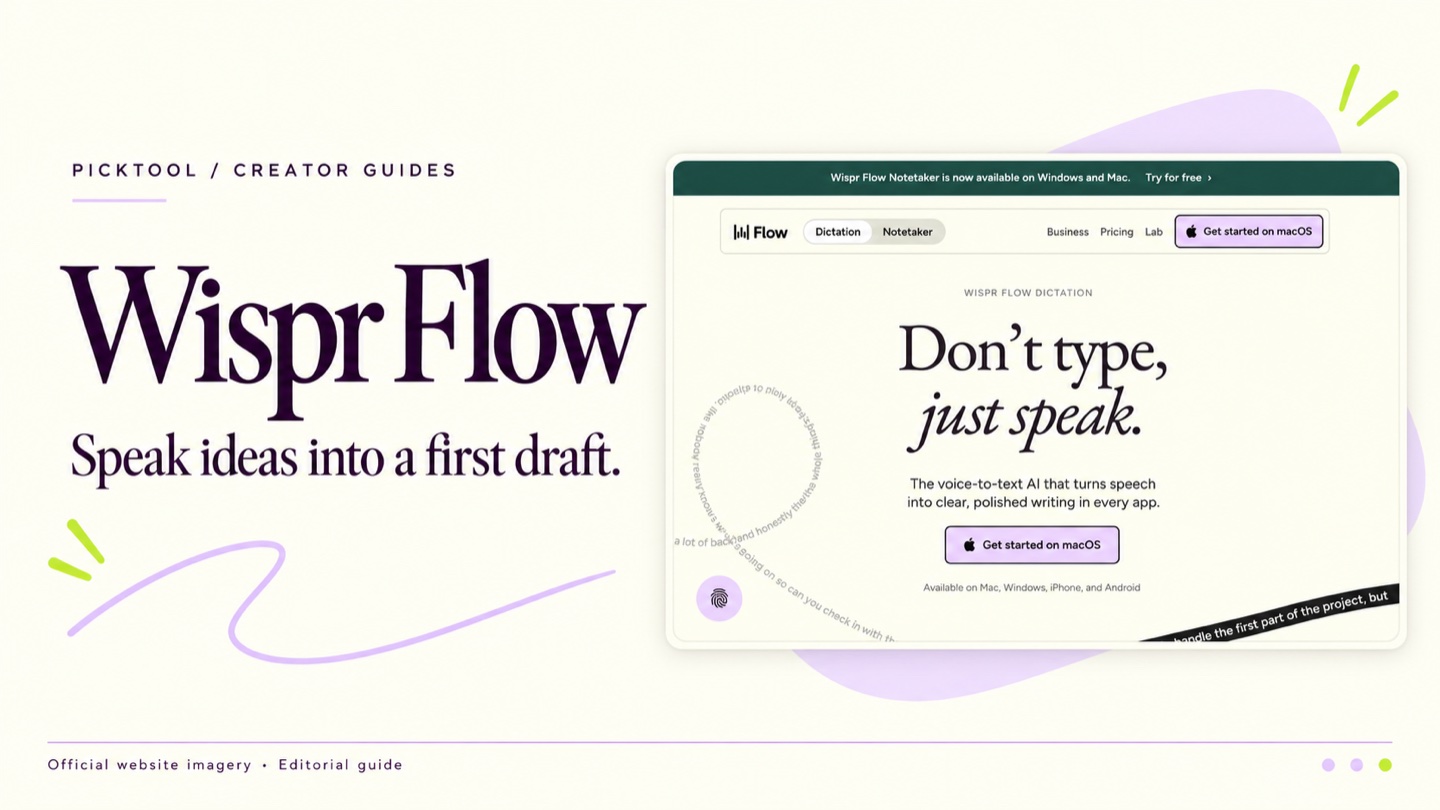
Wispr Flow is worth trying when speaking helps you get ideas down more easily than typing. It turns dictation into text inside supported workflows, but the resulting draft still needs a meaning check. Start with ordinary notes, compare what you said with what appeared and review privacy settings before using sensitive material.
You can explain a video idea clearly to another person and still stall when you open a blank document. Dictation offers another starting point. Wispr Flow focuses on turning spoken language into usable written text across supported apps, with features intended to clean up the draft as you speak. [1]
For a creator, the appeal is having a first version to work with while the idea is fresh. That first version may be a script outline, a reply to a collaborator or notes after recording a tutorial. Whether it helps depends on your speaking habits and how much correction the output needs.
Use spoken thinking for the first pass
Wispr's product materials describe dictation with automatic formatting and editing of spoken text. Its help documentation also explains that an internet connection is required. This is a service-assisted workflow rather than an assumption that all recognition happens offline on your device. [1][2]
A useful experiment is to explain one small idea as though answering a viewer's question. Say what the viewer is trying to do, where they get stuck and the example you would use to help. Avoid trying to perform a polished introduction. You want enough raw material to see whether speaking gives you a clearer route into the piece.
Then edit the result in your normal writing tool. Keep the useful phrasing, remove detours and add the evidence the explanation needs. Dictation can capture your intended structure, but it cannot establish whether a remembered statistic or product claim is correct.
A cleaned up sentence still needs a meaning check
Automatic cleanup is useful only if the intended meaning survives. Proper names, product labels and short technical terms deserve particular attention. So do words that reverse a sentence, such as a missing negative. A neatly formatted paragraph can make a recognition error harder to notice.
For a creator tutorial, read the draft beside the interface or source you are describing. Confirm the menu labels, version numbers and order of the instructions. If you dictated an example URL, code fragment or numerical result, check it directly rather than treating the transcript as an authoritative copy.
Speaking can also produce a different rhythm from writing. That may be helpful for a conversational script, but a proposal or support reply may need more deliberate editing. Judge the result for the intended audience, rather than assuming every spoken paragraph belongs in the final piece.
A fair test should measure finished work
Do one short task by typing and a comparable task by dictation. Include the time spent correcting and formatting each version. You do not need a large formal experiment, but you do need to measure the stage that matters to you: a draft you are willing to use.
- Choose an ordinary creator task, such as a 200-word explanation of a tutorial step, and use non-sensitive content.
- Read back the dictated result for names, numbers, negatives and any change in meaning. Record the corrections you make.
- Compare the finished draft with your normal method. Decide whether the benefit remains after cleanup.
Repeat the test in the environment where you normally work. A quiet desk, a shared office and a phone used while walking present different practical constraints. We have not performed these tests for this article, so we do not quote a speed multiplier or accuracy percentage.
Pricing and device support should match your routine
Wispr's pricing page lists Free access with 2,000 words per week on desktop and limited weekly mobile use. Pro is US$15 per user per month, or US$12 with annual billing, as checked on 26 October 2026. Verify the current allowance and account-specific checkout before subscribing. [3]
The same page lists supported desktop and mobile platforms, but device availability does not establish identical behavior in every app. Check your operating-system version, the applications you use and any permissions requested during setup. A tool that works well in one text field may need a different interaction elsewhere. [3]
If you need reliable offline dictation, use the connectivity requirement as an early filter. Test another approach before making a cloud-dependent tool the only way you can capture work while travelling.
Review data controls before dictating client material
Wispr now documents separate controls for model improvement, dictation cloud storage, context awareness and local history. Turning off training and turning off storage are different choices; neither means transcription runs offline. Check the settings in your account rather than relying on an older reference to a single Privacy Mode. [4]
Start with material you are comfortable processing through the service. Check any client or employer restrictions before using unpublished scripts, personal information or internal business details. Make that decision before recording, because editing sensitive words out of the resulting document does not undo an earlier transmission.
Picktool editorial judgment
Wispr Flow is a sensible candidate for creators who think clearly aloud and want a spoken route into everyday writing. Try it on a small real task, include correction time and compare the finished result with your usual method. Creators who prefer quiet drafting, require offline processing or mostly write exact technical syntax may reasonably choose another tool. This is a source-based assessment, not an accuracy or speed benchmark.
How we assessed this tool
Documentation-based editorial assessment using the official sources listed below. We have not benchmarked the tool, verified output quality, or tested a paid subscription. Example workflows describe what to try; they are not reported test results.
Questions & answers
Does Wispr Flow work without internet
Its help documentation says an internet connection is required. Test your normal connection and keep another way to capture ideas when offline. [2]
Can I publish a dictated script without editing
Review the meaning and verify factual claims first. Clean formatting does not guarantee that names, numbers or instructions were captured correctly.
Is it better than typing for everyone
No universal result is claimed here. Compare complete tasks, including corrections, using your own writing style and working environment.
Sources & check dates
- 1. Wispr Flow official product overview ↗ · Checked 2026-10-26
- 2. Wispr Flow official help introduction and connectivity requirements ↗ · Checked 2026-10-26
- 3. Wispr Flow official pricing and platform information ↗ · Checked 2026-10-26
- 4. Wispr Flow privacy commitments and controls ↗ · Checked 2026-10-26