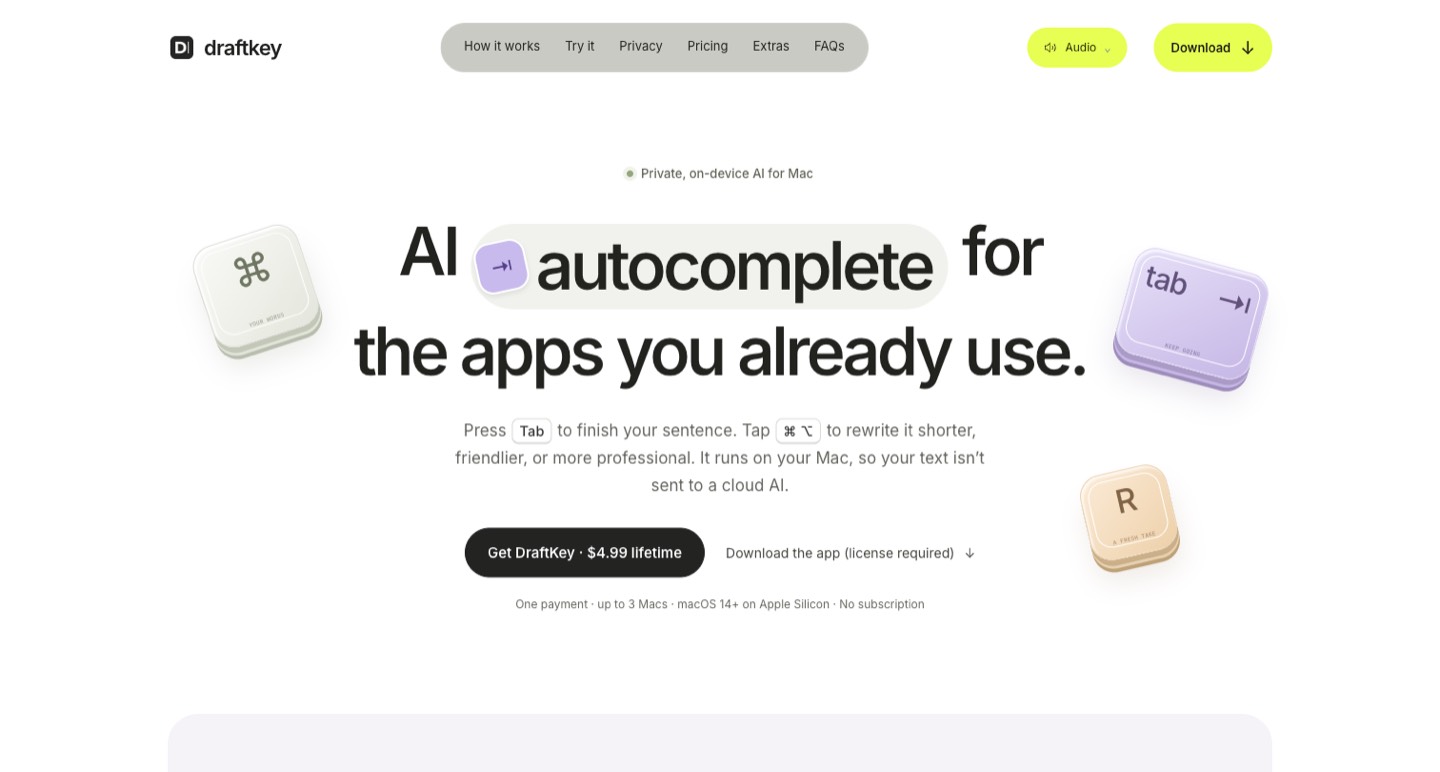
DraftKey is worth considering for short, local writing assistance on an Apple Silicon Mac. Its advertised $4.99 one-time license is inexpensive, but compatibility, setup and the absence of an AI trial deserve more attention than the price alone. We researched the official product, privacy and license pages; we have not installed the application or measured its suggestions.
A writing assistant is useful when it helps you finish the sentence you meant to write. For a creator working on a script, a sponsor email or a caption, switching to a separate chat window can interrupt that thought. DraftKey takes a smaller approach: it offers autocomplete and rewriting inside compatible Mac text fields, with the writing model running on the computer.
DraftKey is worth considering for short, local writing assistance on an Apple Silicon Mac. Its advertised $4.99 one-time license is inexpensive, but compatibility, setup and the absence of an AI trial deserve more attention than the price alone. We researched the official product, privacy and license pages; we have not installed the application or measured its suggestions. [1]
Start with the passage you actually need to improve
Suppose you have dictated an introduction for a tutorial. It contains a useful example, an unfinished sentence and three versions of the same promise. The next job is a controlled edit: keep the example, finish the thought and remove repetition. That is a sensible brief for a writing assistant. Asking it to make the whole script “better” gives it much more room to change your meaning.
Choose one representative paragraph before buying any writing software. Include a product name, a deliberate qualification and a line that sounds like you. Write down what a successful revision must preserve. A polished sentence that removes “in our sample” from a performance claim has made the copy riskier, even if it reads more smoothly.
DraftKey's local guide describes two interactions: suggesting what comes next and rewriting existing text from an instruction. Those should be evaluated separately. Autocomplete needs to be easy to ignore; rewriting needs to obey the boundaries of the passage. [2]
What the one-time license covers
The official site advertises a $4.99 license for up to three Macs, with no recurring subscription. The terms explain that the license does not expire, while future major versions, perpetual support and compatibility with every future operating system are not guaranteed. There is no unconditional money-back promise. Read the current purchase terms before treating a low price as a risk-free trial. [1] [4]
| Purchase question | Published position | Why it matters |
|---|---|---|
| Recurring bill? | One-time license | Useful for an occasional writing workflow. |
| How many computers? | Up to three Macs under the license terms | Check your actual work devices before activating. |
| Free AI trial? | No; website examples are prepared demonstrations | A demo illustrates the interaction, not the output you will get. |
| Every future version included? | Not promised by the lifetime wording | Buy for the current product you can use. |
For a solo creator, the more meaningful cost may be the time spent configuring the app and checking rewrites. Keep that in the decision. Cheap software that does not work in your main editor can be less useful than a workflow you already understand.
Check the Mac and the text field
Published requirements include Apple Silicon, macOS 14 or later and at least 8 GB of memory for AI. The terms describe a separate model download of about 1.12 GB and advise allowing at least 2.2 GB of free space for download and temporary files, plus the app. These are requirements and estimates, not a speed benchmark. [4]
App compatibility is another boundary. DraftKey relies on macOS access to compatible text fields; a custom editor can behave differently from a standard writing field. The local-writing guide describes per-app controls and excludes secure fields. A Mac meeting the hardware requirements does not establish that every browser editor or production app will cooperate. [2]
Make a short list of where you write: the script document, newsletter editor and client email application, for example. Verify each important field rather than testing a convenient blank note and assuming the rest will work. Keep your original paragraph outside the test field so a bad rewrite is easy to recover from.
Local inference still has an online setup
The privacy notice says the current writing engine processes text on the Mac instead of uploading it for cloud AI inference. Purchasing, activation, model downloads and updates involve separate services. Licensing records enforce the device limit; model downloads and app updates produce ordinary network requests. The relevant promise concerns the writing engine, rather than the absence of all network activity. [3]
This distinction helps when you work with confidential drafts. Identify which part of the workflow handles the passage, which permissions the application has and what you choose to send in support correspondence. A local model can be a useful privacy preference without becoming a substitute for your client's information-handling rules or your own device security.
If you want to work away from a reliable connection, complete setup while online and check the actual workflow before travelling. Downloading an installer and having a ready local writing model are separate milestones. Avoid discovering that distinction ten minutes before a deadline.
A practical creator editing exercise
Use three small pieces of real, non-confidential work: a spoken introduction, a product description and a follow-up email. Give each a different instruction. For the introduction, remove repetition while preserving the example. For the description, shorten the text without changing a specification. For the email, make the next action clearer without inventing a deadline.
Record the original, instruction and accepted edit. Count corrections that matter: a changed number, a weakened qualification, an unnecessary promise or a loss of your voice. These are more useful observations than how impressive the first generated sentence sounds.
Evaluate autocomplete during ordinary typing as well. Notice whether suggestions arrive at helpful moments and whether declining them is effortless. A creator should be able to continue an awkward but intentional sentence without negotiating with the assistant.
Where dictation and writing assistance meet
Spoken drafting and written revision solve adjacent problems. Dictation captures the thought; a constrained rewriting pass can make that thought easier to read. Keep the two stages visible, particularly when a recording contains an uncertain name or a claim that still needs a source.
For capturing a first draft by voice, read our Handy guide to offline speech-to-text workflows. ↗
DraftKey makes the clearest sense when your Mac and editor are compatible, you want modest help close to the cursor, and you are comfortable reviewing every meaningful change. It is a less direct answer to research, long-document verification or team editorial management. Judge it on the small writing job you need done, with the network and license boundaries understood.
How we assessed this tool
Official public product, pricing, documentation and policy research with AI-assisted original editorial analysis. No installation, paid output benchmark or performance rating.
Questions & answers
Does DraftKey send my writing to a cloud AI model?
The current official documentation says autocomplete and rewriting run on your Mac. Purchasing, licensing, model downloads, updates and support correspondence have separate network-service boundaries. We have not audited or installed the app.
Can I use DraftKey on an Intel Mac?
The reviewed requirements specify Apple Silicon and macOS 14 or later, with at least 8 GB of memory for AI. Do not buy on the assumption that an Intel Mac is supported.
Does the $4.99 lifetime price include every future version?
The published license does not expire and covers up to three Macs under its terms. The terms do not promise perpetual support, all future major versions or compatibility with future operating systems. There is no free AI trial.
Sources & check dates
- 1. Official product and current license price ↗ · Checked 2026-10-27
- 2. Local writing architecture and compatibility ↗ · Checked 2026-10-27
- 3. Privacy and network-service boundaries ↗ · Checked 2026-10-27
- 4. License scope, setup and refund terms ↗ · Checked 2026-10-27
Related reading & tools
toolDraftKey
Local AI autocomplete and rewrites inside compatible Mac writing apps.
Read more ↗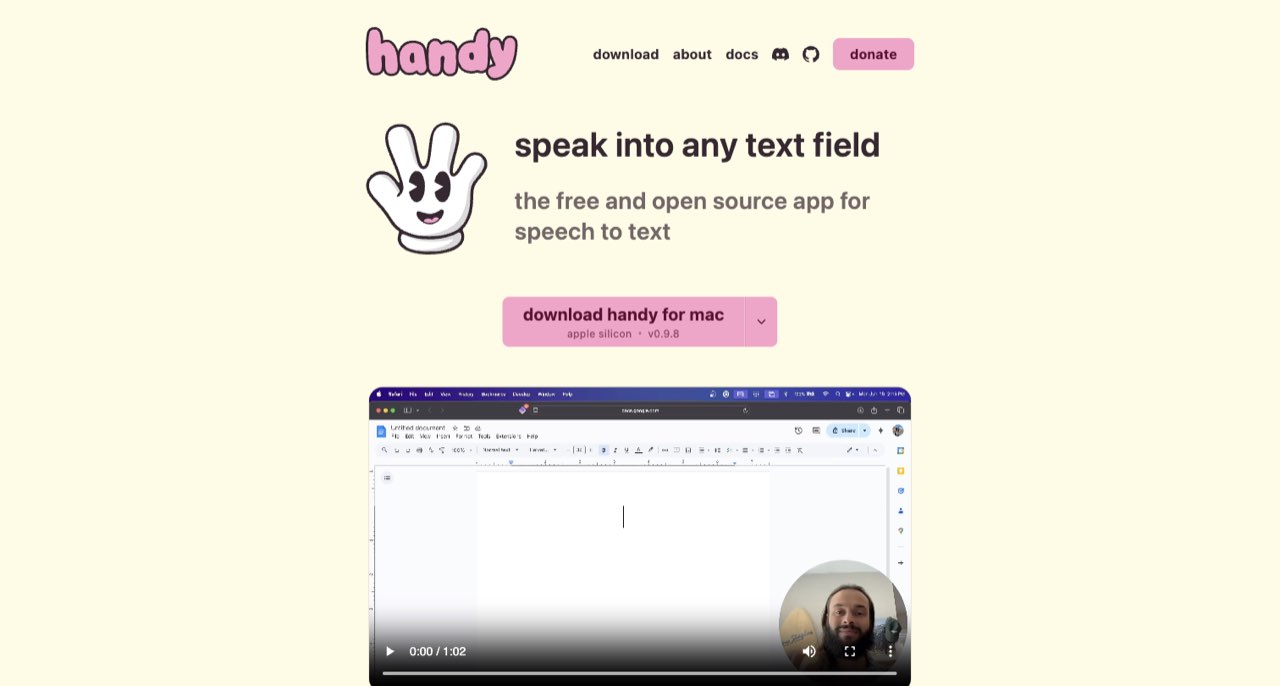 article
Handy Review: Offline Speech to Text for Creator Drafts
Handy turns speech into text locally. Learn model selection, setup, cloud post-processing exceptions and a practical script-drafting workflow.
Read more ↗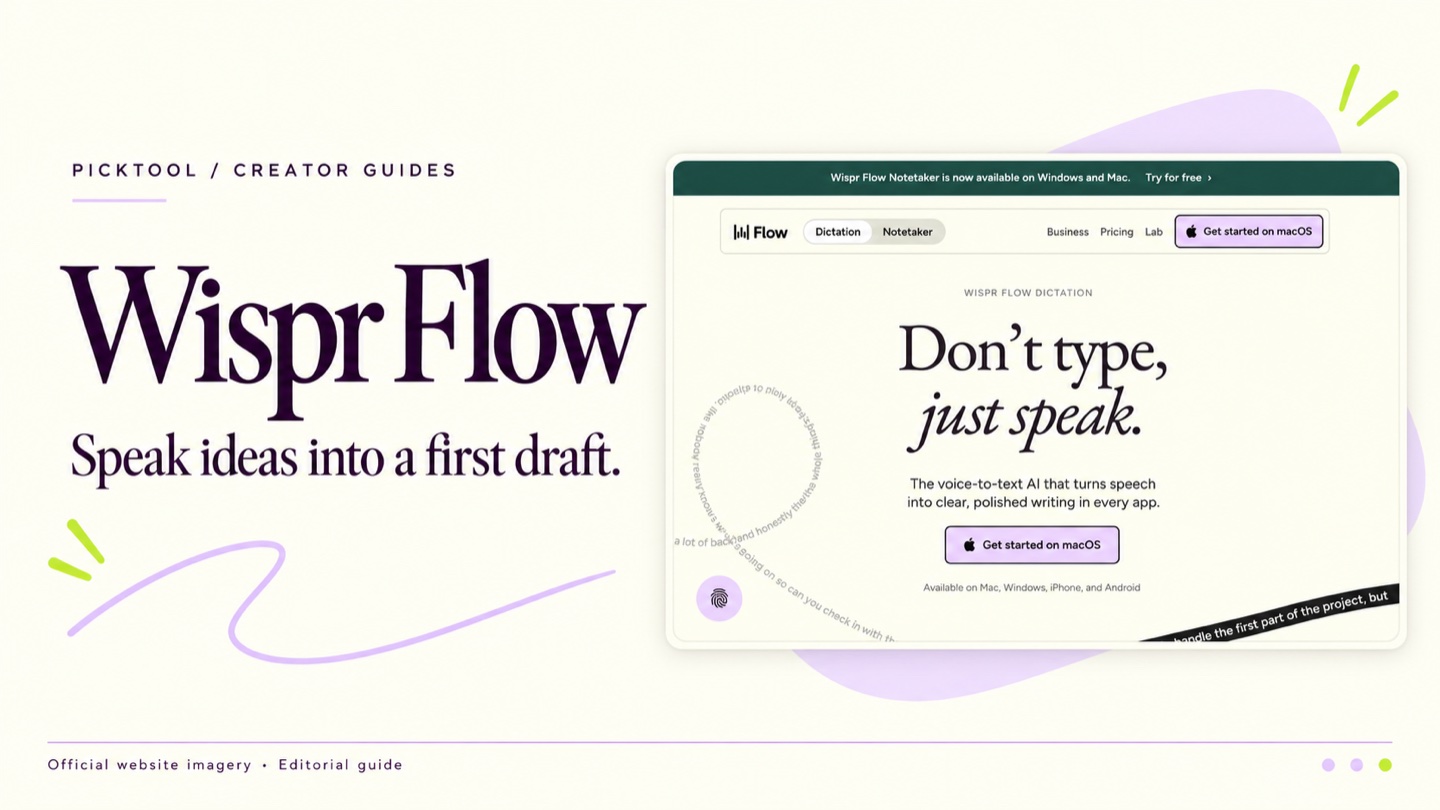 article
Wispr Flow Review for Creators Who Prefer to Draft by Voice
Explore Wispr Flow for spoken first drafts, with practical advice on editing, current pricing, connectivity and data controls before using client material.
Read more ↗