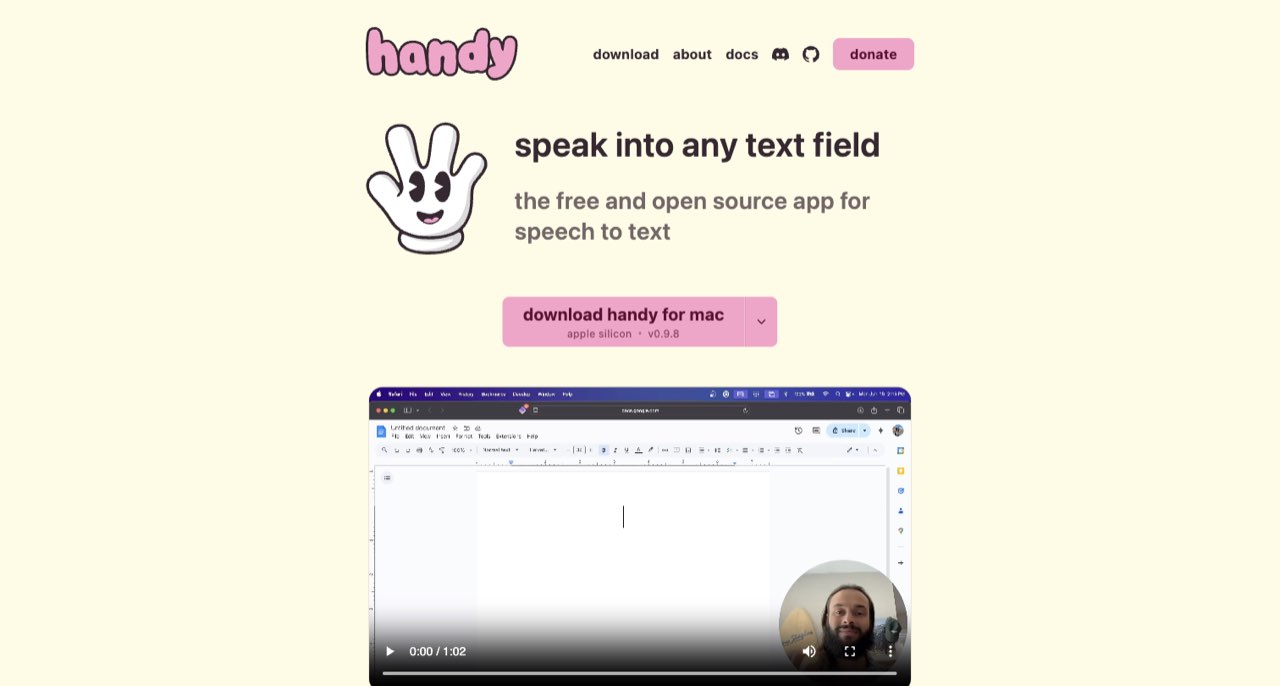
Handy is a free, open-source desktop speech-to-text application. Its ordinary transcription runs on your computer, without requiring a cloud dictation subscription. It is worth evaluating for creator scripts, outlines and working notes when local processing matters. Optional post-processing needs a separate privacy check because choosing a cloud provider can send the transcript off the device.
Speaking a first draft can be easier than typing it, particularly when you already know the subject but keep rewriting the opening sentence. Handy offers a simple version of that workflow: use a keyboard shortcut, speak and have locally transcribed text inserted into the application where you are working.
Handy is a free, open-source desktop speech-to-text application. Its ordinary transcription runs on your computer, without requiring a cloud dictation subscription. It is worth evaluating for creator scripts, outlines and working notes when local processing matters. Optional post-processing needs a separate privacy check because choosing a cloud provider can send the transcript off the device. [1] [3]
Use dictation to capture the thought before editing the sentence
A creator trying to dictate a perfectly finished script often ends up performing two jobs at once: developing the argument and producing publishable prose. A more useful first exercise is to explain one idea to a specific listener, then edit the transcript afterward.
Start with a short brief such as “Explain why a beginner's microphone test should include room noise.” Speak the explanation, give one example and state the practical next step. You now have material to edit, including the phrases that sounded natural in your own voice.
Leave a separate note when a point needs evidence. Dictating a number confidently does not make the number accurate. The later editing pass should still verify names, dates, sources and claims before the draft becomes a published script.
What Handy's local workflow actually involves
The official getting-started guide explains that the first launch includes downloading a speech model. Its core process records speech, transcribes locally and pastes the result into the active text field. The project supports Windows, macOS and Linux, although setup and integration details vary by platform. [2] [5]
That design makes the location of your cursor important. Before recording a long passage, test a few words in a blank document. Confirm the shortcut, the start/stop behavior and the destination of the inserted text. This is particularly useful if you switch between a script editor, a browser and a chat application.
Keep the first test ordinary. A short spoken paragraph is sufficient to establish that recording, transcription and insertion work in your chosen setup. A complex automation or a long interview introduces extra questions before you know whether the basic workflow suits you.
Choose a model for your language and your machine
Handy's documentation covers Whisper and Parakeet options and directs users to model-specific language and performance information. The FAQ also identifies model-dependent behaviors, including how numbers and punctuation may be rendered. A language count for the application's interface is not the same as a language guarantee for every speech model. [2] [3]
Evaluate the language you actually use. A creator may speak English for the final video but mix in a local place name, a product name or a second language while drafting. Those details can matter more than a general claim that an app supports many languages.
Compare models using the same short passage rather than a different speech each time. Include a proper noun, a number and a sentence with natural pauses. Record how much correction each result needs and whether the delay interrupts your train of thought.
Do not turn one successful paragraph into a general accuracy score. Microphone placement, pronunciation, background sound and hardware can affect the experience. We have not run a controlled transcription benchmark, so we do not assign Handy a speed or accuracy ranking.
The privacy boundary changes with optional post-processing
The privacy policy says ordinary transcription does not send microphone audio or transcription content to Handy's maintainers and describes local recordings, settings and logs. It also identifies network uses such as updates, model downloads and optional services. The FAQ states that enabling a cloud AI provider for post-processing sends transcriptions to that provider's API. [4] [3]
This is the detail a short “offline” badge often misses. You may want a local transcript but also enable an optional cleanup action that uses another service. Evaluate both choices together. A privacy-focused installation can still have a deliberately configured external processing step.
For sensitive working notes, begin with local transcription alone and inspect the relevant history and retention settings. A file staying on your own computer is still a file you should manage. Shared computers, device backups and other installed software are part of the practical privacy environment.
When evaluating a cleanup workflow, use a non-confidential paragraph. Judge whether the result preserves your intended meaning and distinctive wording. An automatic rewrite that removes a useful qualification may save keystrokes while creating a more serious editing problem.
Free software still has an editing cost
Handy's official site presents it as free and open source, with donations supporting the project. There is no mandatory dictation subscription advertised for the basic local workflow. Hardware, setup time and any separately chosen API service remain outside that zero-price software claim. [1] [5]
A useful comparison with a paid dictation tool should measure the whole task. Speak the same passage, correct the transcript and turn it into the outline or script you actually need. Include the time spent switching applications, fixing formatting and recovering a misplaced insertion.
If a paid service saves meaningful correction time in your language and workflow, its price may be justified. If Handy already captures your working drafts comfortably, another subscription may contribute little. The answer depends on the final work produced, not simply on the number of words captured.
A realistic creator evaluation
- Prepare a 150-word passage that resembles your usual script.
- Test recording and insertion in an empty document.
- Dictate the passage with the selected local model.
- Correct names, numbers and punctuation, keeping a note of recurring errors.
- Turn the result into a short publishable section and compare the complete effort with typing.
- If needed, evaluate optional post-processing separately using non-confidential text.
The evaluation should answer whether dictation helps you maintain momentum. A technically impressive transcript is less useful if managing the workflow interrupts the idea you were trying to capture.
Where Handy earns a place
Handy is a strong candidate for creators who prefer a local first-draft workflow and are comfortable choosing a model and doing a normal editing pass. It is less directly suited to someone expecting a finished meeting system, automatic research or a guaranteed publication-ready rewrite.
Start small, keep the privacy configuration visible and judge the edited result. For adjacent choices, our Loqui and Wispr Flow guides examine other dictation approaches. None of these tools removes the need to decide what you mean and verify what you publish.
For voice typing and editing written drafts, read our Wispr Flow guide. ↗
For dictating text for a creator workflow, read our Loqui guide. ↗
How we assessed this tool
Official product, documentation and policy research; no account-based or paid-output benchmark.
Questions & answers
Is everything in a Handy workflow necessarily offline?
Ordinary speech recognition runs locally, but optional cloud post-processing sends text to the chosen provider. Check the configuration you actually enable.
How should I compare two speech models?
Use the same short passage containing a name, a number and natural pauses. Compare correction work and the delay on your own hardware rather than assuming one universal accuracy ranking.
Is a dictated script ready to publish?
Treat it as a draft. Edit its structure and verify claims, names and figures before recording or publishing it.
Sources & check dates
- 1. Handy official download and product overview ↗ · Checked 2026-10-26
- 2. Getting started and model download ↗ · Checked 2026-10-26
- 3. Handy FAQ and optional cloud post-processing ↗ · Checked 2026-10-26
- 4. Handy privacy policy ↗ · Checked 2026-10-26
- 5. Maintainer repository and license ↗ · Checked 2026-10-26
Related reading & tools
 article
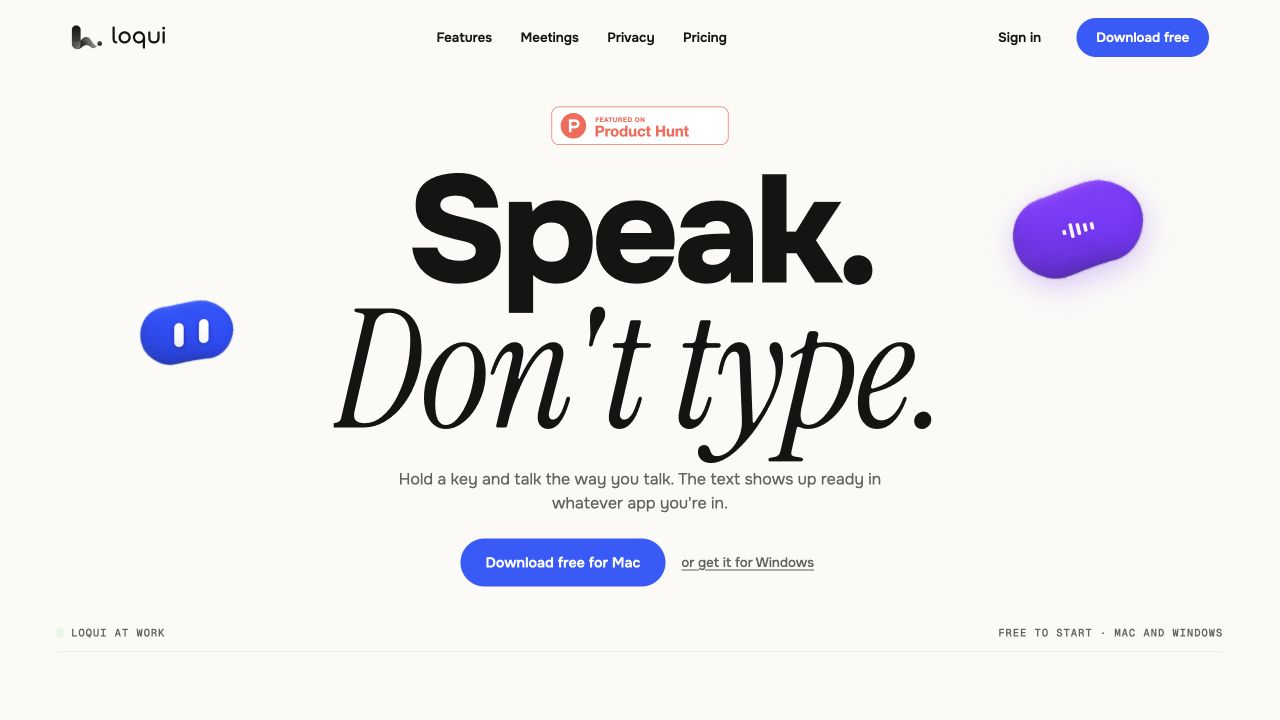
Loqui Review: Pricing, Free Limits and Offline Privacy
Loqui dictation for Mac and Windows: the weekly free quota, $8/$16 plans, meeting allowances and what its privacy policy actually says.
Read more ↗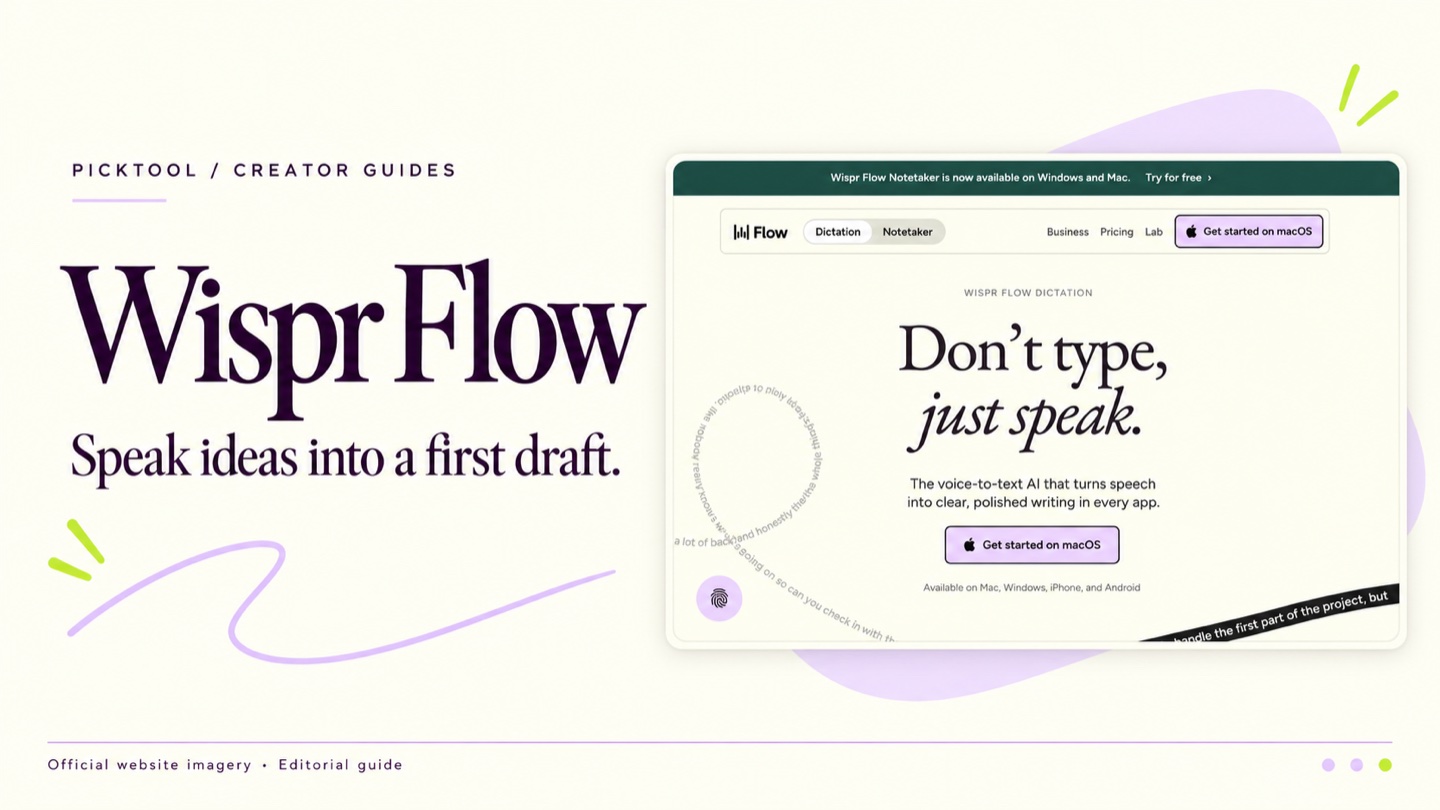 article
Wispr Flow Review for Creators Who Prefer to Draft by Voice
Explore Wispr Flow for spoken first drafts, with practical advice on editing, current pricing, connectivity and data controls before using client material.
Read more ↗