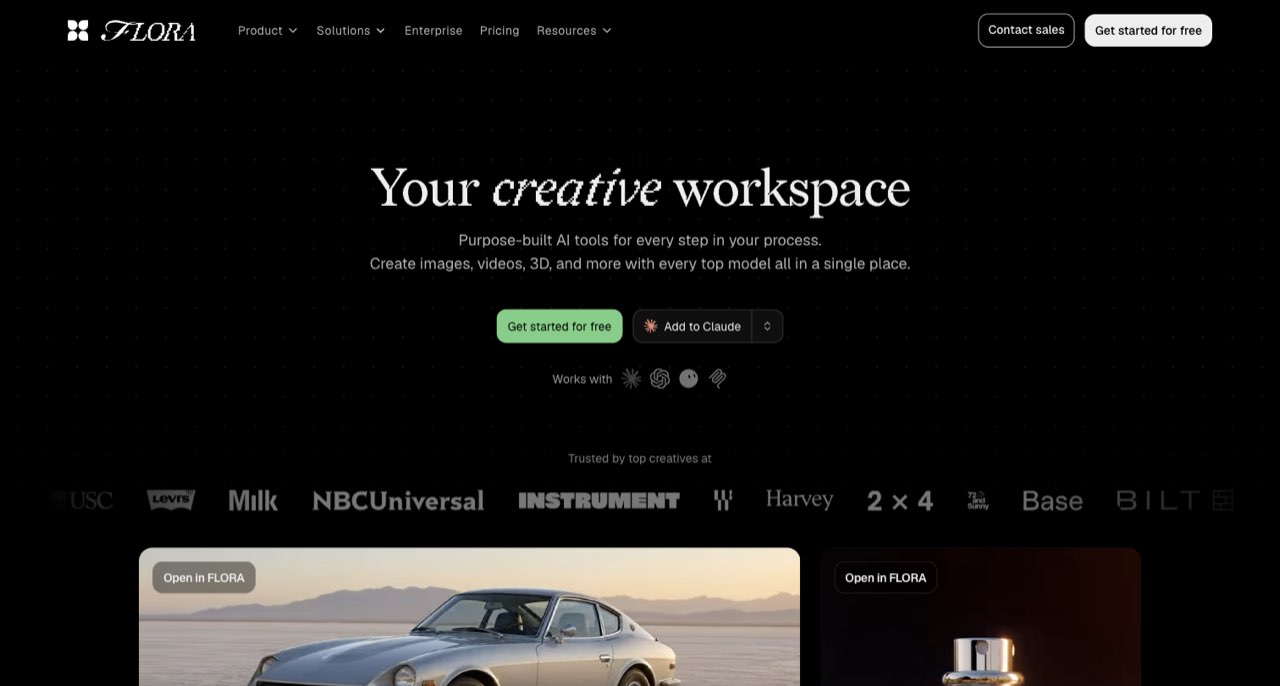
FLORA is a creative AI workspace for connecting references, generation steps and outputs. It is most interesting when a creator needs to explore several related directions and preserve how they were made. The current product presents image, video, 3D and other model-based work in one environment. We examined the public interface and documentation; we have not benchmarked its generated media.
An image-generation session can become difficult to reproduce long before it becomes expensive. A reference is uploaded in one tab, a prompt is improved in another, and the accepted image is sent to a third tool for animation. FLORA puts that kind of connected creative work on a shared canvas.
FLORA is a creative AI workspace for connecting references, generation steps and outputs. It is most interesting when a creator needs to explore several related directions and preserve how they were made. The current product presents image, video, 3D and other model-based work in one environment. We examined the public interface and documentation; we have not benchmarked its generated media. [1]
The canvas becomes valuable when the work branches
A one-off image request may be perfectly manageable in a simple generator. The organizational problem changes when you need three campaign directions, each with several compositions, followed by selected animated variations.
For that project, make the branches explicit. One might explore a practical product demonstration, another a visual metaphor and a third a presenter-led composition. Keep the intended message beside each branch. Without that note, a board can become an attractive collection of experiments that nobody can evaluate against the actual brief.
Use a single approved reference where continuity matters. Record what should remain stable, such as the product color, placement of text or shape of an object. Then vary one meaningful element at a time. That approach improves the usefulness of your review even though it cannot guarantee that a generative model will preserve every detail.
Current FLORA pricing is per seat
The live page uses per-seat pricing for paid plans. Free lists one seat, three active projects and text/image models. The paid comparison separates model access, shared resources and usage controls by tier. These are the displayed monthly prices. [2]
| Plan | Monthly price displayed | Relevant starting question |
|---|---|---|
| Free | US$0 | Can you evaluate the canvas within the project and model limits? |
| Starter | US$18/seat | Do you need ongoing connected image/video work? |
| Pro | US$50/seat | Do shared resources and member-level usage controls solve a team problem? |
| Max | US$200/seat | Does the specific additional capability justify its higher recurring cost? |
The advertised free-generation estimate is based on a particular image model and a capped dollar allowance. It should not be treated as the same number of free attempts on every model. Check the selected billing period and actual action cost before starting. [2]
Why an older pricing summary can point you in the wrong direction
An earlier official usage-pricing announcement described eliminating per-seat fees and inviting unlimited members into a credit pool. The current pricing page uses per-seat language. We would use the current plan page for a new purchase and ask about the applicable contract for an existing account, rather than combine the two descriptions into a fictional unlimited-seat plan. [3] [2]
This matters even for a two-person studio. An old comparison might lead you to budget one subscription for both people. A current per-seat structure changes that starting calculation. It also makes it important to distinguish a workspace member from someone who only needs to review a delivered file.
Document the plan you evaluated, the billing interval and the people who need active access. Avoid approving a team budget from an old blog post, a search snippet or a monthly-equivalent figure shown under annual billing.
Plan the iteration budget around a deliverable
The current page describes pooled dollar-based usage at published model rates. That makes the sequence of actions important: concepting, upscaling and animating are different production decisions. We did not verify an account-level allowance, overage setting or actual invoice. [2]
For a short campaign, divide the work into three stages. First, explore the idea using a small set of inexpensive drafts. Next, approve a direction at a suitable preview size. Finally, spend on the selected higher-quality output and any motion. Avoid generating an expensive final version of every weak early concept.
Use a small cost log with the branch name, action, visible charge and decision. This reveals whether the budget is being spent on productive exploration or repeated corrections of an unstable brief. A model that costs less per attempt can still be a poor fit if it repeatedly fails the defining requirement.
Your real unit of value is an approved deliverable with usable source context. Generation counts measure activity. They become useful business information only when you connect them to something that can be published, handed to a client or reused.
Preserve the decisions that a model cannot make for you
For a creator's promotional visual, keep the message, audience and proof beside the working branch. An appealing concept can accidentally make a claim the product does not support. A generated demonstration might show a feature that exists only in the brief's imagination.
Review product details against real references. If the graphic contains text, inspect every letter at the final delivery size. If you animate an approved still, check whether motion changes the object, introduces a new logo or makes a previously correct composition confusing.
These are editorial acceptance tests, not flaws we measured in FLORA. They are useful because a shared creative workspace makes it easy to run many related operations. Approval criteria help prevent that convenience from turning into a long chain of unreviewed outputs.
Output rights still depend on inputs and applicable terms
FLORA's terms discuss AI output risks, third-party rights and the user's responsibility to verify accuracy and appropriateness. A platform subscription should not be treated as proof of exclusive ownership, factual reliability or permission for every reference image and likeness used in a project. [4]
Keep client-supplied assets and cleared references identifiable. Before introducing unpublished commercial material, establish the relevant data-handling arrangement. For a first evaluation, a non-confidential sample brief is enough to judge the organization of the workflow.
A useful handover should include the approved final, the intended use and enough working context for the next person to continue. The canvas can hold the process, while your project documentation records the approvals and asset permissions.
Who should evaluate FLORA?
FLORA is most compelling for creators and small teams whose visual work genuinely involves branching references and several connected generation steps. A solo creator needing one occasional image should first establish why the canvas will reduce work rather than simply add another workspace.
Evaluate a small real brief, compare the time spent finding and revising the accepted direction, and record the actual usage. That would justify a purchase more convincingly than a large model count. Our Recraft and SurgePix guides provide adjacent approaches to creating and refining the visual assets themselves.
For image generation and editing workflows, read our SurgePix guide. ↗
For generating and refining creator artwork, read our Recraft guide. ↗
How we assessed this tool
Official product, documentation and policy research; no account-based or paid-output benchmark.
Questions & answers
When is a connected creative canvas useful?
It is useful when a project branches into related concepts and several production steps. Evaluate whether it makes approved directions easier to find, revise and hand over.
Should I budget from an old unlimited-member announcement?
Use the current pricing page for a new purchase and verify any existing account agreement separately. The earlier announcement and current per-seat page should not be merged into one plan.
How can I control experimental generation costs?
Approve a direction using small drafts, then spend on the selected final. Log actions and displayed charges by deliverable instead of treating every generation as progress.
Sources & check dates
- 1. FLORA current product homepage ↗ · Checked 2026-10-26
- 2. FLORA current pricing and plan comparison ↗ · Checked 2026-10-26
- 3. Earlier usage-pricing announcement (historical comparison) ↗ · Checked 2026-10-26
- 4. FLORA terms and output responsibilities ↗ · Checked 2026-10-26
Related reading & tools
 article
Recraft Review for Creators Building a Recognizable Visual Style
See where Recraft fits in a creator design workflow, from vector assets to style controls, and understand its free-plan privacy and ownership limits.
Read more ↗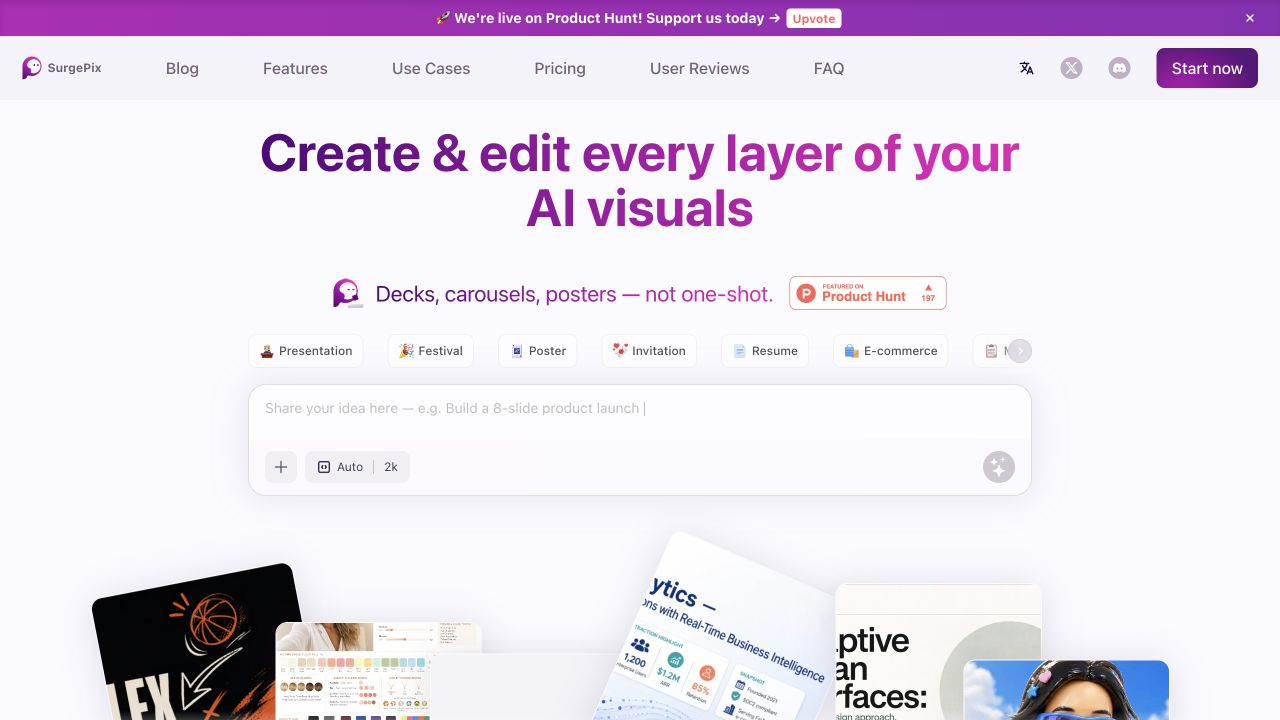 article
SurgePix Review: Editable Layers, Brand Kits and Plan Limits
SurgePix combines AI visuals with layer editing. Explore text changes, brand kits and export checks, with pricing and commercial rights still to verify.
Read more ↗