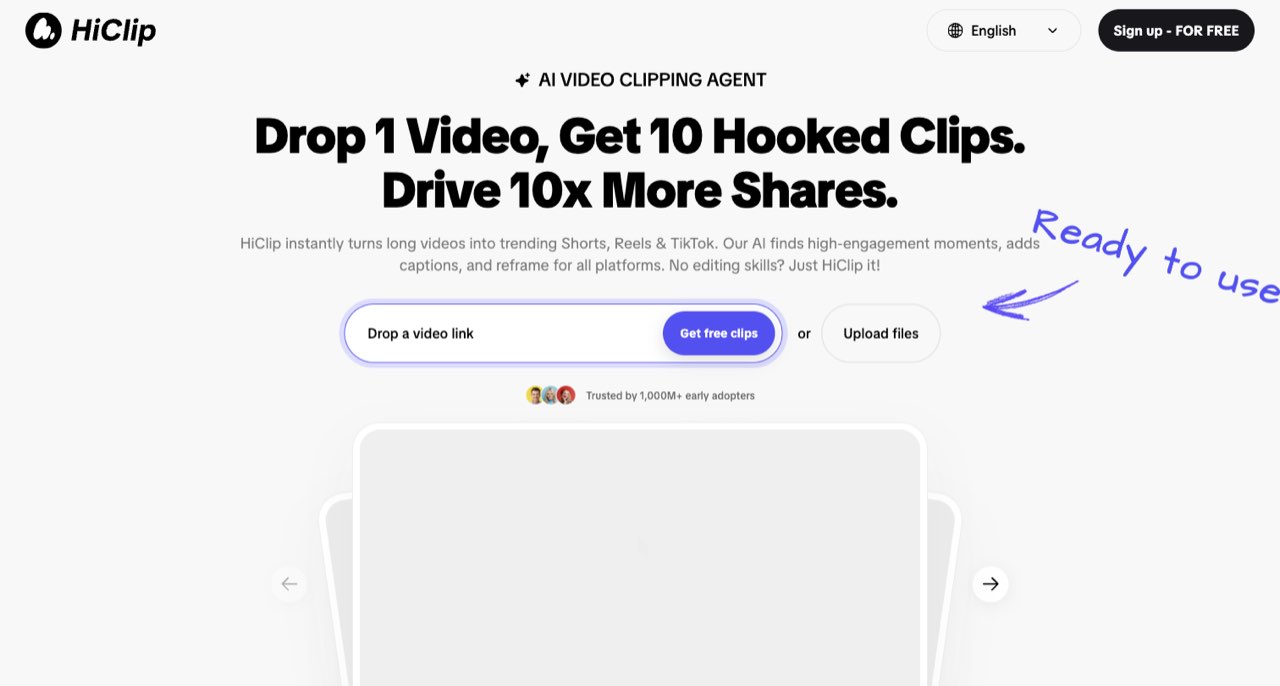
HiClip advertises AI moment selection, subtitles and reframing for Shorts, Reels and TikTok. We could verify that positioning and read its public terms, but did not verify a current paid plan, free export quota or watermark allowance. That makes this an exploratory review with a conditional recommendation, rather than a claim that HiClip is the cheapest or best clipping service.
HiClip's promise is easy to understand: bring a long video and get short, captioned moments ready for social platforms. The harder question is whether the available plan can finish your specific job with the editing control, export settings and permissions you need.
HiClip advertises AI moment selection, subtitles and reframing for Shorts, Reels and TikTok. We could verify that positioning and read its public terms, but did not verify a current paid plan, free export quota or watermark allowance. That makes this an exploratory review with a conditional recommendation, rather than a claim that HiClip is the cheapest or best clipping service. [1]
What the public product page establishes
The homepage describes importing a video link or uploading a file, extracting potential hooks and adapting clips for social formats. It markets automated editing and a YouTube-to-Reels workflow. We have not verified those functions in a signed-in project or connected a publishing account. [1]
That leaves a useful starting point: assess it as a candidate for repurposing your own talk-driven material. A recorded explanation, interview or webinar gives you real content to evaluate. The important outcome is whether a selected moment remains useful once it is separated from the longer discussion.
Look for a complete thought. A strong clip usually introduces enough context, develops a point and gives the viewer a payoff. A sentence selected because it sounds dramatic may require another sentence before or after it to preserve the meaning.
Keep missing plan information visibly unknown
The terms refer to a pricing page for premium fees, but our public-source review did not establish a current checkout amount or complete allowance table. We also did not establish whether free exports are watermarked, how much input is included or which resolution is downloadable. Those fields remain unknown in this review. [2]
| Decision | What we verified | What still needs checking |
|---|---|---|
| Clipping purpose | Officially advertised | Quality on your source recording |
| Paid subscription | Discussed in the terms | Current amount, currency and billing period |
| Free account | Free signup advertised | Export count, watermark and resolution |
| Editing control | Automation described | Actual correction tools and plan access |
| Publishing workflow | Social workflows marketed | Destination, permissions and approval behavior |
A directory can make incomplete information look settled by filling the gaps with a generic freemium label. For a creator planning a delivery, those gaps matter. A free preview is not enough if you cannot obtain the finished file you need.
Before uploading a full episode, identify the exact output: for example, three vertical clips with corrected captions and no third-party watermark. That short brief turns an ambiguous plan into a set of answerable questions.
Understand the renewal language before accepting a trial
HiClip's terms say subscriptions renew automatically until canceled, trials convert to paid subscriptions unless canceled before the end, and partial billing periods are not refundable. We did not enter billing details or verify an account-specific trial offer. Read the offer actually displayed to you; a free-signup button alone does not explain the eventual billing arrangement. [2]
If you evaluate a trial, record the end date, cancellation route and exact amount due. The practical test should fit inside the time and allowance available. Avoid beginning a large batch on the assumption that a plan can be canceled or refunded on any terms you prefer.
For a client project, separate the software evaluation from the delivery deadline. An unfamiliar billing or export restriction is easier to investigate with your own sample than with a paid client's episode waiting to go live.
Read the commercial-use clauses carefully
The terms distinguish platform ownership and user submissions. They say users retain ownership of submissions while granting a service-operation license and allowing public submissions to be used for marketing. A separate Content clause describes personal, non-commercial use unless commercially licensed. The commercial scope of your intended output should therefore be confirmed rather than inferred from account creation. [2]
This is an unresolved suitability question, not a conclusion that all monetized use is prohibited. The applicable permission needs to be clear for the actual plan, source and distribution. We have not obtained a written clarification from the operator.
Keep guest releases and source permissions separate from the subscription. Even an appropriate commercial plan cannot give you rights the original material's owner never granted. When working for a client, identify who owns the recording and who approves the edited representation of each speaker.
Evaluate caption correction and framing with difficult moments
Choose a source excerpt containing a proper noun and a moment when the speaker moves or a second person speaks. These are useful evaluation cases because a simple static monologue may hide the correction work your real episodes require.
Check whether you can fix a name without generating an entirely new clip. Inspect the first frame and whether the crop stays on the relevant subject. Then look at subtitle placement on a phone, including the areas where the target platform places its interface.
Listen to the beginning and ending without the source video playing beside them. Does the short explain what the speaker is talking about? Does it end after delivering the promised idea? These editorial questions remain your responsibility even if the software provides a hook score or an automated recommendation.
We have not run these tests in HiClip, so no measured correction time or accuracy result is reported here. They are the criteria we would use to decide whether the product belongs in a repeatable workflow.
Uploads deserve a bounded first test
HiClip publishes a privacy policy identifying the operator and describing collection and processing for the service. We did not establish a detailed, plan-specific retention commitment or audit the service's processing. Use a non-confidential source you own for an initial trial. [3]
Keep the original recording and any approved export outside the service. A clipping application should make a production task easier; it should not become the only location of an episode, its captions or the client's finished deliverable.
Connect publishing accounts only after a downloaded test meets the brief. Review the requested permission and confirm how drafts, scheduled items and final posts are distinguished. A convenient publishing button should not erase the client's approval stage.
Our decision on HiClip
HiClip is a candidate for a small, export-first evaluation, with more unresolved purchase information than the better-documented tools in this batch. We would hold a full production commitment until price, watermark, export limits, correction controls and commercial scope are clear.
That is a useful outcome from a review: knowing which questions need answers before the workflow can be trusted with a client deadline. Our Riverside guide covers source-recording considerations, while the Woven Video guide is relevant when direct timeline editing is more important than automated selection.
For editing and repurposing short videos, read our Woven Video guide. ↗
For recording a clean podcast source, read our Riverside guide. ↗
How we assessed this tool
Official product, documentation and policy research; no account-based or paid-output benchmark.
Questions & answers
Is HiClip's current paid price verified in this review?
No. Current price, free export quantity, watermark and resolution entitlements remain unverified. Check the actual offer before subscribing or promising a client delivery.
Does the terms wording settle every commercial-use question?
The relevant clauses need to be matched to your plan, content and distribution. We have not obtained a written clarification for a particular commercial project.
What would justify a larger HiClip commitment?
A successful small export test, clear billing and commercial scope, usable correction controls and a known delivery format would resolve the main open questions.
Sources & check dates
- 1. HiClip official product page ↗ · Checked 2026-10-26
- 2. HiClip terms: content, subscriptions and trials ↗ · Checked 2026-10-26
- 3. HiClip privacy policy ↗ · Checked 2026-10-26
Related reading & tools
 article
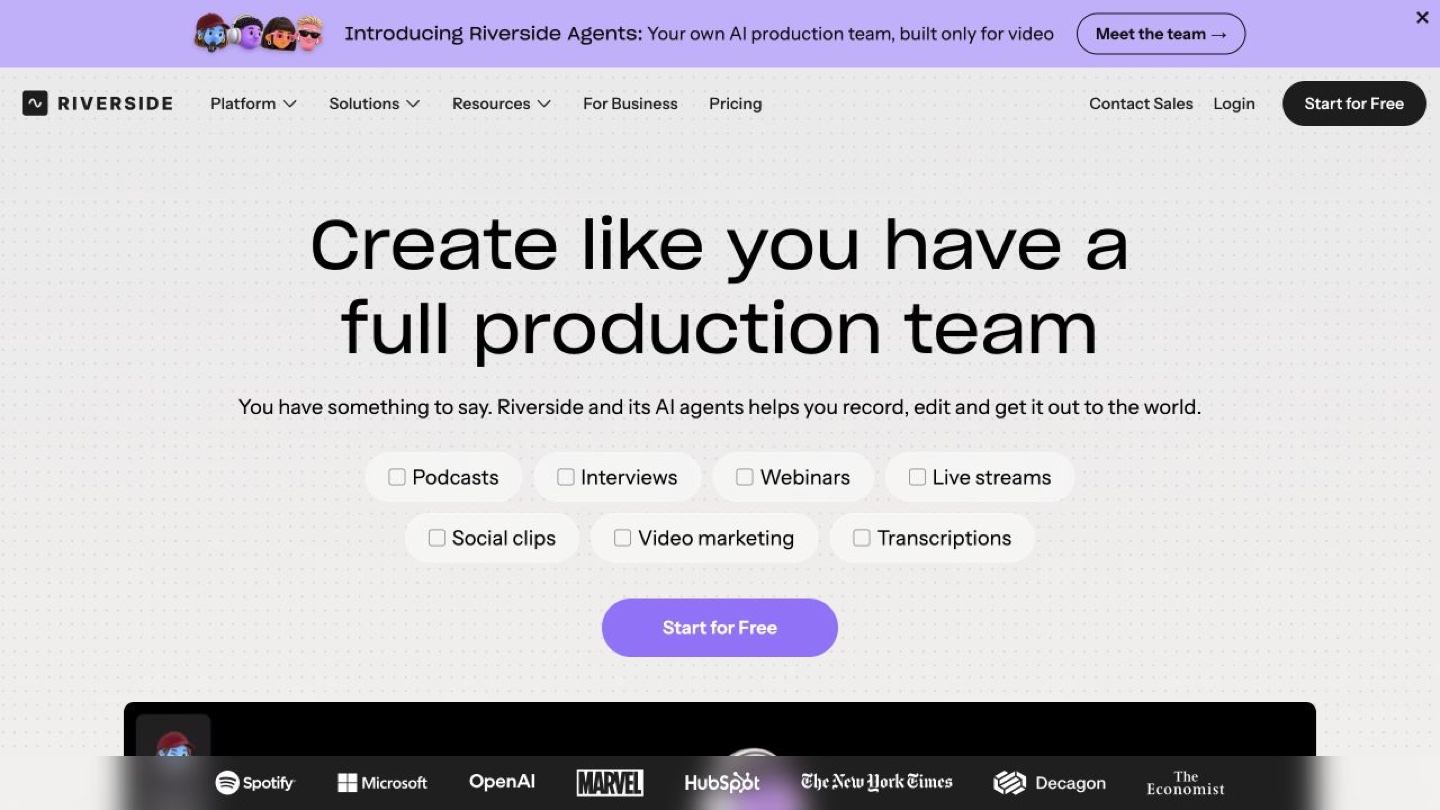
Riverside Review for Creators Recording Remote Interviews
Understand Riverside's local recording workflow, separate tracks and editing features, plus the upload checks and plan limits to consider before an interview.
Read more ↗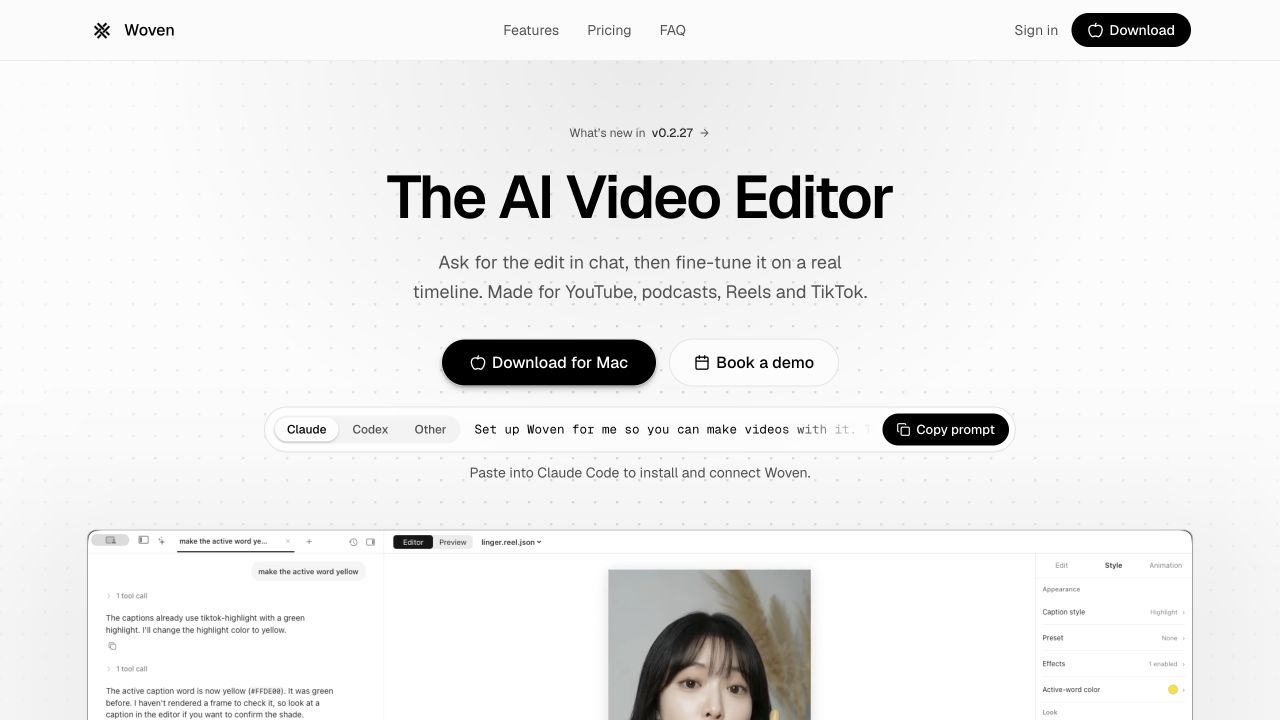 article
Woven Video Review: Mac Editing, Pricing and AI Credits
Woven Video combines chat edits with a Mac timeline. Understand the $39 monthly plan, card-required trial and separate AI credit allowance.
Read more ↗