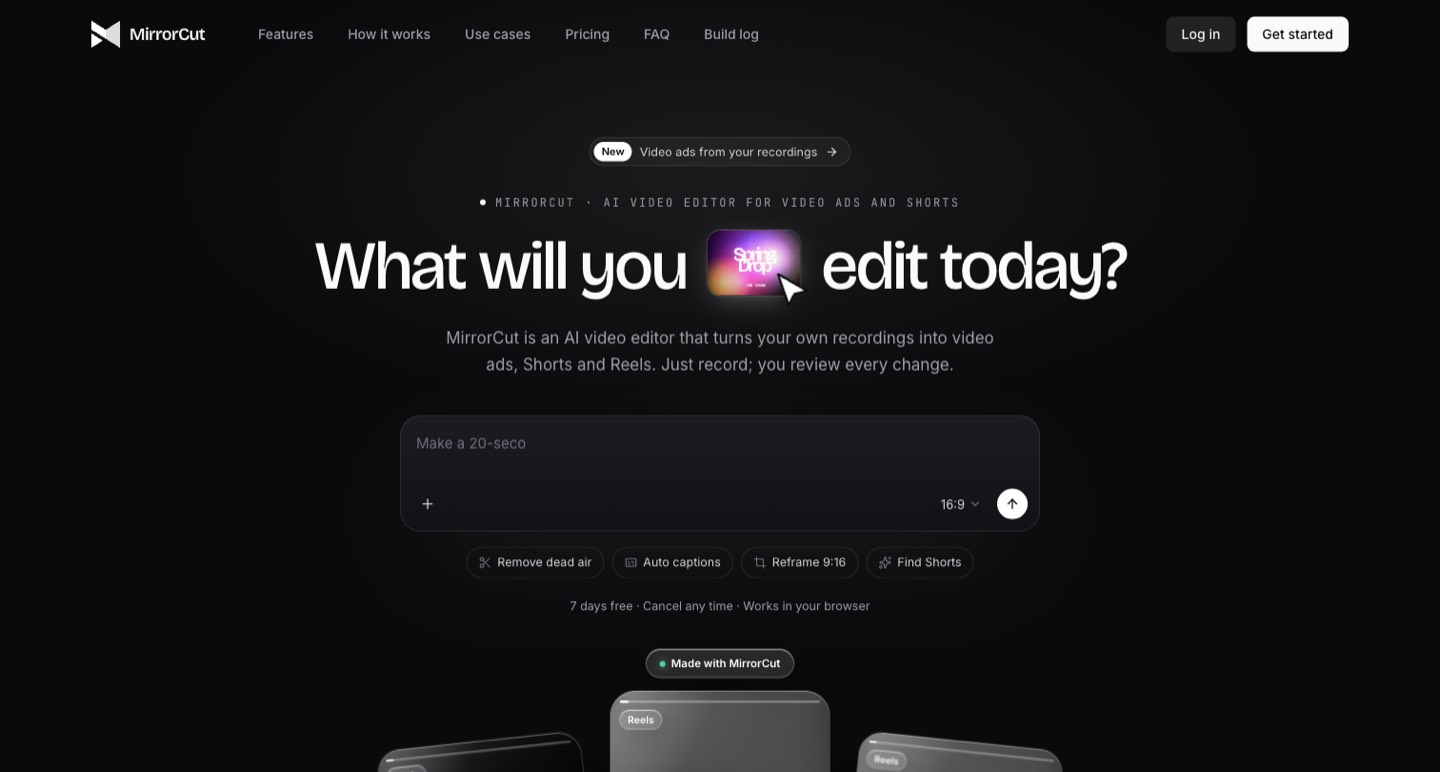
MirrorCut is a browser-based AI editor for turning your recordings into ads, Shorts and Reels. Its central attraction is a timeline with reviewable changes. The buying decision depends on several separate allowances: agent requests, generated media, uploaded footage, exported duration and storage. This is a public-source review, not a paid editing or export test.
A rough recording often contains the right material in the wrong order. There may be a strong demonstration halfway through, a useful qualification near the end and an opening that takes too long to reach the point. An AI video editor becomes useful when it helps reorganize that material while leaving a clear path back to the original decisions.
MirrorCut is a browser-based AI editor for turning your recordings into ads, Shorts and Reels. Its central attraction is a timeline with reviewable changes. The buying decision depends on several separate allowances: agent requests, generated media, uploaded footage, exported duration and storage. This is a public-source review, not a paid editing or export test. [1] [2]
Use the timeline to preserve the argument
Consider a ninety-second product demonstration. The creator shows a feature, explains a limitation and ends with the next step. An effective short ad might open with the visible result, show the two operations that produced it and retain a concise limitation. Removing every pause or moving a sentence without context can make the product appear to do more than the recording supports.
MirrorCut advertises chat-led edits, captions, reframing and motion graphics, with changes surfaced for acceptance or reversal on a timeline. That makes a specific instruction more useful than a broad request to make a clip engaging. Ask for the opening demonstration first, specify which qualification must remain and identify the required frame. [1]
Inspect the transition between statements, not just individual cuts. A sentence can be accurate in isolation and misleading after a different sentence. The timeline is valuable if it makes that review easier; we have not independently established the reliability of its proposed edits.
There are two credit balances to understand
The pricing page separates AI credits for agent work from generation credits for new media such as AI video, voice or music. It also says manual timeline editing uses no AI credits. The amount charged for an agent request varies with the work, so a subscription allowance does not translate into a fixed number of finished videos. [2]
| Monthly plan | Agent / generation credits | Upload / export allowance |
|---|---|---|
| Creator — $10 | 150 / 20 | 5 hours uploaded / 2 hours exported |
| Pro — $30 | 450 / 60 | 15 hours uploaded / 6 hours exported |
| Studio — $60 | 900 / 120 | 30 hours uploaded / 12 hours exported |
The reviewed pricing advertises exports up to 4K without a watermark within those plan limits. That is a published allowance, not an independently verified export result. Storage and simultaneous-export limits also vary by plan. Annual billing is a separate commitment; inspect the total payable and renewal period before selecting it. [2]
For your own budget, separate operations into three columns: asking the agent to edit, manually correcting its work and generating additional assets. A production plan that relies mostly on supplied footage can behave differently from one that repeatedly generates voices and new shots.
Export minutes can matter more than the final clip length
A hypothetical schedule of eight thirty-second ads contains only four minutes of final footage. If each ad has five review exports, that becomes twenty minutes of exported versions before the final delivery. Whether a particular export is metered and how retries are treated must be confirmed in the product; the example illustrates why delivery duration alone is an incomplete planning number.
Record your source duration, each required aspect ratio and the number of client review rounds. Then watch the actual usage counters on a representative project. Keep an allowance for fixing captions, changing a call to action and producing a version with different branding. Avoid buying a plan from a single “videos per month” assumption.
The terms and pricing page use somewhat different language around captions and credit use. Treat manual editing separately from asking the agent to perform an edit, and confirm the debit for the action you intend to repeat. We did not enter the signed-in billing interface or run a paid job. [2] [4]
The free trial has a renewal boundary
The published offer is a seven-day Creator trial requiring a payment card, followed by a paid subscription unless cancelled. The terms also distinguish monthly included credits from purchased top-ups and describe cancellation and refund rules. This should be evaluated as a time-limited trial with billing consequences. [4]
Before starting, prepare the footage and the questions you want the trial to answer. Otherwise, much of the trial can disappear while you organize files. Choose a recording you have permission to process, prepare a simple edit brief and decide what would count as an acceptable export.
Professional handoff is still a separate question
The pricing page marks Premiere Pro and After Effects export as coming soon. A finished rendered video and an editable project for another editor are different deliverables. If your client expects a professional project file, do not make that commitment from an announced roadmap item. [2]
Ask what your downstream editor needs: a flattened master, separate captions, clean audio, fonts, source references or a project interchange file. Verify each important item in the current product. A workflow can work well for a self-contained social post while still leaving a difficult handoff for a larger production.
Cloud editing means reviewing the upload boundary
MirrorCut's privacy policy says account, project and media storage uses AWS in the United States. It lists providers for model routing, transcription and generated media, and says uploaded content is not used to train AI models. The service still processes footage through those providers to perform requested work. [3]
Use a non-confidential recording for an initial evaluation. Check guest permission, client restrictions and any stock-media conditions before moving a production archive into a cloud editor. Preserve your source footage and delivered masters independently of the editing account.
Choose the stage of work you need help with
MirrorCut's most interesting fit is a creator who already has a recording and wants prompt-led changes that remain reviewable. If the main job is selecting excerpts from a long interview, compare how a clipping-focused workflow treats source minutes and output costs. If the priority is a familiar local editing environment, evaluate that separately.
A sensible first project is small enough to review completely. Keep the original argument intact, measure actual usage and verify the delivery format. Those observations will tell you more about MirrorCut's fit than a promise that an AI agent can handle the whole edit.
How we assessed this tool
Official public product, pricing, documentation and policy research with AI-assisted original editorial analysis. No installation, paid output benchmark or performance rating.
Questions & answers
Is MirrorCut a permanently free video editor?
The public offer reviewed is a seven-day Creator trial requiring a card. It converts to a paid subscription unless cancelled under the stated terms. We have not verified a separate permanent free production-export allowance.
What is the difference between AI and generation credits?
The pricing page assigns AI credits to agent work and generation credits to new media such as AI video, voice and music. Manual timeline work is described separately. Confirm the actual debit for the operation you intend to repeat.
Can I export a MirrorCut project to Premiere Pro today?
The reviewed pricing page marks Premiere Pro and After Effects export as coming soon. Do not promise an editable professional-project handoff from that roadmap label; verify the current product first.
Sources & check dates
- 1. Official editor workflow and controls ↗ · Checked 2026-10-27
- 2. Current plans, trial and credit explanation ↗ · Checked 2026-10-27
- 3. Media processing, providers and retention ↗ · Checked 2026-10-27
- 4. Billing, credit rules and output responsibility ↗ · Checked 2026-10-27
Related reading & tools
toolMirrorCut
Turn your recordings into ads and Shorts with reviewable timeline edits.
Read more ↗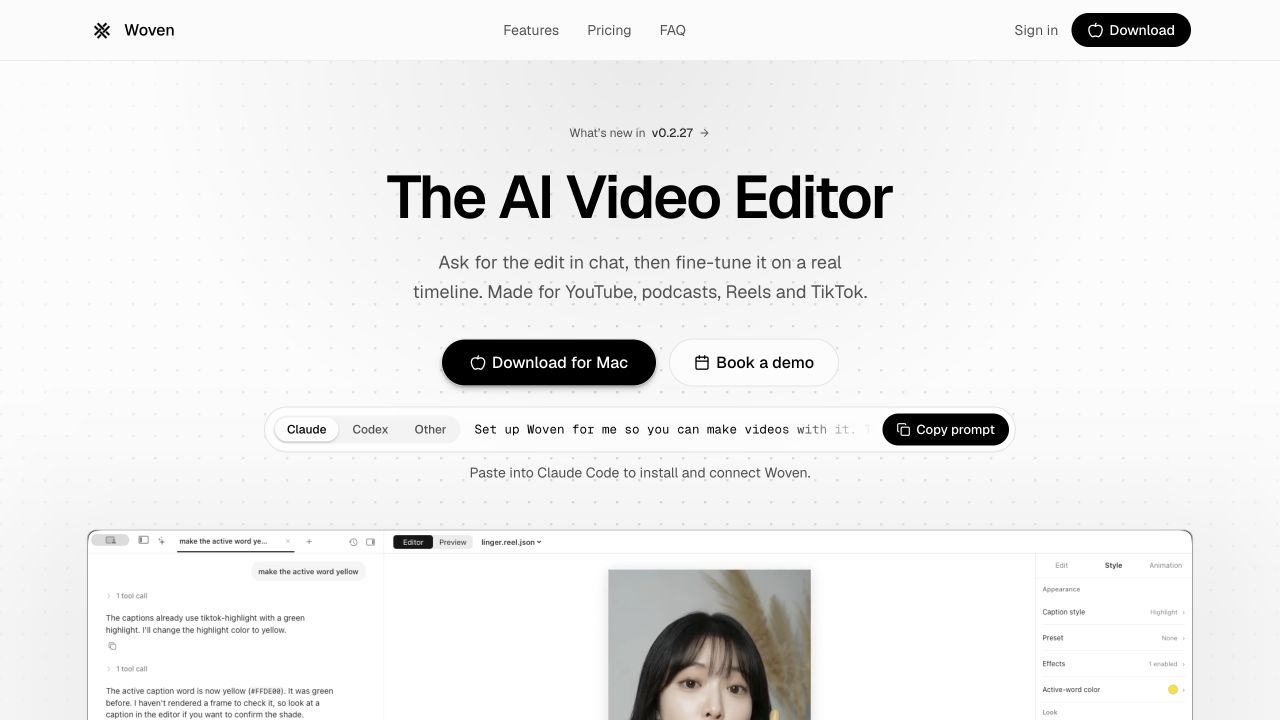 article
Woven Video Review: Mac Editing, Pricing and AI Credits
Woven Video combines chat edits with a Mac timeline. Understand the $39 monthly plan, card-required trial and separate AI credit allowance.
Read more ↗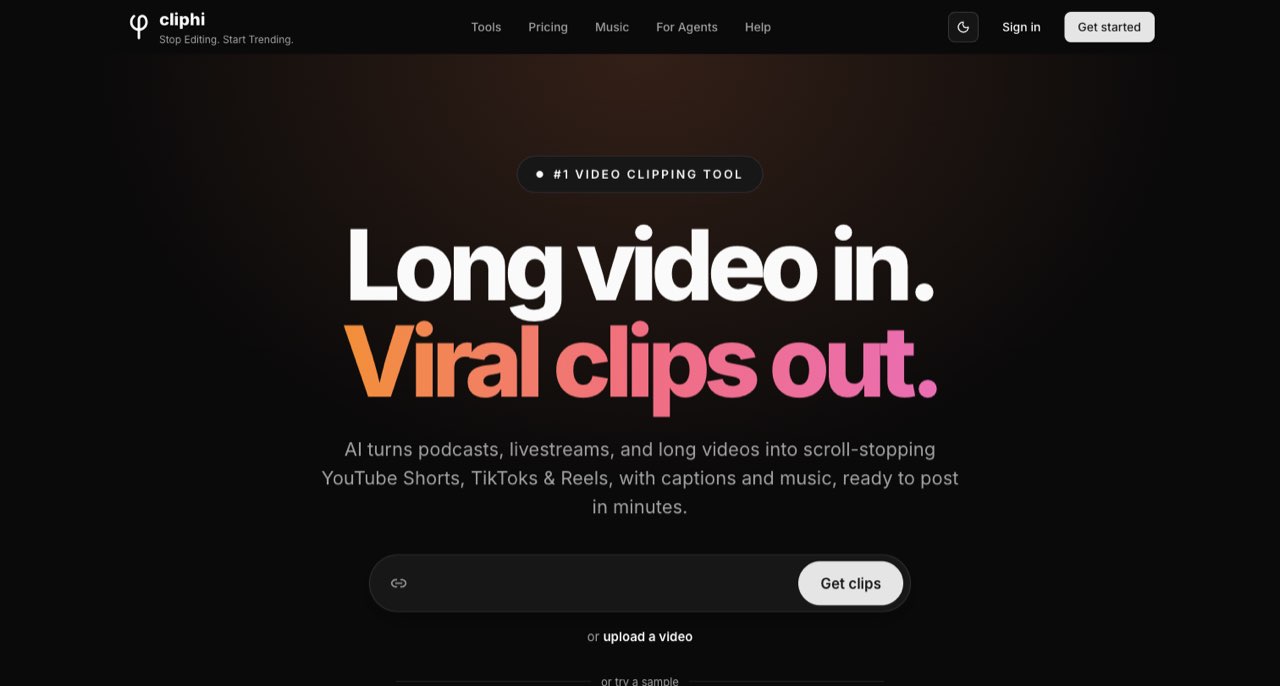 article
Cliphi Review: Turn Podcasts into Short Clips and Estimate Costs
Understand Cliphi's input-minute and rendering charges, credit rollover, 30-day storage and a practical podcast-to-Shorts workflow.
Read more ↗