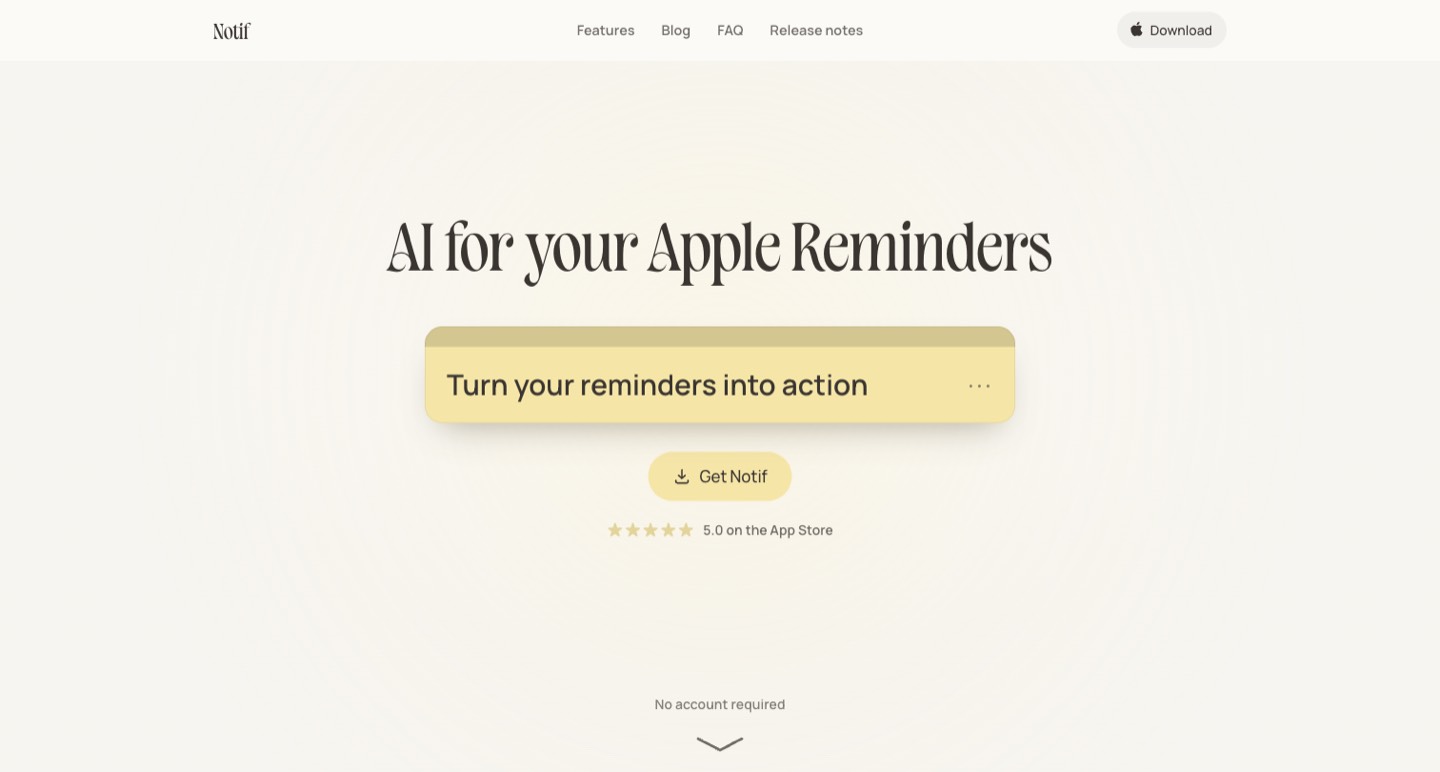
Notif adds AI context and action buttons to an Apple Reminders workflow. It may help an iPhone or iPad creator turn a vague note into a useful next step. Its privacy story depends on the feature: ordinary synced reminders, AI Insights and marked private notes do not all follow the same path. We reviewed public features, policy and release notes; we did not install the app or connect a personal reminder library.
A reminder reading “video” does not tell a creator what to do when the notification arrives. It might mean write an opening, record an example, ask a guest for permission or publish an approved cut. More reminders can increase the number of alerts without making any of those decisions easier.
Notif adds AI context and action buttons to an Apple Reminders workflow. It may help an iPhone or iPad creator turn a vague note into a useful next step. Its privacy story depends on the feature: ordinary synced reminders, AI Insights and marked private notes do not all follow the same path. We reviewed public features, policy and release notes; we did not install the app or connect a personal reminder library. [1] [2]
Write a reminder that can support an action
Begin with the thing you need to do. “Ask the guest to approve the quote from the lighting interview” is more actionable than “interview follow-up.” If the date matters, add it. If another person needs context, identify the project without placing confidential details in the reminder unnecessarily.
An AI tip can provide a useful nudge, but a creator still decides which action is appropriate. An automatically suggested email or nearby location needs a quick check before use. The purpose is to shorten the distance between remembering and acting, while keeping the decision with the person doing the work.
Try a small set of reminders from different parts of a project: prepare a recording prop, confirm a guest detail, check a source and deliver an approved image. Notice which reminders benefit from additional context and which are already clear enough.
What stays in Apple Reminders
The official site says normal notes sync with Apple Reminders and describes two additions: an Insight and an Action Button. It advertises account-free use, a free tier and a Pro tier. The free access described in the public FAQ includes one Insight a day; Pro is advertised at $4.99 monthly or $39.99 yearly. Check the current store price and billing period for your region. [1]
For an existing Apple Reminders user, continuity is important. Verify the lists you intend to use and how a note appears on another device before reorganizing a project around it. A reminder that becomes clearer on a phone should still be findable when you return to a desktop workflow.
Private notes are a distinct case. The privacy policy says marking a note private removes it from Apple Reminders and excludes it from AI features and other network features. That changes both privacy and convenience. [2]
Account-free does not mean cloud-free
The policy describes Insights and Chat sending a note and relevant context through Notif's server to a cloud AI provider. After the relevant choice has been accepted, Automatic Insights can run when a note is written; the setting can be turned off. The documented context can include time, language and permitted contextual information. [2]
That is worth understanding before adding a client name, unpublished announcement or sensitive instruction to an ordinary synced note. Select the feature settings intentionally. You may prefer AI help for practical public tasks while keeping another class of notes outside those features.
A useful privacy exercise is to trace one reminder: where the original is stored, what makes an Insight run, what context is included and what changes when the note is marked private. This is more informative than treating “no account” as a complete description of data handling.
The daily plan uses another route
The published privacy explanation distinguishes a Pro daily-plan feature using Apple's Private Cloud Compute. It describes sending the first lines of up to twelve open notes and calendar busy-time information to Apple rather than Notif's server, excluding private notes. Device, language and operating-system availability should be checked for the particular feature. [2]
Recent release notes describe additions such as private-note protection and daily planning. They help distinguish the current product from an older directory description that only mentions helpful reminder tips. A feature listed in release notes is still something to verify on your supported device. [3]
For a creator's day, review the suggested order against real constraints: a guest's availability, daylight for a shot, an approval that has not arrived or work that depends on another task. A plan can be a starting point without becoming the authority on your schedule.
Use private notes with the recovery trade-off understood
The policy describes local encryption and a key held in iCloud Keychain for private notes. It warns that keeping Keychain available matters when moving to a new device, because Notif does not hold a recovery copy of the key. We have not audited that implementation. [2]
Before relying on the mode for important work, understand where those notes appear and how you recover them through your own device setup. A private reminder that is excluded from search, widgets or normal sync may need a different habit for finding it.
The official scenario page provides examples for thinking through that use. Keep your own evaluation specific: which information belongs in the note, who may see the phone's notifications and what happens if you change devices. [4]
A five-day creator evaluation
Choose a small project rather than importing every task. On the first day, write clear action-based reminders without AI. On subsequent days, use the available Insights selectively. Record whether an Insight supplied information you needed, suggested a sensible next action or simply restated the note.
Keep a short list of false starts: a wrong contact, an unsuitable nearby suggestion, a misleading assumption or a reminder moved into an unhelpful order. These are observations to review, not grounds for a made-up accuracy rating.
Also count the times you acted on the reminder without opening another planning app. That can reveal whether the workflow reduces friction. A feature is useful when it helps complete a meaningful task, rather than when it makes a task card look more sophisticated.
| Creator task | A useful reminder | What to verify |
|---|---|---|
| Guest follow-up | Request approval for a specific quote | Recipient, quote and permission scope. |
| Filming preparation | Collect a named prop before recording | Availability and the actual shot brief. |
| Publishing | Check the final caption and link | Approved version and working destination. |
Keep the reminder separate from the source material
For capturing a spoken first draft locally, read our Handy speech-to-text guide. ↗
For keeping the underlying research and content brief organized, see our Kuse review. ↗
Notif fits best when Apple Reminders already has a place in your routine and contextual nudges solve a real follow-through problem. Begin with a few non-sensitive tasks, understand the AI and private-note boundaries, and keep the modes that make your next action clearer.
How we assessed this tool
Official public product, pricing, documentation and policy research with AI-assisted original editorial analysis. No installation, paid output benchmark or performance rating.
Questions & answers
Does account-free Notif use mean my AI reminders stay entirely on-device?
No. The policy describes Insights and Chat sending a note and relevant context through cloud processing. The daily plan uses another documented Apple processing route. Review the settings and feature-specific data flow.
Can Notif use AI on a note I mark private?
The published policy says marked private notes are excluded from AI and network features and removed from Apple Reminders. That protection changes sync and convenience as well as privacy; understand recovery through your device/Keychain setup.
How much does Notif Pro cost?
The public FAQ reviewed advertises $4.99 per month or $39.99 per year, with a free tier that includes limited Insights. Check your current store price, region and feature-specific device or operating-system requirements before subscribing.
Sources & check dates
- 1. Official features, plans and FAQ ↗ · Checked 2026-10-27
- 2. Detailed privacy and AI data flows ↗ · Checked 2026-10-27
- 3. Official recent release notes ↗ · Checked 2026-10-27
- 4. Private-reminder scenarios ↗ · Checked 2026-10-27
Related reading & tools
toolNotif
Add AI context and next-step buttons to an Apple Reminders workflow.
Read more ↗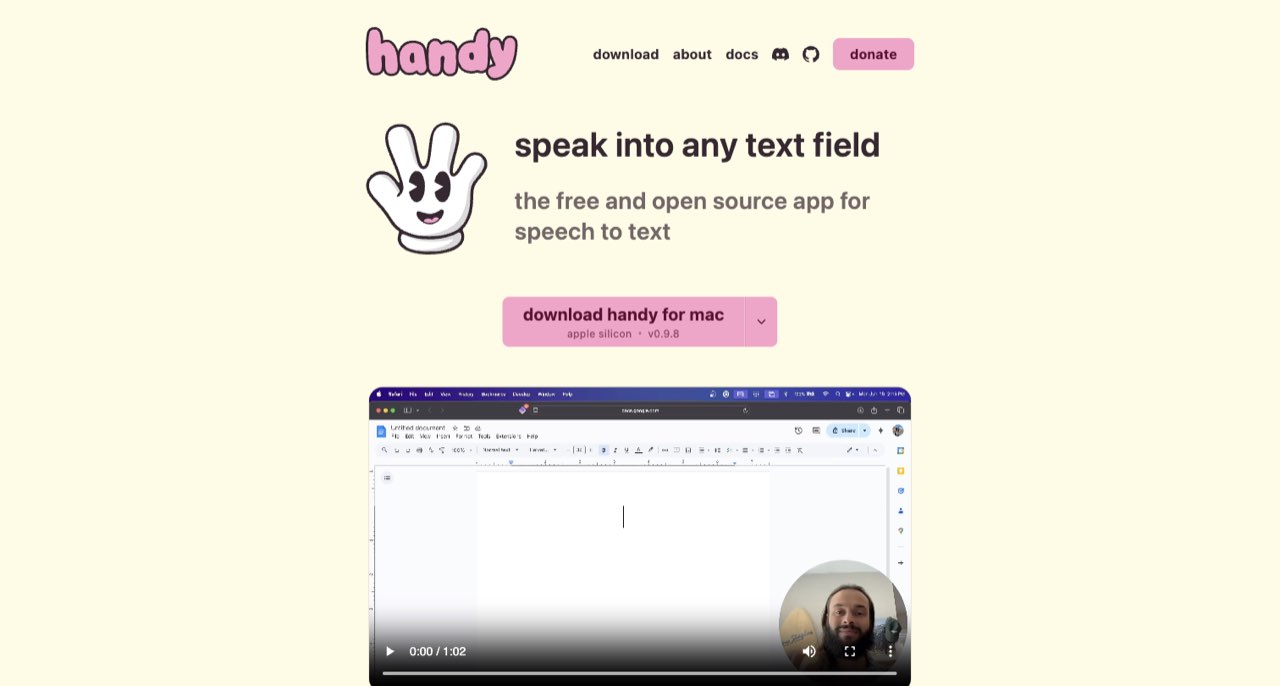 article
Handy Review: Offline Speech to Text for Creator Drafts
Handy turns speech into text locally. Learn model selection, setup, cloud post-processing exceptions and a practical script-drafting workflow.
Read more ↗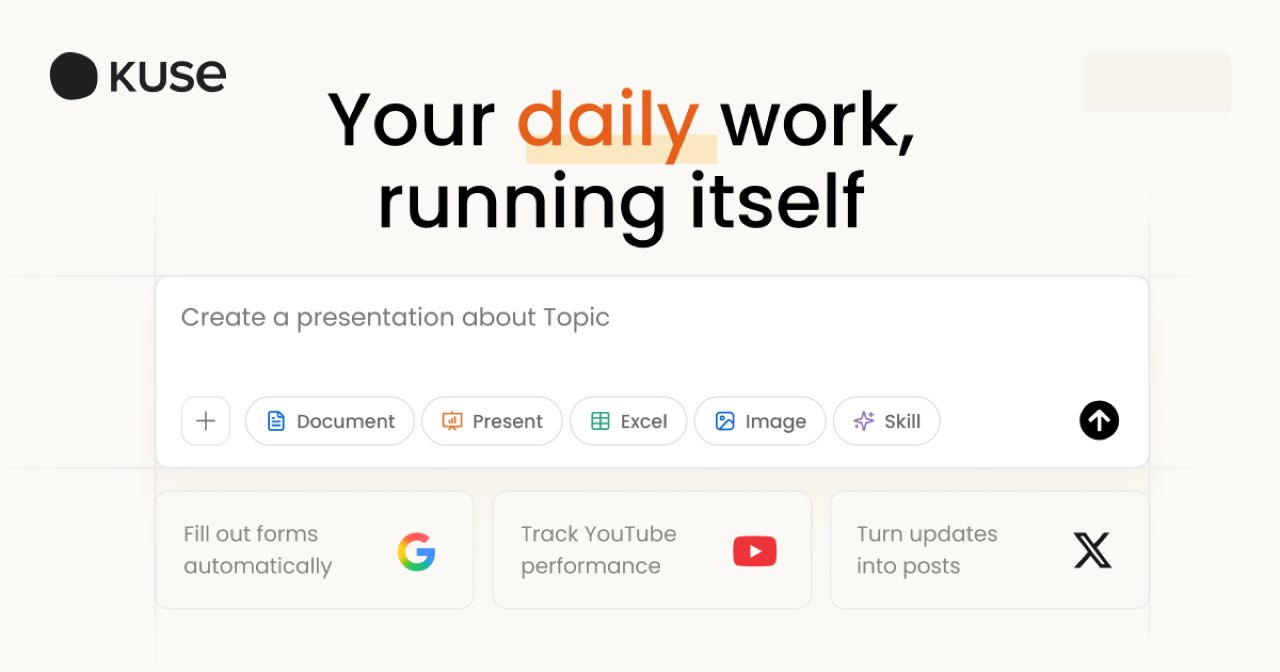 article
Kuse Review: Turn Scattered Research into a Creator Brief
Use Kuse to organize source files and draft creator briefs. Understand credit billing, document permissions, privacy and source-checking limits.
Read more ↗