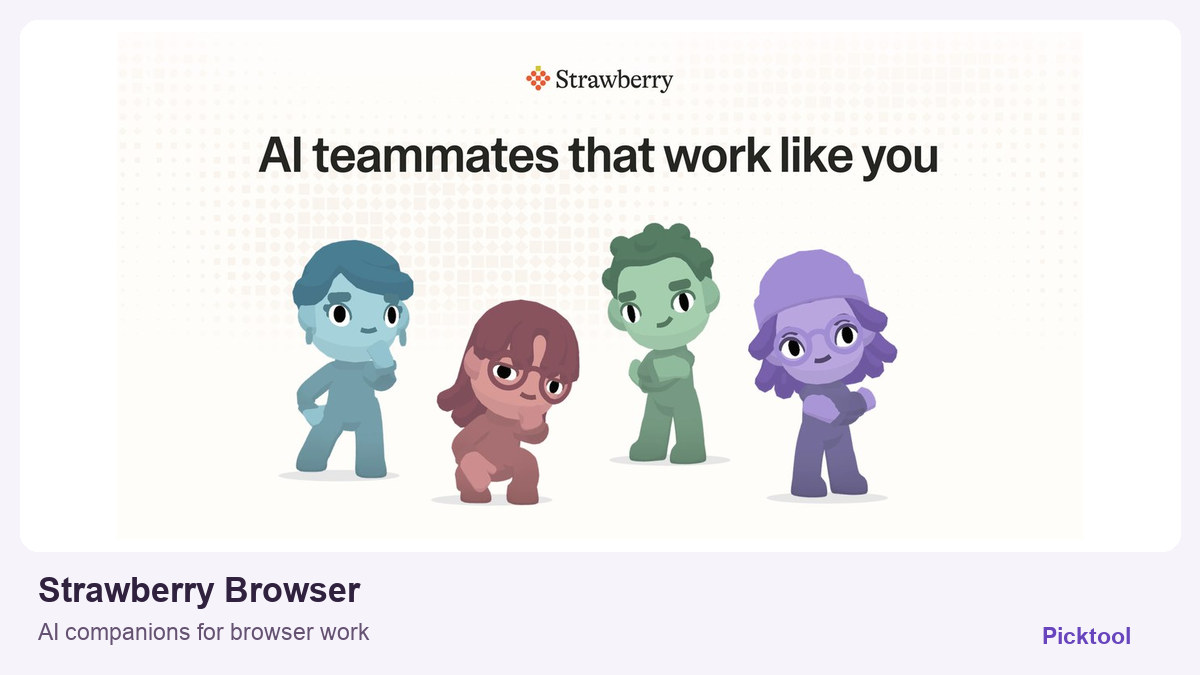
What does Strawberry Browser do?
Strawberry is a desktop AI browser for business workflows such as research, drafting and website tasks. Its Individual Free plan includes 500 monthly AI credits. The current privacy policy limits the service to business use and describes both local and cloud processing.
A browser workspace for research and routine tasks
Strawberry combines ordinary browsing with AI companions that can use website context and help with work across applications. For a creator, the interesting use case is not simply asking another chatbot a question. It is collecting source material, organising a launch-research brief or turning scattered information into a draft you can inspect.
The product site lists research, writing, data collection, dashboards, meeting notes and routine browser actions. Those claims span different levels of difficulty and access. A public-web research task is not the same as permission to send an email, update a client system or handle a purchase. Start with a bounded, reversible task whose result you can compare with the original pages.
Try a source-backed creator research brief
An evaluation task could ask a companion to compare the public pricing and export limitations of three tools for your next project, with a source link beside every material claim. Keep the request narrow enough to verify. Check that the cited pages actually support the answer and that a free trial has not been described as a permanent free plan. We have not run that exercise in Strawberry.
How the free credits work
The official Individual pricing page lists 500 credits per month on Free. At the time of checking, the monthly paid tiers displayed 6,000 credits for $20, 25,000 for $85 and 75,000 for $250. Those figures are a source snapshot, not a promise that every browser task uses the same number of credits or that team billing is identical.
Regular browsing does not consume the AI allowance. The provider says monthly plan credits refresh without rolling over; purchased top-ups follow a different rollover rule. Compare the cost of a representative task, the available mode and the selected billing interval before scaling a workflow. Do not turn the credit balance into a claimed number of completed projects.
Access and privacy need a narrower reading
The homepage FAQ uses local-storage wording for passwords, history and cookies. The current privacy policy gives a broader picture: it describes local and cloud storage, including server-side chat history, connected-app credentials and tokens, and opt-in Activity Memory. That optional memory feature can capture on-screen content. The policy also says storage categories are undergoing a transition, so a short directory privacy label is not enough.
The policy explicitly limits the service to businesses and business use, even where an individual is operating the account. That makes creator-business research a more appropriate fit than personal household browsing. Check the current business terms and actual permissions before connecting client accounts. Keep human review before messages, publishing, payments and other consequential actions, and review whether Activity Memory is enabled for the task.
The product FAQ lists macOS and Windows. Picktool researched the public features and plan terms without installing the browser, connecting services or independently verifying its speed, security controls or task-completion rate.
What you can do with it
- AI companions within a desktop browser
- Cross-website research and drafting
- Scheduled routines
- Memory across conversations
- Connected application workflows
- Free and paid AI-credit allowances
Features are based on the stated evidence level. Confirm current availability and plan limits with the official provider.
Understand the pricing first.
This is a plan description, not a guaranteed numeric price. Check allowances, renewal terms, and exports before paying.
What to check before choosing
The current policy says business use only. AI tasks consume credits and regular plan credits do not roll over. Chat history, connected-app tokens and opt-in Activity Memory can use cloud storage. We did not install it, connect accounts or benchmark agents.
Our test method and limits
Reviewed the official public product information and the linked plan, help or policy pages on 27 October 2026. We did not install the software, create paid outputs or independently benchmark quality, speed, accuracy or search performance. The cover uses official website imagery, not a Picktool test result.
Does it fit better than your other option?
Questions before you choose
Does Strawberry Browser have a free plan?
The official Individual plan includes 500 AI credits per month. Normal browsing is free, while companion work consumes the allowance.
Do Strawberry credits roll over?
The pricing page says monthly Individual and Team plan credits do not roll over, while purchased top-ups do. Check the current terms for your particular plan.
Is all Strawberry AI processing local?
No. The current privacy policy describes cloud-stored user content and chat history, connected-app tokens and opt-in Activity Memory as well as local storage. It also limits the service to business use.
Sources & check dates
- 1. Official browser features, platform support and FAQ ↗ · Checked 2026-10-27
- 2. Official Individual pricing and credit rules ↗ · Checked 2026-10-27
- 3. Official privacy policy ↗ · Checked 2026-10-27
Related reading & tools
Other tools for a similar task
Compare options ↗Findrix
Creators with a commercial site, agencies and small brands investigating visibility in AI-generated answers
Tabloy AI
Creators assembling an editable deck, simple launch website and supporting campaign material from a bounded brief.
Mixpeek
Creator teams and media agencies with a growing archive and technical capacity to configure ingestion and search.
Related by creator task. These are options to investigate, not measured winners.