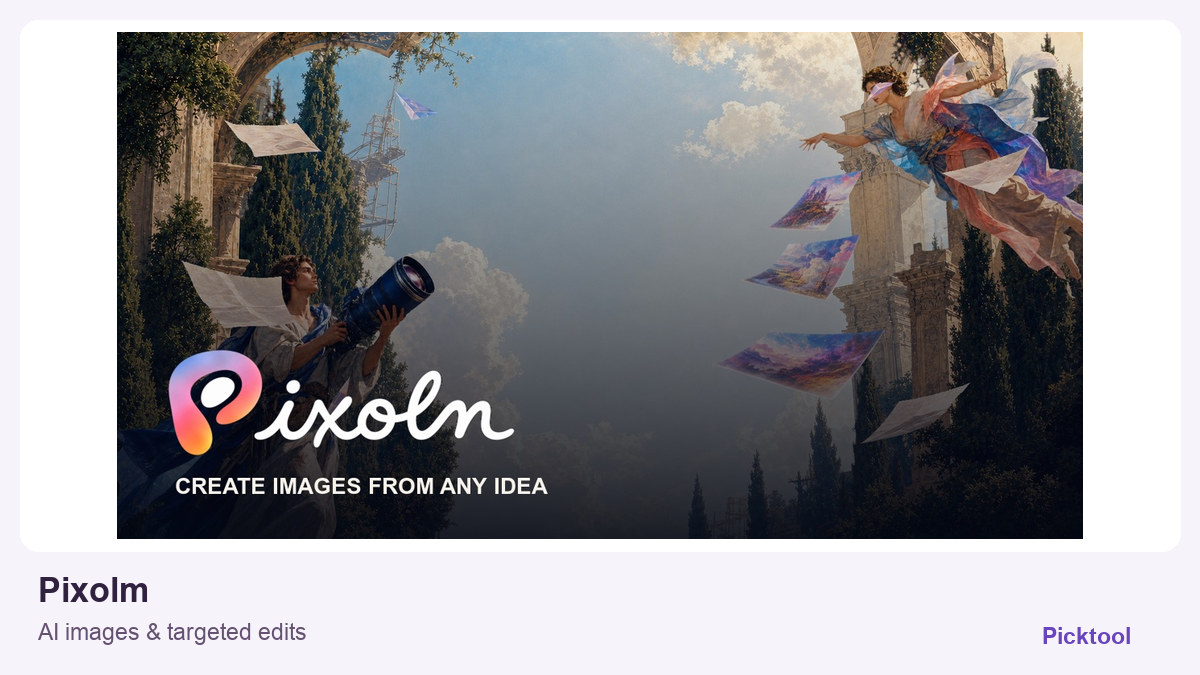
What does Pixolm do?
Pixolm is a browser-based AI image generator and editor for creating visuals from text or references, then refining them with prompts and masks. Its free offer is a one-time allocation of 20 welcome credits, not a daily image allowance.
AI image editing for a specific creator task
The useful question is not whether Pixolm can make a striking image. It is whether you can get the particular scene you need and then correct one part without restarting the whole idea. The official workflow combines generation, a reusable visual library and targeted changes. That makes it worth investigating for a product launch visual, a sponsored-post concept or a thumbnail background that needs another round of art direction.
From a reference image to a more controlled revision
Begin with a clear subject, placement and destination format. For example, a creator promoting a ceramic mug could supply their own product photograph, describe a quiet desk scene and reserve clear space for a headline. Generate a draft, inspect the mug shape and branding, and use a mask when the requested correction concerns a small area. This is a suggested evaluation exercise, not a result we produced in Pixolm.
The product site describes tools for object removal, image text replacement, background changes and product photography. Those are workflow options, not proof that every logo, label or line of typography will survive a generation unchanged. Check small details at the final export size. If your priority is a reproducible brand system or separately editable design elements, investigate that requirement explicitly rather than assuming a generated scene provides them.
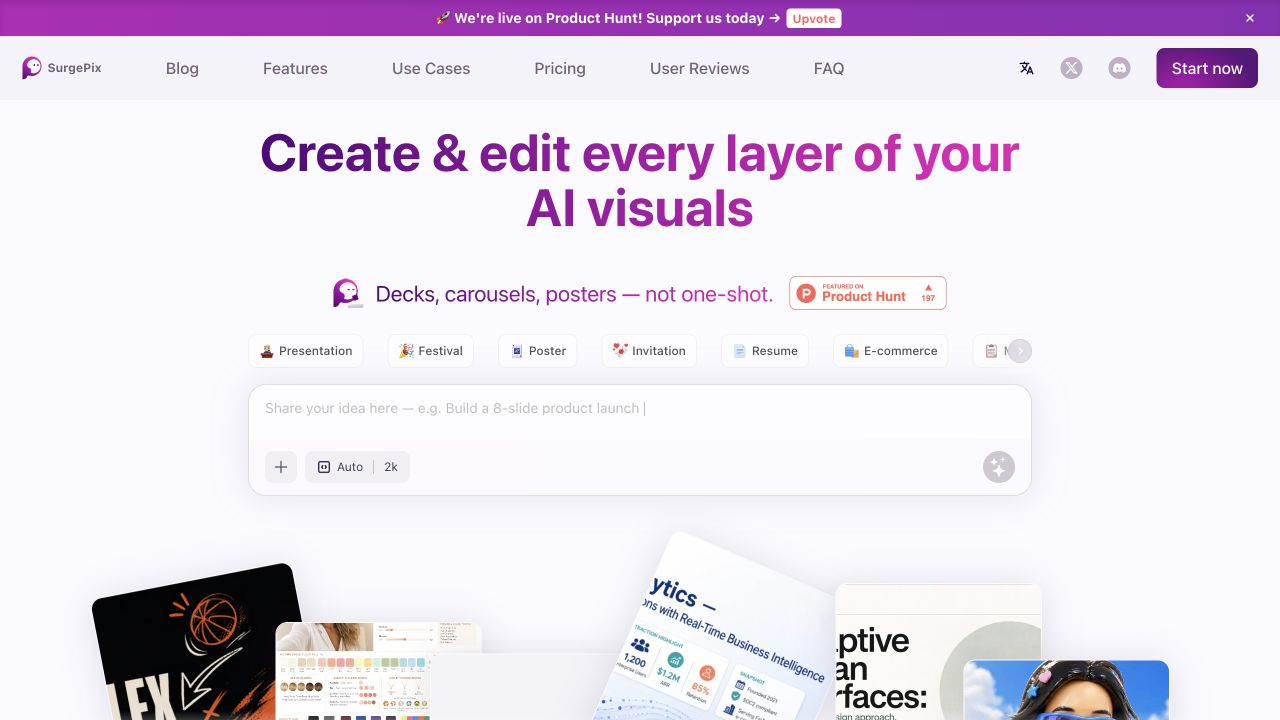
For a different editing approach, compare the layer and brand-kit questions in our SurgePix guide. ↗
What the free credits actually cover
The pricing page lists 20 one-time welcome credits. It also says the generation quote depends on the chosen model, quality, resolution and reference inputs. Twenty credits therefore should not be translated into a promised number of images. Read the displayed quote before each generation and leave room for the revisions you expect to need.
The annual billing view checked for this listing displayed Plus at $99 per year and Pro at $249 per year, with different credit allocations and access to premium creation modes. Billing controls and credit cycles matter: compare the selected billing interval, renewal amount and credit refresh rules at checkout. A marketplace shorthand such as a monthly starting price is not a substitute for those terms.
Keep the output useful after generation
Save your source reference, the successful prompt and the final asset together. Record which parts were generated and which came from your own photograph. This helps you revisit a campaign without treating a visually similar variation as an exact repeat. Check usage permissions for uploaded faces, products and third-party marks before using the result in paid work.
Our Image MetaHub guide covers organising generated images and keeping their metadata useful. ↗
Picktool found Pixolm through a recent TAAFT listing and verified the workflow against the official product and pricing pages. We have not confirmed its original launch date or measured whether its edits outperform another image editor.
What you can do with it
- Text- and reference-based image generation
- Prompt-based image revisions
- Masked edits and object removal
- Background replacement and product photography modes
- Creative library and generation history
- A credit quote before generation
Features are based on the stated evidence level. Confirm current availability and plan limits with the official provider.
Understand the pricing first.
This is a plan description, not a guaranteed numeric price. Check allowances, renewal terms, and exports before paying.
What to check before choosing
Generation costs vary by model, resolution, quality and references. Welcome credits do not refill daily. Consistent products, precise text and commercial permissions still need checking; no output-quality benchmark was performed.
Our test method and limits
Reviewed the official public product information and the linked plan, help or policy pages on 27 October 2026. We did not install the software, create paid outputs or independently benchmark quality, speed, accuracy or search performance. The cover uses official website imagery, not a Picktool test result.
Does it fit better than your other option?
Questions before you choose
Is Pixolm free every day?
The official offer checked here provides 20 one-time welcome credits. We found no basis for describing that allocation as a daily refill.
Can Pixolm edit part of an existing image?
Its official workflow supports masks and targeted changes. Exact preservation of a product, logo or small text still needs a trial with your own reference.
How much does one Pixolm image cost?
The provider says the quote changes with the model, quality, resolution and reference inputs. Use the quote shown before generation rather than a fixed per-image estimate.
Sources & check dates
- 1. Official Pixolm product and workflow ↗ · Checked 2026-10-27
- 2. Official plans and generation-credit explanation ↗ · Checked 2026-10-27
Related reading & tools
 article
SurgePix Review: Editable Layers, Brand Kits and Plan Limits
SurgePix combines AI visuals with layer editing. Explore text changes, brand kits and export checks, with pricing and commercial rights still to verify.
Read more ↗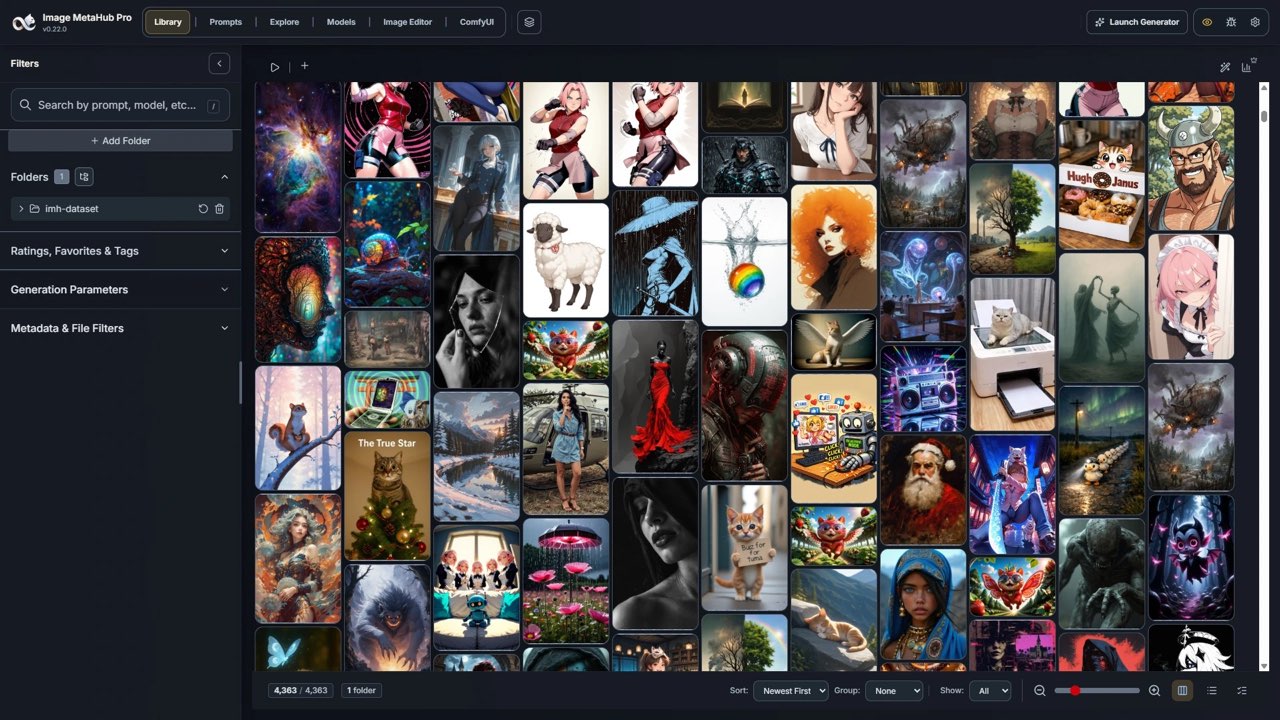 article
Image MetaHub Review: Organize AI Images and Read Their Metadata
Organize ComfyUI and Stable Diffusion outputs locally. Compare Image MetaHub Free and Pro, metadata limits, optional integrations and licensing.
Read more ↗Other tools for a similar task
Compare options ↗UseIt Studio
Designing creator stickers, cards, packaging and merchandise
SurgePix
Revising creator graphics after the first generated image
Related by creator task. These are options to investigate, not measured winners.