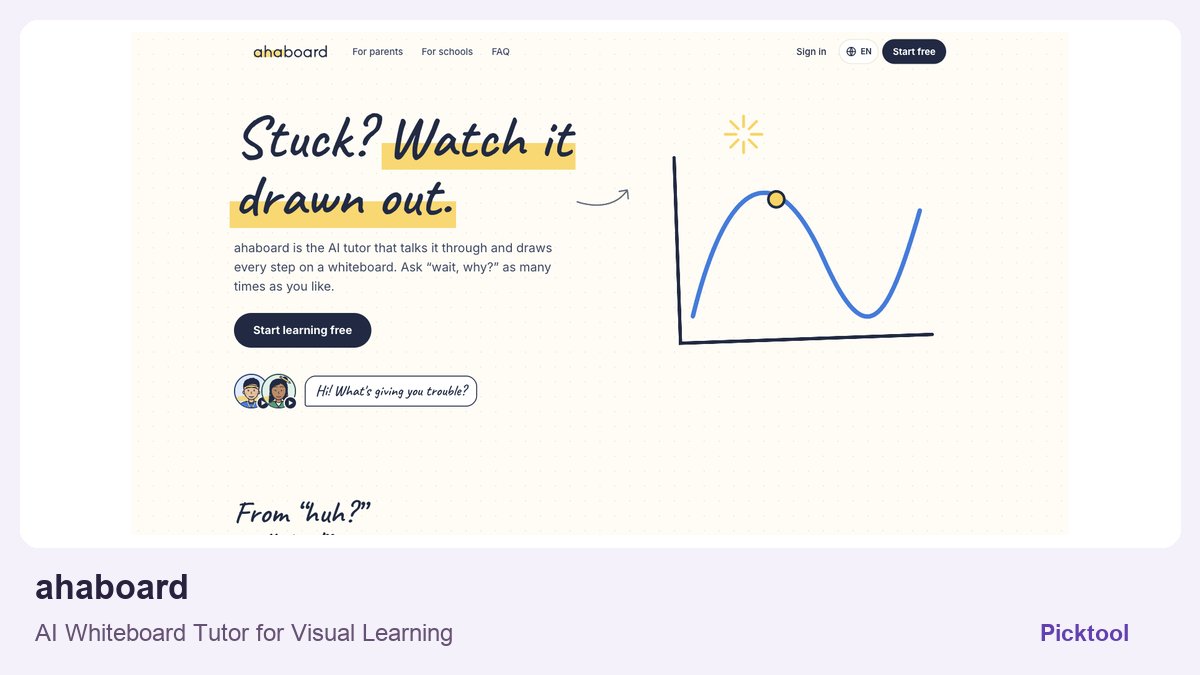
Use an AI whiteboard tutor to work through one concept from authorized notes, ask it to explain unclear steps, and verify the answer with the source. ahaboard supports spoken questions, problem images and study material, but it should be evaluated as an interactive tutor rather than assumed to export a finished course video.
An interactive whiteboard tutor and a whiteboard-video generator solve different jobs. A tutor can respond when a learner is stuck; a generated explainer is a fixed artifact that an audience watches later. Before uploading notes, decide whether you need a conversation that helps you understand a concept or a finished lesson you can publish. Do not assume a tool provides both because its homepage shows a drawing surface.
ahaboard describes a tutor that speaks and draws explanations, accepts a spoken question or a problem image, and can work through study material. Its current pricing page describes a thirty-minute free trial rather than an unlimited free learning plan. This guide proposes an evaluation for creators preparing a lesson; we did not upload a PDF, conduct a tutoring session or verify course-video export for this article.
Read the ahaboard profile for the current product scope and official links. ↗
Choose one concept and preserve the original source
Begin with a small, specific learning goal. For a proposed tutorial on percentages, the learner might need to explain the difference between a percentage-point change and a relative percentage change. A long PDF can contain many ideas, so select the relevant passage or problem and keep the original available for comparison. The tutor's explanation should not become the only record of the material.
Check that you are authorized to upload the notes or problem image. A purchased course, a client's internal training manual or a student record can raise different permission and privacy questions from your own public worksheet. Use a harmless example for the first evaluation. Remove irrelevant personal details and confirm the service's applicable policies before introducing sensitive material.
Write down what a correct explanation should establish before starting. If a source includes an equation, record its variables, units and assumptions. If it describes a process, record the required order and any exception. This gives you a basis for evaluating the answer beyond whether the voice sounds confident or the drawing looks neat.
Use the conversation to expose missing steps
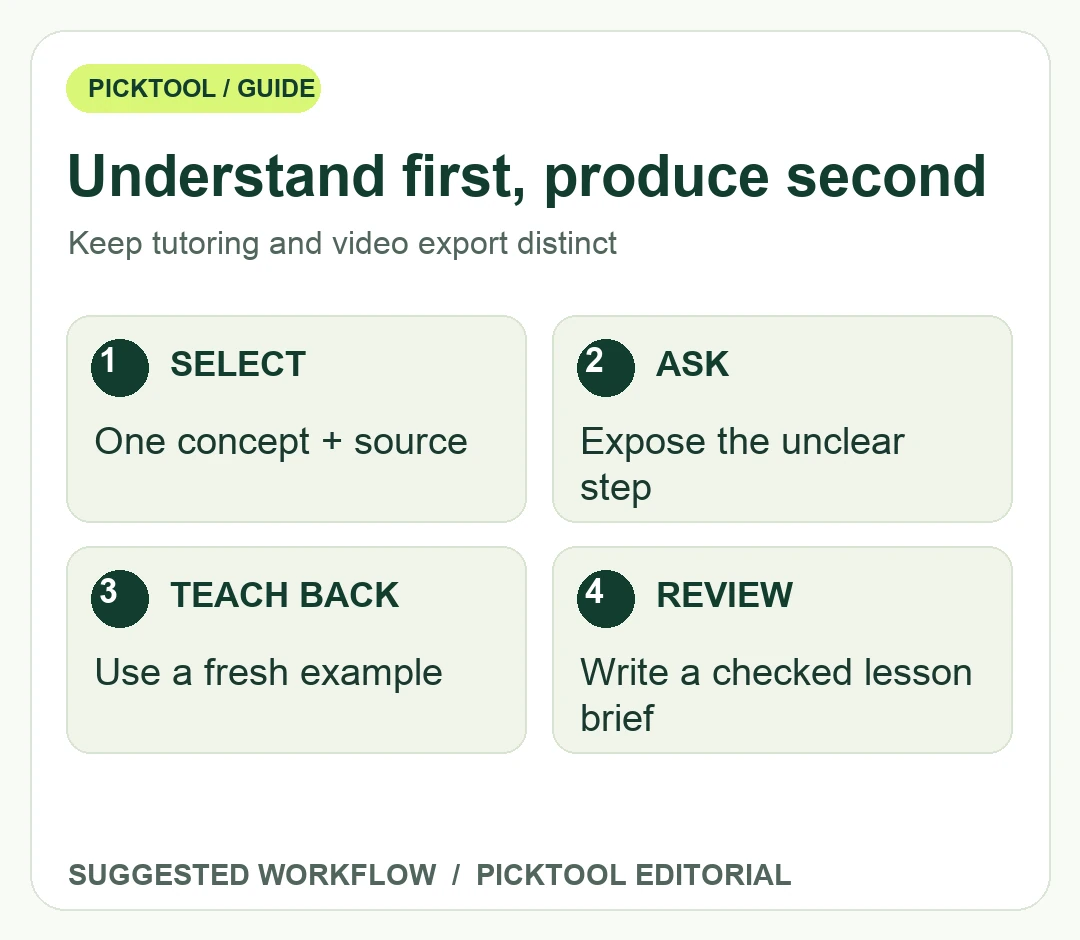
Ask for an explanation, then interrupt at the first step you cannot justify. A useful follow-up is why that step follows from the previous one or what assumption makes it valid. Avoid asking only whether the answer is correct; the tutor may repeat the same reasoning. Compare its intermediate steps with the source and ask for a different example when the explanation remains unclear.
For the percentage example, you could ask the tutor to compare a change from twenty percent to thirty percent in two ways. Then explain the distinction back in your own words and check it against a trusted reference. This is an original suggested exercise, not a transcript of an ahaboard session or evidence of its mathematical accuracy. Use a reviewer with the relevant subject knowledge for material you intend to teach publicly.
Watch the drawing and the spoken explanation separately. A correctly narrated relationship can still be labeled poorly on the board, and a plausible diagram can hide a skipped assumption. Check variable names, axes, units, arrow directions and any number copied from the source. If the learner needs to ask repeated questions about a particular transition, that may be the place your final lesson needs a clearer demonstration.
Use a teach-back after the explanation. Close or set aside the tutor's answer and describe the idea yourself using a new example. If you can only repeat the wording on the screen, the lesson may not yet be understood. Record the point that remains confusing rather than claiming a completed session proves mastery. The goal is to identify gaps, not to accumulate conversational minutes.
Convert the learning into a reviewed lesson brief
After the session, write a short lesson brief in your own words: the question, the correct explanation, one example, a common misconception and the source. Identify which drawing or demonstration genuinely helps. Do not copy an explanation into a course solely because it arrived fluently. Check it for the audience's level and for conditions that were left implicit during the conversation.
If you need a publishable video, choose a production workflow that explicitly supports that output. Ankon's document-to-whiteboard-video approach is a different product category from ahaboard's interactive teaching. Confirm export, narration, caption and rights requirements with the production tool. Do not promise a downloadable lesson recording or teaching license that you have not established from the relevant source and plan.
The finite trial can help evaluate a representative concept, but it should not be treated as enough time for an entire course. Plan the evaluation around the difficult reasoning step and check how the current account measures use. If the pricing interface does not answer a limit or billing question, resolve it before committing to a longer learning routine. No paid session or subscription was purchased for this article.
Keep the original source, your checked lesson brief and any authorized notes together. If a tutor's answer conflicts with the source, mark the discrepancy and seek an authoritative explanation before publication. For high-stakes subjects, bring in the appropriate qualified reviewer. A drawing tool can support understanding without becoming the final authority on every topic.
Use the tutor when interaction helps reveal why you are stuck. Use a written reference or a fixed explainer when the audience mainly needs a stable, reviewable answer. Keeping those goals distinct gives the creator a clearer lesson and gives the learner a more honest account of what the tool has actually done.
Sources & check dates
- 1. ahaboard official interaction modes and study examples ↗ · Checked 2026-10-28
- 2. ahaboard current trial and subscription page ↗ · Checked 2026-10-28