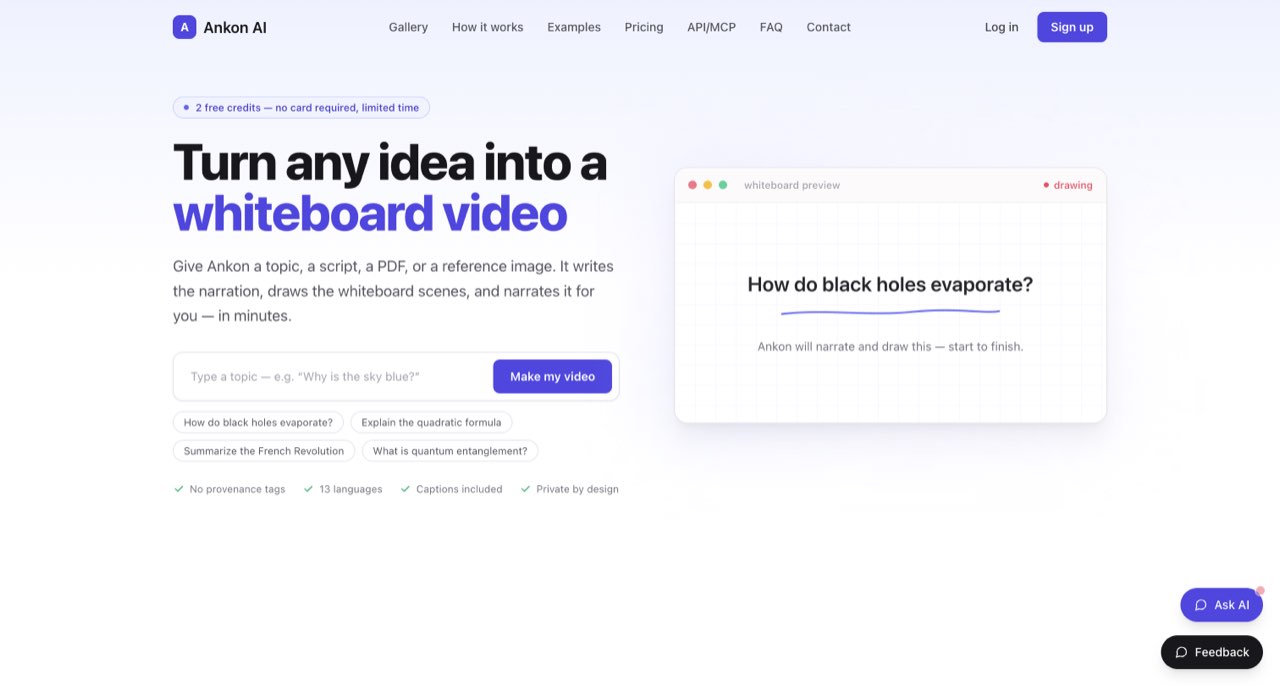
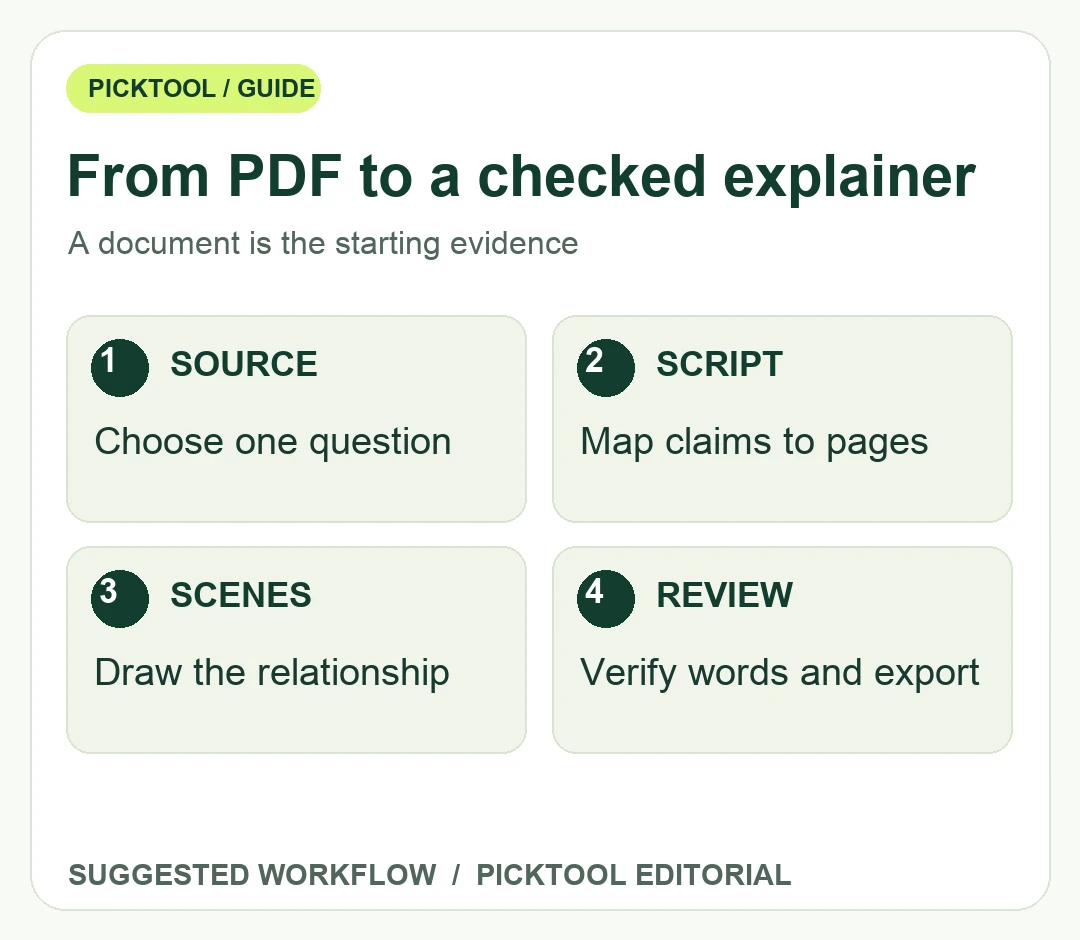
To turn a PDF into a whiteboard video, select one learning goal, extract a checked script, map each claim to a scene, and review the narration and export. Ankon accepts PDFs, but an automatically generated video still needs factual and visual review.
A PDF is a source, not a ready-made lesson. It may mix definitions, footnotes, tables, repeated headers and examples intended to be read slowly. A short whiteboard explainer needs a clearer sequence: what the viewer should understand, which evidence supports it, and what the drawing should make easier to follow. Uploading a document before deciding that sequence leaves too much editorial judgment to the generator.
Ankon's official product page accepts a topic, script, PDF or reference image and describes narrated whiteboard output with MP4 and SRT downloads. Its terms currently describe two limited-time signup credits and a two-credit minimum per video. A directory's older allowance should not be treated as the current offer. The workflow below is an editorial production plan, not a claim that we generated or evaluated a finished Ankon video.
Read the Ankon review for product scope and the source-based evaluation boundary. ↗
Turn the document into a claim-and-scene map
Choose one question the video will answer. For a hypothetical guide about returning a product, that might be how a customer checks eligibility before starting a return. It should not attempt to narrate every clause in a long policy. Mark the exact source passage for each proposed claim, including conditions and exceptions. If the source is outdated or unclear, resolve that before writing narration.
Draft a small scene map with four columns: source location, spoken explanation, visible drawing, and qualification. An example row could pair the eligibility passage with a simple decision fork and a spoken reminder that some purchases have different conditions. This is an original planning example, not a screenshot of Ankon or an assertion that it provides this worksheet. The map lets a reviewer spot when a drawing implies more than the source says.
Prefer one visual relationship per scene. A process can use an arrow sequence; a comparison can use two labeled columns; a numerical change can use a correctly labeled scale. Do not use a decorative chart when the document contains no corresponding data. For scanned or complex PDFs, inspect the extracted text yourself before relying on it. Missing table headings, broken columns and lost minus signs can change the explanation.
Write narration after the scene logic is clear. Use the document's essential terms, then explain them in language the intended viewer understands. Keep a reference copy with page numbers outside the final narration. This makes corrections easier without filling every spoken sentence with citation formatting. Where viewers need to act on the underlying policy or research, include an accessible link to the original document in the published description.
Check the credit boundary and the content boundary
Ankon's documentation states approximately one credit per minute, with a two-credit minimum. As a simple planning calculation, a requested one-minute render may therefore encounter the minimum rather than costing one credit. This is a credit estimate from the documented rule, not a checkout quote or a test receipt. Confirm the displayed charge for your selected duration before starting, especially when making several revisions.
The terms also say free-credit renders may carry a corner badge, while an active subscription removes it under the stated conditions. Do not promise a watermark-free deliverable based only on the word free. Verify the preview, your account state and the final download. A signup allowance is a finite trial opportunity rather than an unlimited ongoing production plan.
Privacy requires a separate check. Ankon describes third-party or hosted model processing for inputs and derived text, along with storage and rendering services. A private project view does not mean all computation takes place on your laptop. Use a non-confidential sample for evaluation, and obtain permission before submitting client documents or material with personal information. Voice cloning introduces another permission decision; a preset voice can avoid needing a person's recorded likeness for an initial evaluation.
Compare the document-to-video approach in CutBay when you need a different production route. ↗
Review the delivered explanation in four passes
First, check the words against the PDF. Verify names, numerical values, dates, exceptions and any language that sounds more certain than the source. Second, review the drawings with sound off. Ask whether labels, ordering and arrows communicate the intended relationship. A visually tidy process can still suggest a causal link the source never established.
Third, listen without watching. The narration should explain the subject coherently and pronounce important terms intelligibly. Then compare the captions with that narration. Check that labels remain readable on the smallest intended viewing surface and that captions do not cover the part of the drawing that matters. An SRT file is useful for an editorial handoff, but it still needs the same spelling and timing review as burned-in text.
Finally, inspect the exported file in the place it will be used. A successful download does not establish correct playback, aspect ratio, sound, or subtitle behavior in a learning platform or social post. Keep the approved source, script, scene map and export together. If the PDF changes later, that record tells you which video statements need a new review rather than merely changing a publication date.
Use this approach when the drawing genuinely clarifies a process or concept. If the audience mainly needs to inspect a dense table, original diagram or exact wording, a narrated screen walkthrough or a short written reference may serve them better. The goal is a useful explanation with an auditable source, not an automatic video for every uploaded document.
Browse video-creation tools by their actual input and output workflow. ↗
Questions & answers
Can a one-minute Ankon video cost more than one credit?
The current documentation states a two-credit minimum per video. Confirm the charge shown for the requested duration before rendering; do not assume a one-minute request bypasses the minimum.
Sources & check dates
- 1. Ankon official inputs, narration and download workflow ↗ · Checked 2026-10-28
- 2. Ankon API documentation and credit minimum ↗ · Checked 2026-10-28
- 3. Ankon current credit and output terms ↗ · Checked 2026-10-28
- 4. Ankon input processing and storage policy ↗ · Checked 2026-10-28