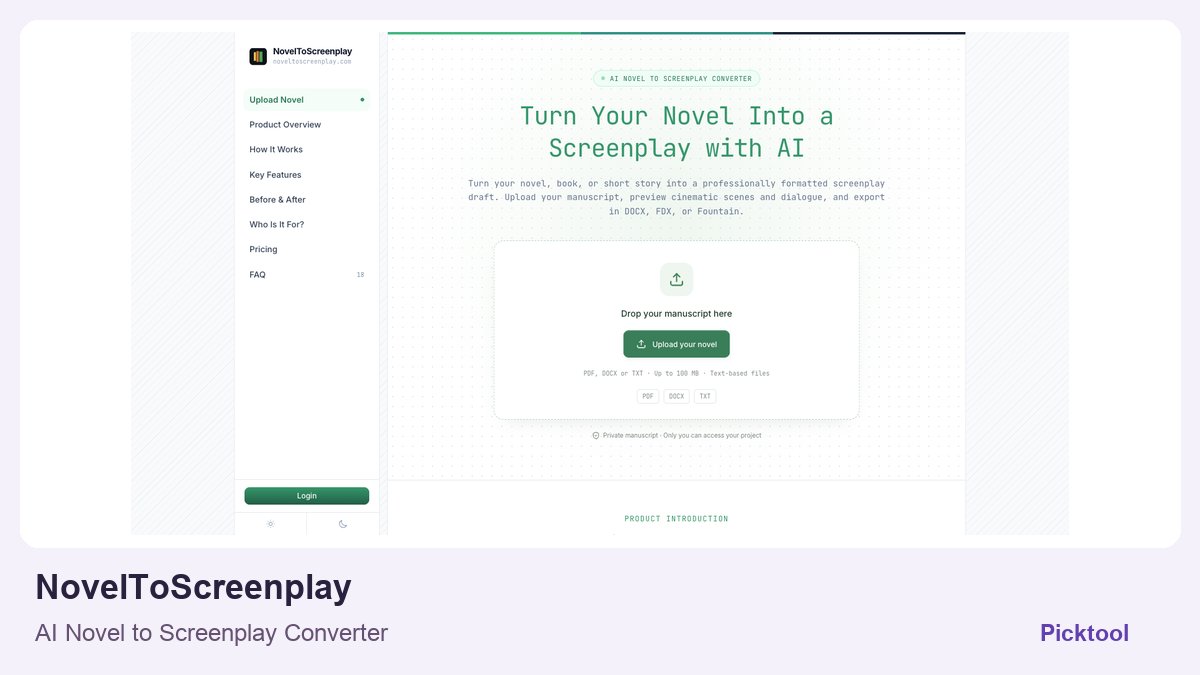
Adapt a novel by mapping its dramatic turning points into scenes, reviewing what changes from narration to visible action, and checking the exported script in your destination editor. NovelToScreenplay supports draft adaptation and DOCX, FDX or Fountain export, but the result still needs revision and appropriate adaptation rights.
Turning a novel into a screenplay is a story decision before it is a formatting task. A paragraph can reveal a character's private thought; a scene usually needs something an audience can see or hear. An AI adaptation tool can propose those changes, but someone still has to decide whether the new action preserves the original meaning and whether the structure fits the intended screen format.
NovelToScreenplay's current site accepts text-based PDF, DOCX and TXT manuscripts and describes a free opening preview, followed by paid complete adaptations and revisions. It lists DOCX, FDX and Fountain export. Its terms explicitly call the output a first draft rather than a finished shooting script or a promise of professional acceptance. This guide is a proposed editorial workflow; no manuscript was uploaded or adaptation generated for this article.
Open the NovelToScreenplay profile for the product overview and current official links. ↗
Build the adaptation brief before the upload
Identify whether you are developing a feature, a pilot or a short. Write the central dramatic question, the protagonist's goal, the major turning points and the elements you are willing to combine or remove. A long manuscript does not become a workable screen draft simply by preserving every chapter in order. Use the brief to explain which story commitments matter most.
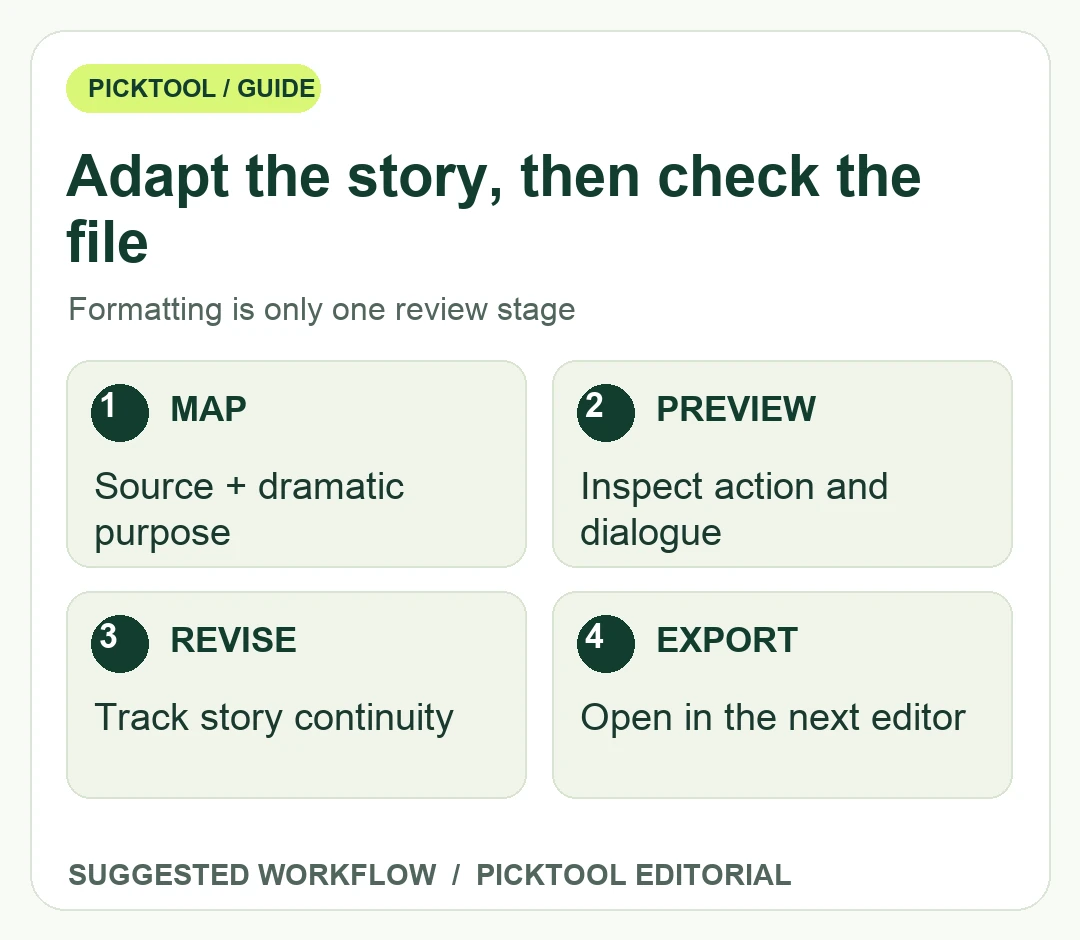
Create a small scene map with the source chapter, dramatic purpose, visible action and information the audience must understand. For a hypothetical mystery, an internal realization might become a moment in which the protagonist notices a contradiction in a physical clue. That is an example of adaptation reasoning, not a generated scene from the tool. The reviewer should ask whether the changed action is plausible and whether it reveals too much too early.
Before uploading, confirm that you are authorized to adapt and process the manuscript. The service's terms require the necessary rights and say use of the tool does not grant rights in someone else's work. For a licensed or client-owned manuscript, confirm the applicable agreement and permission to use third-party AI processing. A successful upload is not evidence that those permissions exist.
Check the extracted text as well. Chapter headings, scene breaks and character names should survive the source-file preparation. A scanned PDF or broken layout can create gaps before the adaptation even begins. Preserve an unchanged manuscript copy so later revisions can be compared with the actual source rather than with a repeatedly converted file.
Evaluate the preview for story choices
Use the opening preview to inspect how the tool handles narration, dialogue and scene transitions. Do not approve the whole workflow solely because the screenplay margins look familiar. Ask whether the opening establishes the right conflict, whether characters behave consistently and whether exposition has become unnatural speech. A polished format can conceal a weak adaptation decision.
Write a revision request around one observed issue. For example, ask to make an existing motive visible through action without adding a new plot event. Compare the change with both the manuscript and the adaptation brief. A vague request to make everything more cinematic can create attractive additions that disrupt later scenes. Keep a short continuity list of names, relationships, objects and unresolved information.
The current terms describe one-time packs with different AI chapter-revision allowances. Check the displayed package and what consumes a revision before committing to a full rewrite cycle. An allowance is not a guarantee that a particular number of revisions will produce a professionally accepted draft. Review refund conditions before beginning paid generation; the terms distinguish an unused purchase from a generation that has already started.
Treat export as an editing handoff
Choose the format your next collaborator actually uses. FDX may suit a compatible screenwriting application, Fountain may suit a plain-text screenplay workflow, and DOCX may suit editorial comments. The presence of an export option does not establish a flawless round trip into every editor. Open a sample in the destination application and inspect scene headings, character cues, dialogue and transitions.
Check the beginning, middle and end of a longer export. Look for missing chapters, duplicated scenes, broken special characters and formatting changes at scene boundaries. Compare the export's sequence with the approved adaptation map. If a download combines chapters, confirm the order and completeness rather than assuming a single file means the story is complete.
Perform a separate continuity read after the structural edit. Track when the audience learns each fact, whether character motivations still connect, and whether a detail introduced in one scene pays off later. Read dialogue aloud to catch lines that sound like narration copied into speech. These are proposed human review steps, not an assertion that the software automatically checks or resolves them.
Keep the source manuscript, adaptation brief, selected preview, revision notes and export version together. Label the result as an AI-assisted draft where relevant to the collaboration and submission requirements. Confirm any festival, producer, client or platform rules separately. A service's download format does not establish eligibility for every professional route.
Use automated adaptation when it helps you examine a story in screen form and you can evaluate the changes. Retain human control over structure, meaning and permissions. The useful outcome is a draft you can revise deliberately, with a traceable relationship to the source, rather than a file that only resembles a screenplay.
Browse writing and screenplay tools by the specific stage of work you need to support. ↗
Sources & check dates
- 1. NovelToScreenplay official inputs, preview and export workflow ↗ · Checked 2026-10-28
- 2. NovelToScreenplay terms: draft status, content rights and packs ↗ · Checked 2026-10-28
- 3. NovelToScreenplay manuscript and account privacy ↗ · Checked 2026-10-28