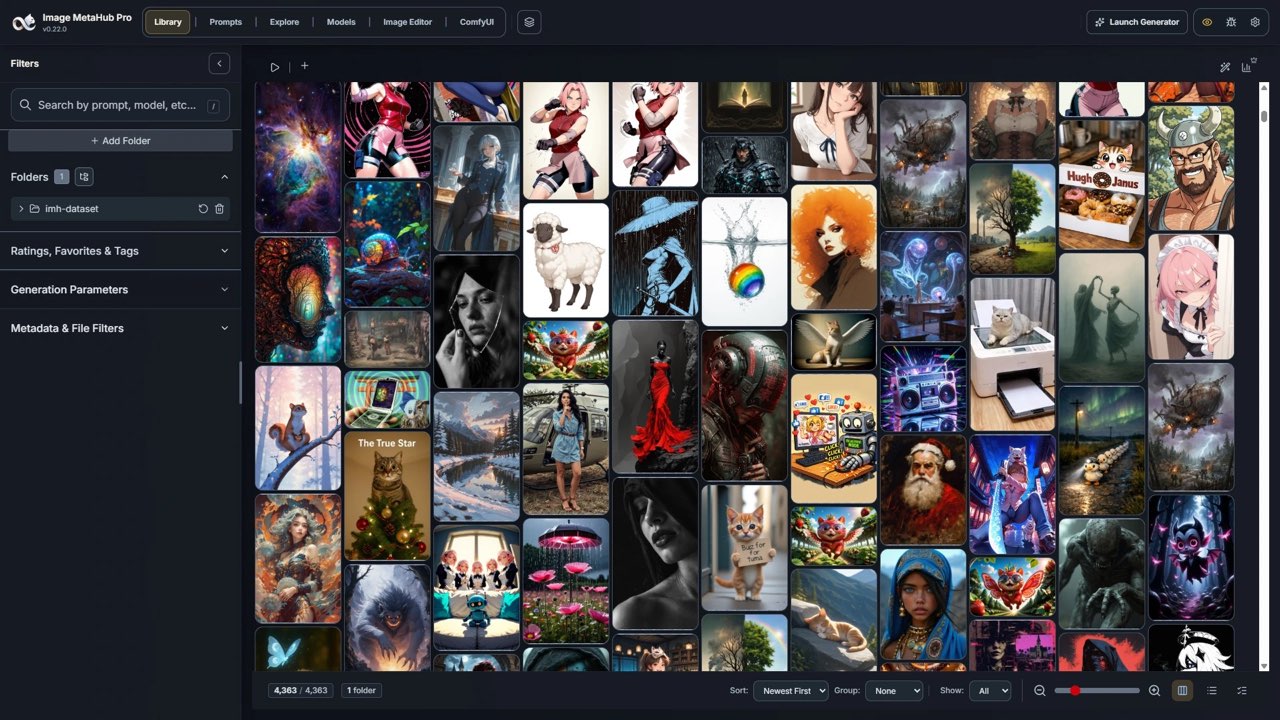
An AI image prompt can be recovered when the original file or an associated record still contains it. Image MetaHub can inspect supported generation metadata, but visual similarity and reverse prompting do not prove the exact prompt, seed or workflow used.
There are two different tasks hidden inside the phrase recover an AI image prompt. One is reading generation information that was saved with the original asset. The other is asking a model to describe an image and suggest a new prompt. The first can reveal an actual historical record; the second creates a plausible reconstruction. Keeping that distinction clear prevents a useful search tool from being mistaken for a forensic guarantee.
Image MetaHub describes local inspection and search across supported prompt, model and workflow metadata. Its current product page also offers optional local visual indexing for files without useful generation metadata. That can help find related work in your collection, but it does not establish the exact settings behind an arbitrary screenshot. This article proposes a preservation and inspection workflow; it does not report a recovery test on a particular file.
Read the Image MetaHub review for its product scope and Free versus Pro context. ↗
Start with the original file and a preservation copy
Before opening an asset in an editor or converting it, keep an unchanged copy in a separate folder. Record where it came from and which generator or project you believe produced it. If you have the original project, exported workflow, sidecar file or generation history, preserve those too. A low-resolution copy saved from a social post may have lost the information you are trying to recover.
Inspect the asset with a metadata-aware tool that supports the originating workflow. Look for a prompt, negative prompt, model identifier, seed, dimensions and generation settings where available. For a node-based workflow, distinguish the saved graph from a simple prompt field. A populated model name does not mean every required model file, custom node or external resource has been preserved.
Suppose a creator has two similar thumbnail backgrounds and wants to reproduce one. The useful first question is which original file contains the relevant record, not which image looks most attractive in a contact sheet. Search the library by a remembered phrase or model, then compare the file and its metadata with the project history. If the records disagree, retain that uncertainty rather than choosing whichever field is more convenient.
Image MetaHub's repository describes support for multiple generation ecosystems and metadata formats. Compatibility depends on what those tools actually write into their exports. Treat a blank field as missing evidence, not proof that no prompt existed. Equally, do not fill an empty seed or model version with an assumption from another image in the same folder.
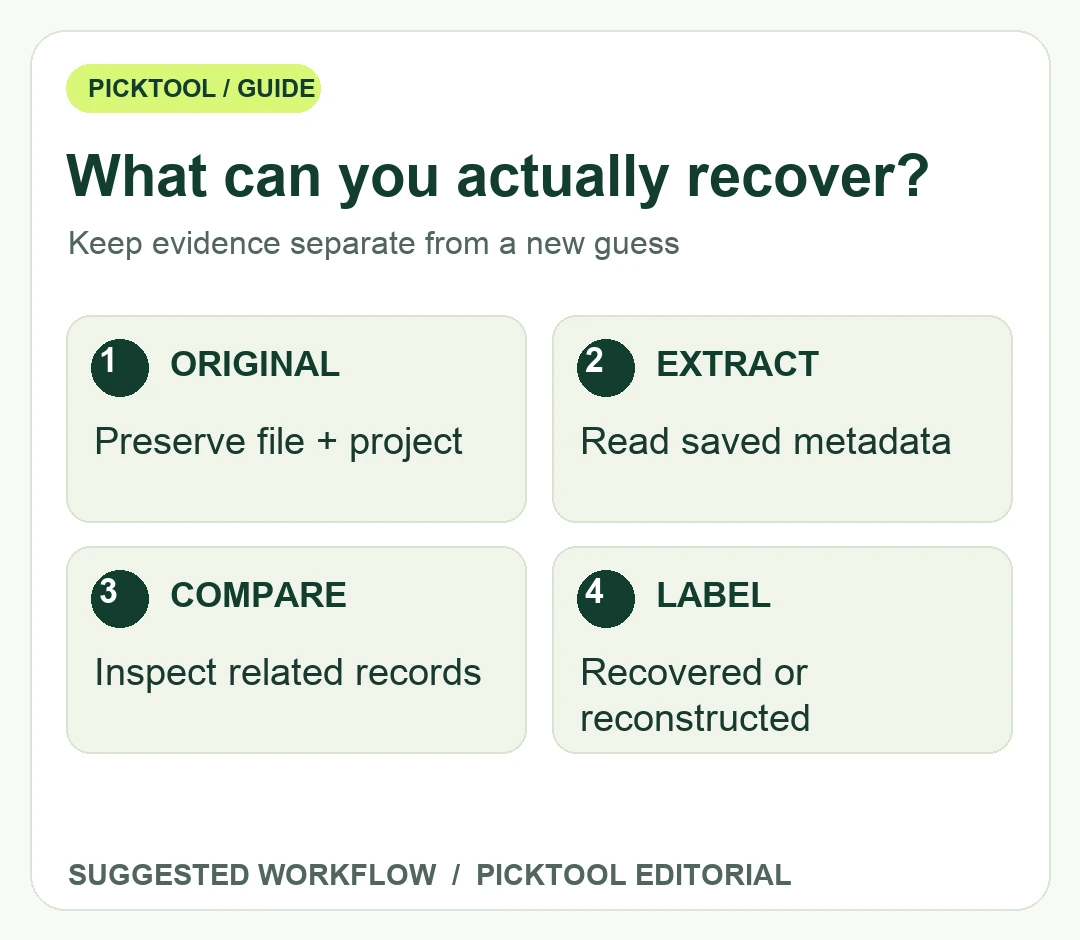
Label the evidence behind a recovered prompt.
| Record type | What it establishes |
|---|---|
| Extracted metadata | Information actually stored in the original file or supported sidecar. |
| Associated project record | A saved note or workflow that must be matched to the correct asset. |
| Reconstructed prompt | A new interpretation of visible content, not proof of original settings. |
Distinguish extraction from reconstruction
Label recovered information according to its source. A prompt read from an original export is extracted metadata. A prompt copied from an old text note is an associated project record. A new description produced by analyzing pixels is a reconstruction. These labels remain useful even when all three approaches help you create the next asset.
Visual search can locate similar files when your memory is stronger than your filenames. Image MetaHub says its visual indexing is opt-in and local. Use it to narrow a large folder, then inspect the candidate's saved records. Similarity does not prove that two files share a prompt, and a close visual match does not reveal a missing historical seed. Keep the result phrased as a candidate until you can link it to a source record.
For a reconstruction, write down what you can observe: composition, subject, lighting, palette and text placement. Separate those observations from guesses about the model or settings. If you create a new version from that description, label it as a new interpretation. Do not present it to a client as an exact recovery of an original generation process you cannot verify.
Explore FLORA when your task is organizing a new visual-generation workflow. ↗
Make the next image easier to reproduce
Store the final image beside a concise project note containing the intended use, tool and model version, source assets, prompt, relevant settings and approval status. Where the generator supports a workflow export, save it with the asset. Use a stable project identifier so that a renamed image can still be matched to its record. This is a proposed editorial archive format, not a claim that every application exports the same fields.
Before sharing files externally, inspect whether their metadata contains private prompts, local paths, client names or other information the recipient does not need. Retain the original privately and create a separate delivery copy when metadata should be removed. Avoid overwriting the only copy that connects the image with its production history.
Image MetaHub's Pro page describes additional comparison and workflow features, while basic indexing and generation context are available in the free application. Choose based on the specific action you need rather than assuming payment reconstructs information that was never saved. If your task is simply reading one supported file, evaluate that first. If you manage a growing library, comparison, organization and integration may matter more.
Finally, test a round trip with a non-confidential asset you created: save the original, inspect its metadata, copy it through your normal delivery route, and inspect the copy. Record which fields survive. That small experiment reveals where your own workflow loses information and helps you design a better archive. It does not establish compatibility for every platform, model or future export.
Questions & answers
Can visual search reveal the exact original prompt?
Visual similarity can help locate related files. It does not prove the original prompt, seed or workflow unless a supporting record is still available.
Sources & check dates
- 1. Image MetaHub official metadata and visual-search workflow ↗ · Checked 2026-10-28
- 2. Image MetaHub maintainer repository and supported formats ↗ · Checked 2026-10-28
- 3. Image MetaHub Free and Pro workflow boundaries ↗ · Checked 2026-10-28