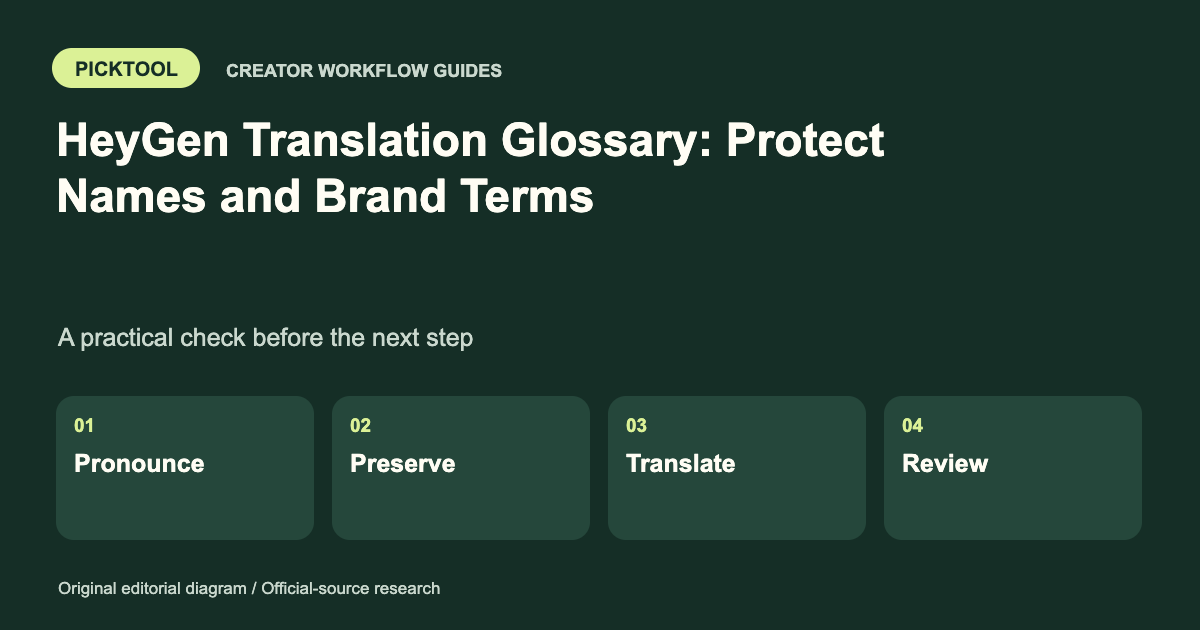
Separate pronunciation, terms that must remain unchanged, and forced translations. Keep an approved terminology sheet and test the final spoken output and captions. HeyGen’s current help UI and API v3 documentation describe different glossary organization, so follow the version you actually use.
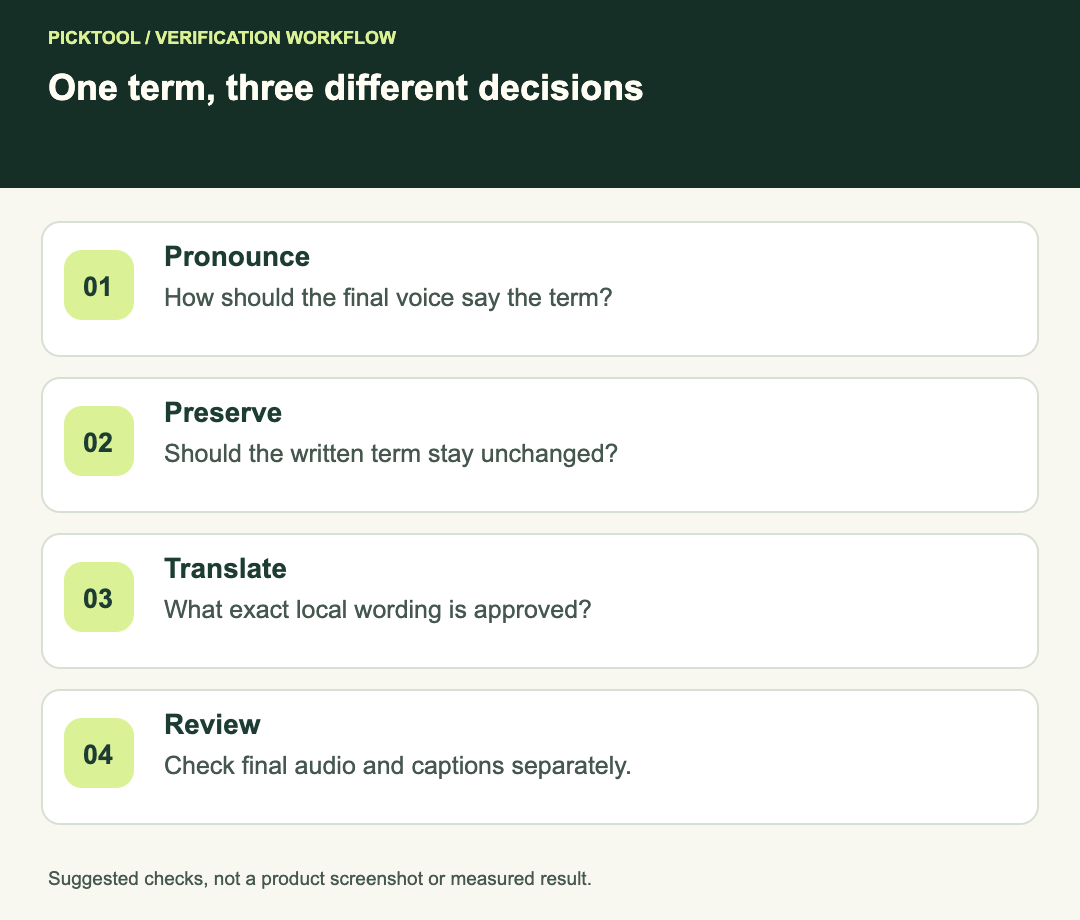
A brand term can fail in several ways: it can be spelled correctly but pronounced incorrectly, translated when it should stay unchanged, or forced into an awkward phrase. One glossary rule cannot be assumed to solve all three. Define the intended behavior before changing a live workspace.
Start with the kind of rule you need
HeyGen's help distinguishes a glossary from visual brand assets and reusable templates. It documents pronunciation entries and translation controls, including terms to preserve and terms with a specified translation. It also warns that pronunciation previews can differ from final Studio output. [1]
For a fictional product called Lumora, the requirement might be to keep the written name unchanged while helping a voice pronounce it as intended. That differs from a tagline that needs a translator-approved equivalent. Record those requirements on separate rows rather than putting every term into a single generic list.
| Requirement | Worksheet field | Acceptance question |
|---|---|---|
| Name sounds right | Pronunciation instruction | Does the final voice say it correctly in context? |
| Brand stays unchanged | Do-not-translate decision | Is the original term retained in the target language? |
| Approved local wording | Forced translation | Is the exact wording grammatical in this sentence? |
| Correct written caption | Approved display spelling | Does the caption keep the intended spelling? |
Account for a real documentation difference
The reviewed help article describes multiple glossaries organized by language and selecting a glossary through translation controls. The current API v3 documentation instead describes one glossary per workspace with language-specific rules. These are materially different organizational models. [1][2]
If you work in the website interface, follow the controls available in that workspace and the matching help. If you integrate through the API, follow the current API version rather than translating an older UI tutorial into code. Do not create or delete workspace glossaries merely to make an old screenshot match.
This distinction matters during handoff. A marketer's instruction to “use the Spanish glossary” may describe a UI workflow, while an API implementer needs a workspace glossary and language-scoped rules. Write the intended terminology behavior explicitly so the recipient can implement it in the correct interface.
Keep an approved terminology sheet
Use columns for source term, target language, approved written form, pronunciation guidance, rule type, owner and review date. Add a sentence that shows the term in context. Keep this sheet outside the product so it remains a readable record of intent when controls change.
For the fictional Lumora example, one row might preserve the product name across languages. A separate row might contain a translator-approved tagline. Do not invent a phonetic spelling for a language you cannot assess; ask the appropriate reviewer and test the actual voice.
Avoid stuffing alternate spellings into the approved display text. The caption and spoken pronunciation may need different handling. Keep the visible brand spelling stable while using the relevant pronunciation mechanism for speech.
Understand API rule scope before updating
The API separates pronunciation, preserved terms and forced translations. Consult its precedence rules before introducing overlapping entries. [2]
It also documents an important update behavior: a supplied list replaces that list, omitted fields remain, and an empty list clears it. [2] A developer should review the existing configuration and retain an authorized backup before applying a change. This guide does not call the API or modify a workspace.
For a shared project, review conflicts before introducing a rule. If a term appears both in an instruction to preserve it and a translation map, resolve the intent rather than relying on precedence to hide contradictory editorial decisions. A clean terminology sheet is easier to maintain than a pile of exceptions.
Test a small context set
Use the term at the beginning of a sentence, in the middle and next to punctuation. Include a sentence with nearby words that could change pronunciation or grammatical agreement. Test the actual final voice and target language rather than approving only a preview.
For a forced translation, ask a qualified reviewer whether the literal insertion works in the complete sentence. The API documentation notes that forced translations are inserted exactly rather than inflected automatically. [2] A correct standalone term can still need a revised surrounding sentence.
Check the final audio and captions separately. A name can sound correct while its written caption is wrong, or look correct while the voice mispronounces it. Record both outcomes and the project revision. Do not label the glossary “approved” from a single isolated word preview.
Roll out without losing the baseline
Start with a small representative project. Save the approved terminology, current settings and tested output revision before broad reuse. After a change, repeat the same context set so you can compare behavior rather than memory.
Give shared rules an owner. Recheck terms when a brand changes its name, a new language is added or an API integration changes version. A glossary is an editorial control, not proof that every generated sentence is accurate or ready to publish.
Check exported captions separately from spoken glossary output ↗
Read the broader HeyGen review ↗
The documentation differences and rule behavior are source-backed. The worksheet and context test are suggested editorial procedures. We did not generate multilingual audio, validate a pronunciation or make API changes.
How we assessed this tool
Official-source research and a review of the first 10 organic Google results for the recorded query. Workflows, diagrams and fictional examples are editorial guidance. No installed-product, paid-generation or output-quality benchmark was performed.
Questions & answers
Should I create one API glossary for every language?
The reviewed current API v3 documentation describes one workspace glossary with language-specific rules. Its organization differs from the reviewed UI help, so follow the interface and version you use.
Does correct pronunciation prove the captions are correct?
No. Review spoken audio and written captions separately, including names, punctuation and the approved display spelling.
Can a forced translation be grammatically wrong in a sentence?
Yes. Review the surrounding sentence with a qualified target-language reviewer; a correct standalone term can still need different context.
Sources & check dates
- 1. HeyGen: using Brand Glossary in the interface ↗ · Checked 2026-10-29
- 2. HeyGen API v3: Brand Glossary scope and update behavior ↗ · Checked 2026-10-29