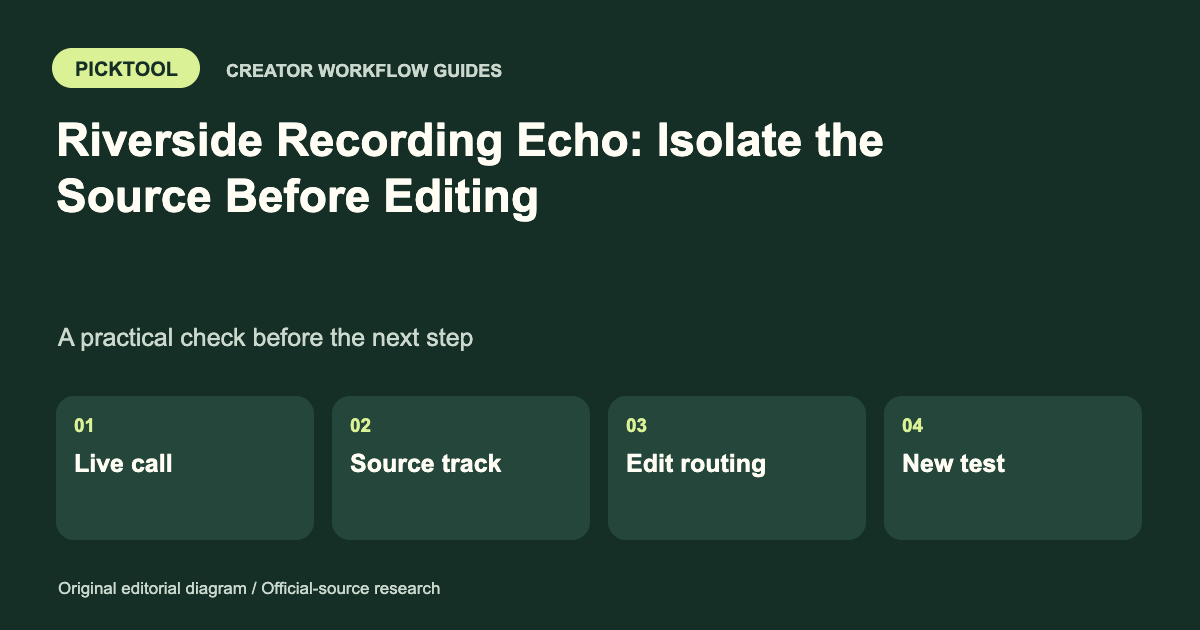
First determine whether the echo is in the live call, an individual recorded track or only the edit. Isolate one participant or audio path at a time. Check headphones and routing before applying processing, and make a short confirmation recording after a change.
Echo is a symptom with several possible causes. A delayed copy of a speaker, a room reflection and two copies of the same track in an editor can sound similar during a rushed session. They need different fixes. Start by identifying where the duplicate sound enters the workflow so you do not process a clean recording unnecessarily.
Locate the echo before changing settings
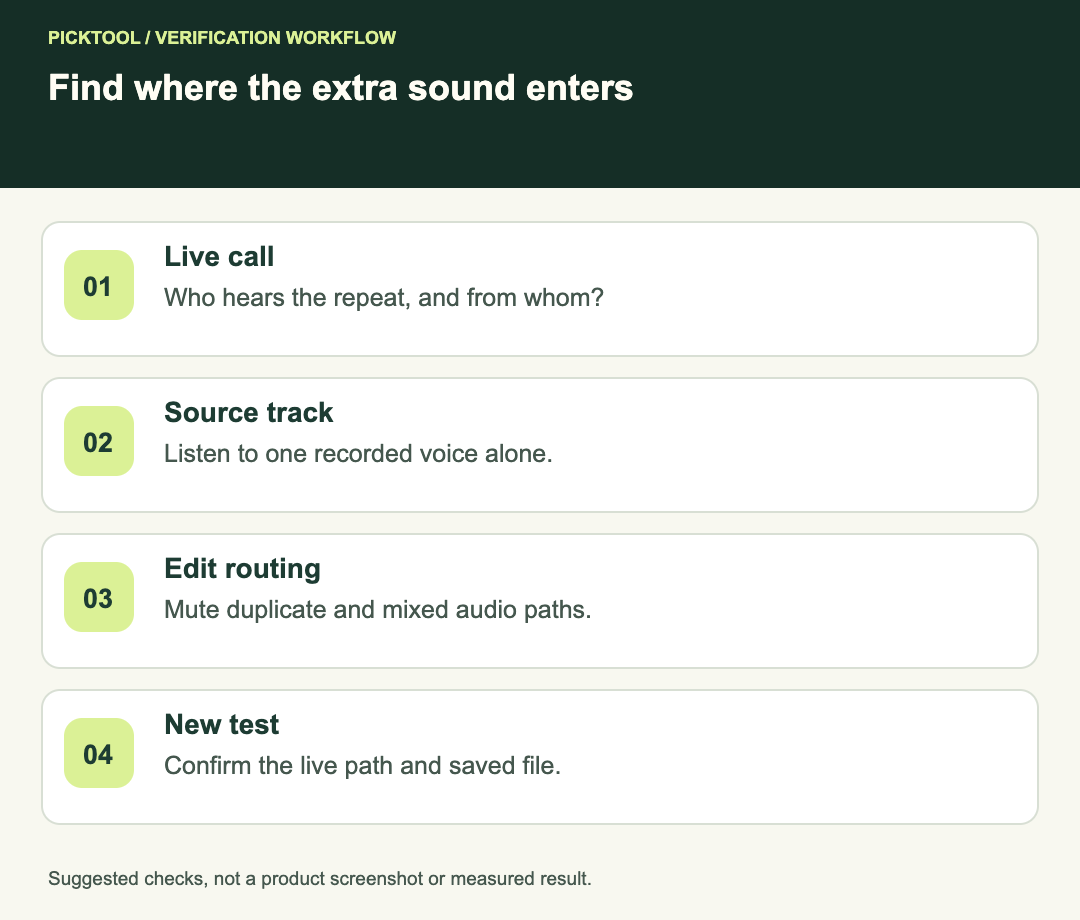
Ask who hears it and when. If one participant hears everyone except themselves duplicated, their listening path may differ from the path producing the problem. If the live call sounds wrong but the downloaded individual recording is clean, changing the edit cannot repair the live monitoring experience. If only the final timeline has echo, inspect the timeline before blaming capture.
Use a short spoken test in which each person talks alone. Keep the other participants quiet and listen for a delayed copy. Record which participant is speaking, who hears the problem and whether it appears in the recorded track. This small log is more useful than changing several settings at once and hoping the problem disappears.
| Observation | Start here | Confirmation |
|---|---|---|
| Echo follows one participant joining | Their speakers, microphone and routing | Repeat with that path isolated |
| Roomy sound on one isolated voice | Room reflections and mic placement | Compare a short unchanged-level test |
| Individual file is clean; edit echoes | Duplicate tracks or monitoring in the editor | Solo one timeline source |
| Problem appears only through a mixer | Return audio entering the send | Check the mix-minus route |
Check acoustic leakage and headphones
Riverside's help center identifies headphones and individual echo cancellation as common ways to reduce echo. It also notes that wired headset connections can leak return audio into a microphone path, and that audio-interface users may need mix-minus routing. [1] Wearing headphones is therefore a useful first check, not proof that every return path is isolated.
Select the intended microphone and output deliberately. A participant may be wearing headphones while the browser still uses a laptop microphone or a monitor's speakers. Ask the person to confirm the selected device names rather than simply asking whether a headset is plugged in.
Reduce an unnecessarily loud listening level and keep the microphone away from obvious speaker output. Change one factor, repeat the same short phrase and compare. If the sound is a diffuse room tail rather than a delayed repeat, closer microphone placement and a less reflective space may be more relevant than a duplicate-audio fix. These are diagnostic suggestions, not a promised cure for a particular room.
Use Riverside's echo cancellation with its limits
Riverside documents a participant-level Echo Cancellation control in the People sidebar on a computer browser. The control can be changed before or after a recording, rather than during one; if it is unavailable during recording, the host needs to stop the recording first. Its help page also says that mobile-app and cloud recordings always use echo cancellation, and that other audio tools can interfere. [2]
Do not interrupt a valuable conversation without first agreeing on a break. Note the take and approximate time, stop at a sensible point if a settings change is needed, then make a short test before resuming. Save the earlier recording so an editor can determine which parts remain usable.
If an interface provides direct monitoring and the computer also monitors the same input, investigate whether you are hearing two monitoring paths. Use the interface's own documentation for routing. Avoid randomly disabling system devices or altering a shared studio setup while a guest is speaking.
Check an individual track before adding cleanup
Open one downloaded source in the editor by itself. Make sure the timeline is not simultaneously playing a mixed recording, a second copy or a synchronized camera track containing the same voice. Mute every other audio source temporarily and listen to a phrase with a clear stop.
If the isolated source still contains the delayed copy, it may already be recorded into that track. If it is clean, rebuild the mix with one intended route at a time. Label source, monitoring and export paths clearly. A cleanup plugin applied to the entire mix can alter healthy speech while leaving the actual routing mistake intact.
Run a confirmation recording
Use a simple fictional test: the host says “one, two, three,” pauses, and the guest responds. This is a proposed diagnostic recording, not a test we performed. Check both the live listening experience and the resulting individual files. A fixed live call does not prove the earlier recording is repaired.
Riverside's host checklist is a useful primary reference for preparation before the real session. [3] Add your own setup note after the test: browser, selected devices, headphone route and any interface return routing. The aim is a repeatable working setup, not a collection of unexplained toggles.
What to send support if echo remains
Describe whether the issue is live, recorded or edit-only. Include selected device names, whether a mixer or interface is involved, and a short non-sensitive sample if you are authorized to share it. Keep the original recording untouched. Do not send an entire private interview when a small diagnostic example is enough.
Diagnose timing problems separately when audio and picture do not align ↗
Read the Riverside review for the broader recording workflow ↗
The source-backed controls above are separate from the suggested isolation procedure. No Riverside session, room treatment or audio-cleanup benchmark was performed for this guide.
How we assessed this tool
Official-source research and a review of the first 10 organic Google results for the recorded query. Workflows, diagrams and fictional examples are editorial guidance. No installed-product, paid-generation or output-quality benchmark was performed.
Questions & answers
Why is there echo even with headphones?
A wired connection, mixer return or duplicate monitoring route can still introduce audio. Confirm actual device selection and isolate the route.
Can I change echo cancellation while recording?
Riverside’s computer-browser help says to change it before or after recording. Plan a pause and a short confirmation test if a change is necessary.
Should I apply echo removal to every track?
First listen to each source alone. Processing clean tracks does not correct a duplicate playback route and may change speech unnecessarily.
Sources & check dates
- 1. Riverside: minimize echo in the studio and recorded tracks ↗ · Checked 2026-10-29
- 2. Riverside: individual echo cancellation ↗ · Checked 2026-10-29
- 3. Riverside: host recording checklist ↗ · Checked 2026-10-29