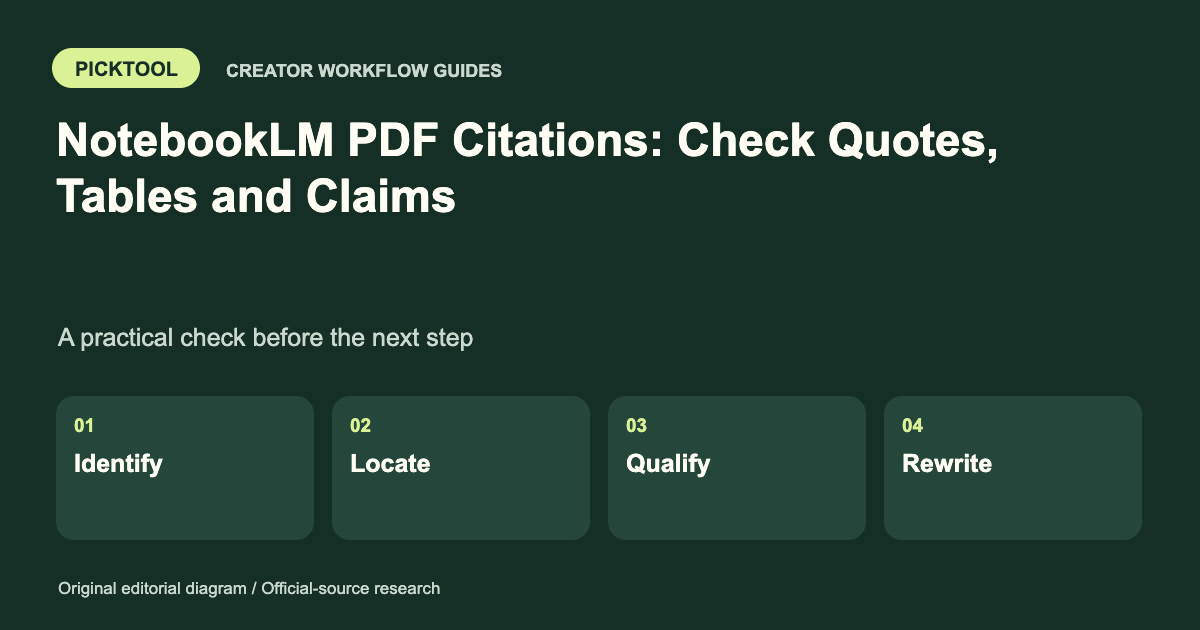
Open each supporting citation, compare the exact claim with the original PDF, and check qualifiers, numbers and table context. A citation shows where an answer points; it does not prove the source is correct or that your wording faithfully represents it. Google now labels the product Gemini Notebook.
People still search for NotebookLM PDF citations, while Google's current homepage and help use the name Gemini Notebook. This guide concerns that Google product. [1] The practical task is unchanged: verify what an answer says against the source before using it in an article, client brief or presentation.
A citation is a navigation aid within a research process. It should lead you to evidence that supports the precise claim you intend to publish. It is not a substitute for checking the document's date, context or reliability.
Know what the citation control does
Google's chat help says users can select the sources used for an answer, hover over a citation to see quoted text and select it to review the passage in context. It also warns that experimental functions can make mistakes and need supervision. [2]
Use that navigation to inspect the evidence, then open the original PDF when page layout, tables or footnotes matter. A short excerpt can leave out a qualifier immediately above the quote or a note below a table. The original document remains the reference for what was actually published.
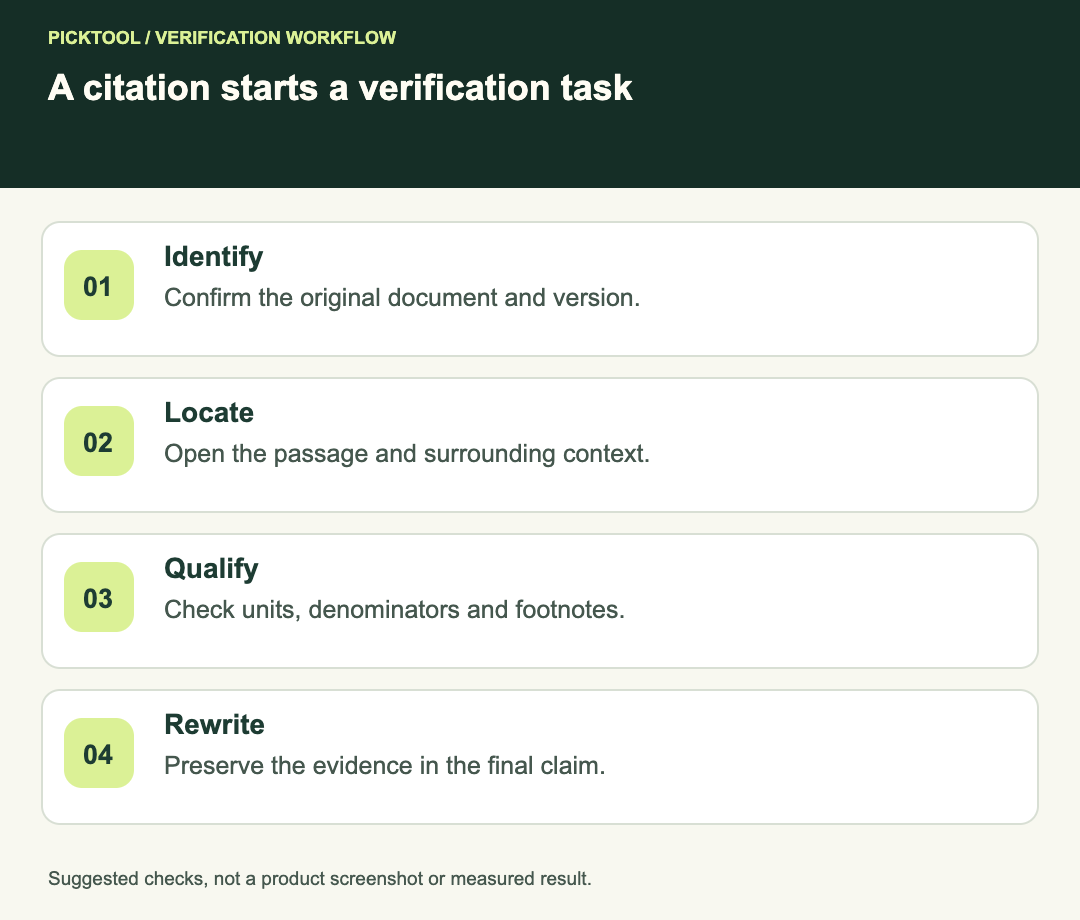
Identify the document and version
Before checking a claim, record the document title, publisher, date and revision. A notebook containing an old report and a revised report can produce an answer that sounds current while relying on the wrong version. Select the intended sources for the question and make the version visible in your notes.
Keep the original filename and source URL where available. Distinguish the PDF viewer's page count from printed page numbers. For example, a cover and contents page can make “PDF page 8” different from the page labeled “6” in the report. Record enough detail that another reviewer can find the passage.
| Check | Evidence to record | Reason to pause |
|---|---|---|
| Source identity | Publisher, title, date and revision | Wrong or superseded document |
| Passage | Exact wording and location | Citation does not support the claim |
| Table context | Header, units, denominator and footnotes | Number is detached from its meaning |
| Claim wording | Qualifiers preserved in your sentence | Limited finding becomes a universal claim |
Use a claim ledger, not a pile of citation buttons
Make one row per claim you plan to reuse. Include your proposed wording, cited document, passage location, verification result and next action. This creates a readable review trail even if the notebook interface or an exported document changes.
Google's notebook help describes several export routes and notes that edits made in exported Docs or Sheets do not synchronize back to the original notebook. [3] Treat an export as another version to review. Do not assume that fixing a sentence in a Google Doc also corrects the notebook artifact.
For a short article, the ledger might have only a few rows. The important point is that the highest-consequence statements are explicit. Names, dates, quantitative comparisons and causal claims deserve direct inspection rather than a general impression that the summary looks sensible.
Work through a fictional table example
Imagine a fictional report says: “In a voluntary pilot, 12 of 20 participating creators completed the workflow within one day.” A summary that says “60% of creators finish in a day” drops the pilot context and could imply a broader population. A claim that “the tool makes creators faster” adds causality the sentence does not establish.
The defensible arithmetic is 12 divided by 20, or 60%, for that described pilot. The publishable wording still needs the sample, voluntary participation and the report's own limitations. This example is invented to teach the check; it is not a product performance result.
Open the actual table if the number comes from one. Read the column header, unit, period and denominator. Check whether a dash means zero, missing data or not applicable. Review any footnote that changes who is included. A copied number without its unit can remain numerically identical while becoming substantively wrong.
Verify quotations separately from paraphrases
For a direct quote, compare the exact wording and punctuation with the original. If you omit words, ensure the remaining quote does not change the meaning. Do not turn an AI paraphrase into quotation marks because it appears next to a citation.
For a paraphrase, preserve the strength of the original statement. “May help” is not “will deliver.” “Associated with” is not “caused by.” “Among surveyed respondents” is not “all users.” These small changes often matter more than the presence of a source marker.
If the PDF is a scan, inspect the page image when text extraction appears uncertain. Tables, symbols and multi-column layouts can require visual checking. Do not silently repair a suspicious number by guessing what the author intended; record the uncertainty or consult a clearer source.
Decide whether the source is good enough
An accurately quoted source can still be outdated, promotional or unsupported. Ask whether it is the right authority for the claim. A vendor's own feature documentation can support a description of its stated controls, but it does not establish independent performance superiority.
For a consequential claim, find the original study, policy or dataset when possible. If two sources disagree, describe the difference and date rather than selecting the convenient one. If support is inadequate, narrow or remove the claim.
Use a timestamped ledger to verify claims in an Audio Overview ↗
Read the broader Gemini Notebook review ↗
Acceptance before publication
- Every reused factual claim has an identifiable source and location.
- The selected document version matches the intended period.
- Quotes, qualifiers, units and denominators survive the rewrite.
- Table and scan uncertainties are resolved or disclosed.
- The final exported or published wording has been checked again.
This is an editorial verification method based on Google's documented citation controls. We did not upload private PDFs, audit a user's notebook or measure model accuracy.
How we assessed this tool
Official-source research and a review of the first 10 organic Google results for the recorded query. Workflows, diagrams and fictional examples are editorial guidance. No installed-product, paid-generation or output-quality benchmark was performed.
Questions & answers
Does a clickable citation prove the answer is true?
No. Check whether the passage supports the exact claim and whether the original source is reliable and current.
Should I cite the PDF page count or the printed page number?
Record whichever makes the passage findable, and distinguish them when they differ. A useful note can include both.
Can I quote an AI paraphrase as the source’s words?
No. Compare direct quotations with the original document. Keep paraphrases outside quotation marks and preserve the source’s qualifications.
Sources & check dates
- 1. Google: current Gemini Notebook product page ↗ · Checked 2026-10-29
- 2. Google: chat, selected sources and citations ↗ · Checked 2026-10-29
- 3. Google: notebooks, artifacts and export behavior ↗ · Checked 2026-10-29