What does Hilite do?
Hilite is a browser-based podcast workspace for recording, transcript-based audio editing, enhancement and publishing preparation. It suits independent spoken-word creators who want fewer production handoffs. The decisive plan boundary is distribution: Free includes one short episode per month, while one-click distribution, generated show notes and analytics are listed on Pro and Business.
Edit the conversation, then listen to the cut
Hilite turns recorded speech into a transcript linked to the audio. Its text editor lets you remove passages and rearrange takes, while the waveform offers another way to inspect the recording. The official editing page lists MP3, WAV, M4A and FLAC uploads, so an existing interview can enter the workflow without being recorded again. Transcription, audio enhancement and generated publishing text are the AI-assisted parts; deciding which sentence belongs in the episode remains an editorial choice. [1][2]
That division of work suits a host who can recognize a useful answer more easily by reading it than by searching a waveform. It also creates a practical responsibility: correcting a transcript and removing speech are different intentions. Before a substantial edit, check what the command changes in the audio, and listen across both boundaries of a deletion. An accurate-looking paragraph does not prove that the resulting cut sounds natural.
Hilite describes its edits as reversible and advertises project history. The editing page lists several transcription languages, including English, Spanish, French and Japanese, but says filler-word detection is currently English-only. A multilingual transcript should therefore be evaluated separately from the automatic filler-removal feature. Neither that language list nor a vendor accuracy percentage proves performance on a particular accent, overlapping conversation or technical vocabulary. [2]
Illustrative example, not a product test: imagine a 24-minute interview with two speakers. The transcript mishears the guest’s company name, and the host wants to remove a repeated introduction. First correct the name while checking the original speech. Then remove only the repeated introduction and listen to the transition into the first answer. Keep the source recording separately. This small pilot checks the workflow before the editor commits an entire series to it.
Budget the episode and verify the deliverable
The dedicated pricing page is more useful than the homepage’s broad publishing language for deciding what the free tier covers. Free lists one episode per month, 30 minutes of recording and enhancement, transcripts, text editing and one collaborator. The comparison table reserves one-click distribution, generated titles, descriptions, show notes and analytics for Pro and Business. Having an episode allowance does not mean every distribution feature is free. [3]
On 30 October 2026, the live Monthly control displayed Pro at $19 per month and Business at $49. Switching to Annual changed the displayed monthly figures to $13 and $34 respectively. Those are the figures shown under the annual option, rather than a promise of monthly cancellation at those rates. Pro lists ten episodes and four recording/enhancement hours; Business lists unlimited episodes within a 20-hour allowance. Confirm the billing period, taxes, renewal and actual checkout total before paying. [3]
There is a useful distinction between the trial FAQ and the general terms. The pricing FAQ currently advertises a seven-day trial with no card required at signup and no automatic charge at its end. The terms also allow a trial to convert to a paid plan when disclosed at enrollment. Check the actual enrollment screen rather than treating either sentence as a universal promise for every offer. No checkout or trial enrollment was performed for this profile. [3][7]
Hilite’s editing page describes exporting the cleaned audio, while the pricing page advertises broader ownership and export access. These public descriptions do not, by themselves, establish every downloadable codec, bitrate, transcript file type or multitrack interchange option. If your handoff requires a specific WAV specification, SRT captions or a project format for another editor, verify that exact download in the intended plan before migrating a back catalogue. [2][3]
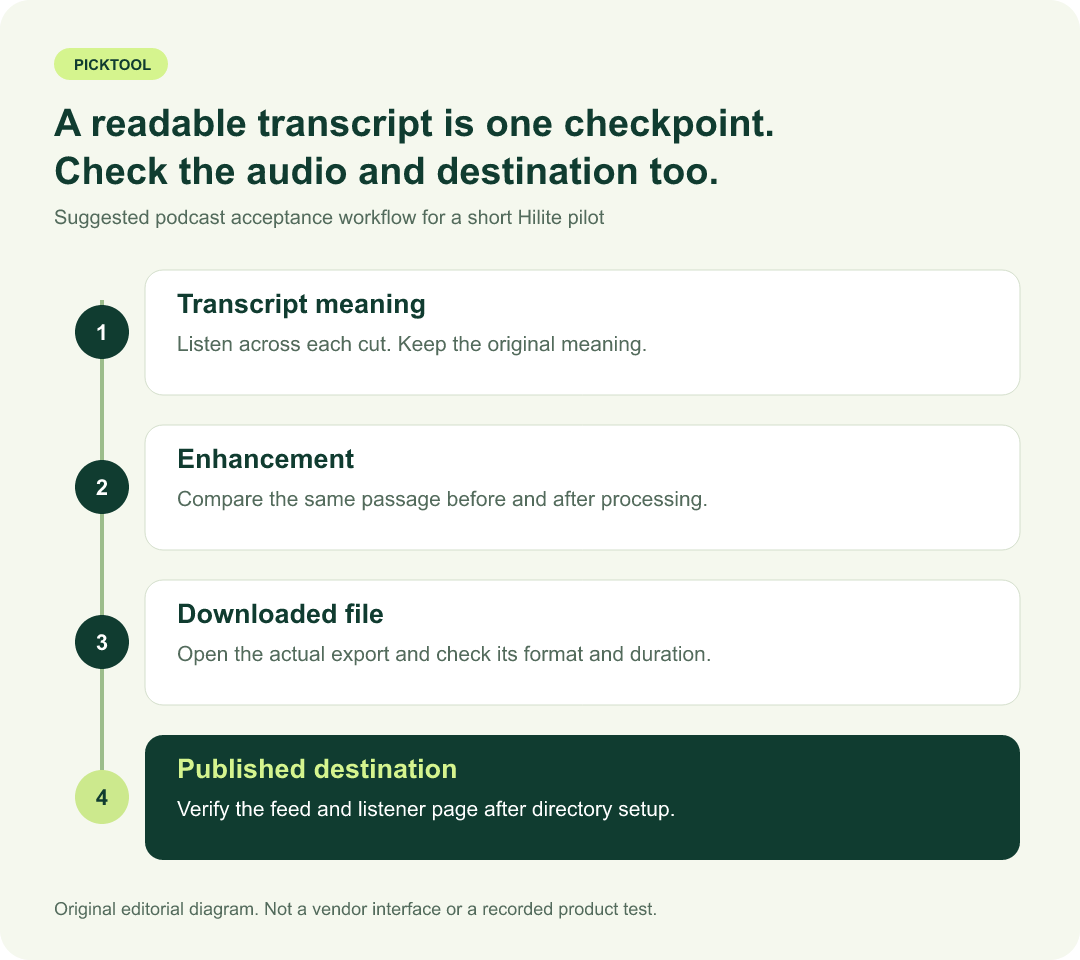
| Acceptance check | What a short pilot should establish |
|---|---|
| Transcript edit | The selected passage changes as intended and the cut retains the speaker’s meaning. |
| Audio enhancement | Compare original and processed speech around pauses, breaths and quiet words. |
| Downloaded file | Open the actual download in the receiving app; confirm its format and complete duration. |
| Published episode | Check the feed and destination page separately after initial directory approval. |
Review enhancement, publishing and content handling
The enhancement page describes four strengths, from Subtle to Max, with an A/B preview. It also acknowledges that heavy clipping or speech buried under extreme noise may not fully recover. Begin with a lighter setting, compare the same passage with and without processing, and listen for missing consonants or unnatural pauses. Claims about studio sound, processing speed and satisfaction on the marketing site were not measured for this review. [4]
For publishing, the important mechanism is RSS. Hilite’s detailed publishing instructions say the major directories need an initial feed connection or submission. After approval, a new episode updates the feed and each directory controls when it refreshes and displays the result. A successful publish action is therefore a different checkpoint from seeing the correct title, artwork and playable audio on the listener’s destination. Generated show notes and chapter text should be reviewed against the edited episode before that step. [5]
This is a service that handles content through its platform and providers. The privacy policy includes recordings, transcripts, edits and related metadata among the information processed, and says relevant content may go to transcription, audio-processing, hosting or generation providers. Its training statement is narrower than a blanket claim that data is never processed by AI: unless Hilite separately asks and you agree, private User Content is not used to train generalized models for unrelated customers. [6]
The same policy describes retention by purpose, account status and legal or backup needs rather than promising one fixed deletion period for every file. Distributed episodes can remain on third-party services or in listeners’ downloads. Obtain the permissions needed for guest material and music, keep independent originals, and establish the export and deletion process before uploading confidential interviews. These are workflow checks, not a claim that a legal or security audit was conducted. [6][7]
Hilite is a reasonable candidate for a spoken-word creator who wants transcript editing, enhancement and episode preparation in one workspace. A short free pilot can test editing and playback; the paid-plan decision depends on distribution, generated publishing text, collaboration and the real time allowance. For an existing remote-recording workflow, verify that the source tracks are complete before importing them into another editor.
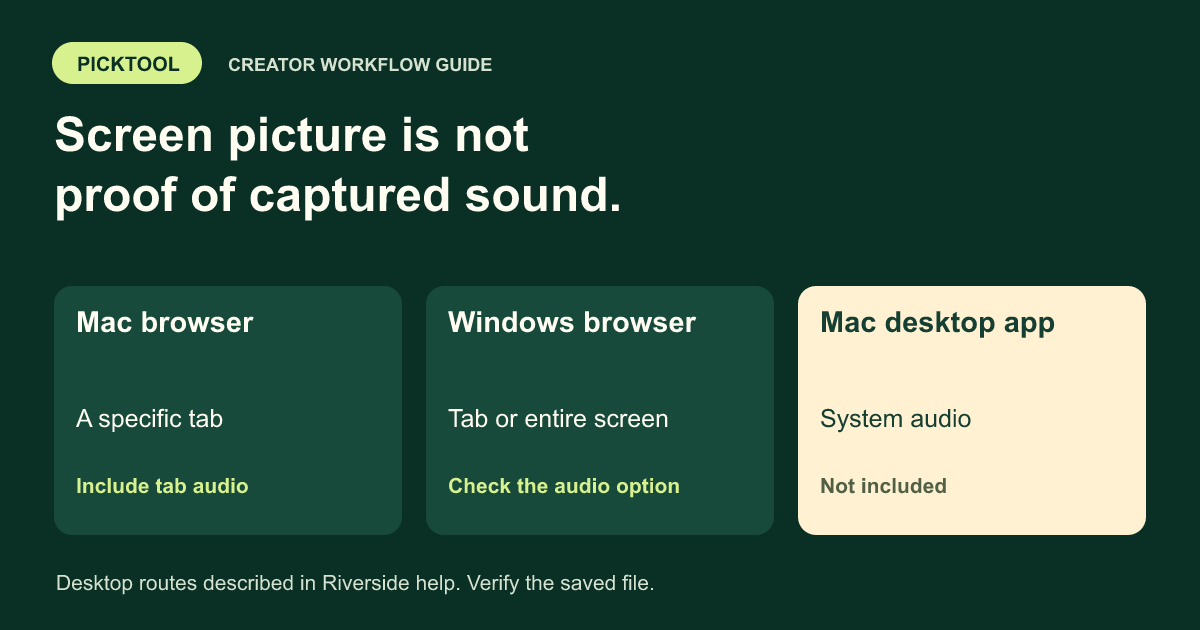
Check separate Riverside recordings before an editing handoff ↗
What you can do with it
- Transcript-linked audio editing and waveform review
- AI transcripts and four audio-enhancement strengths
- Generated titles, descriptions and show notes on paid plans
- RSS-based distribution with initial directory setup
- Plan-based collaboration and version-history options
Features are based on the stated evidence level. Confirm current availability and plan limits with the official provider.
Understand the pricing first.
This is a plan description, not a guaranteed numeric price. Check allowances, renewal terms, and exports before paying.
What to check before choosing
No signup, upload, audio processing, export download, checkout or directory publication was tested. Exact export formats and plan-specific file options need an in-account check. Filler detection is described as English-only. Directory approval and feed refresh remain separate from publishing. Relevant content may be processed by service providers; inspect permissions, retention and export needs before uploading sensitive recordings.
Evidence and research limits
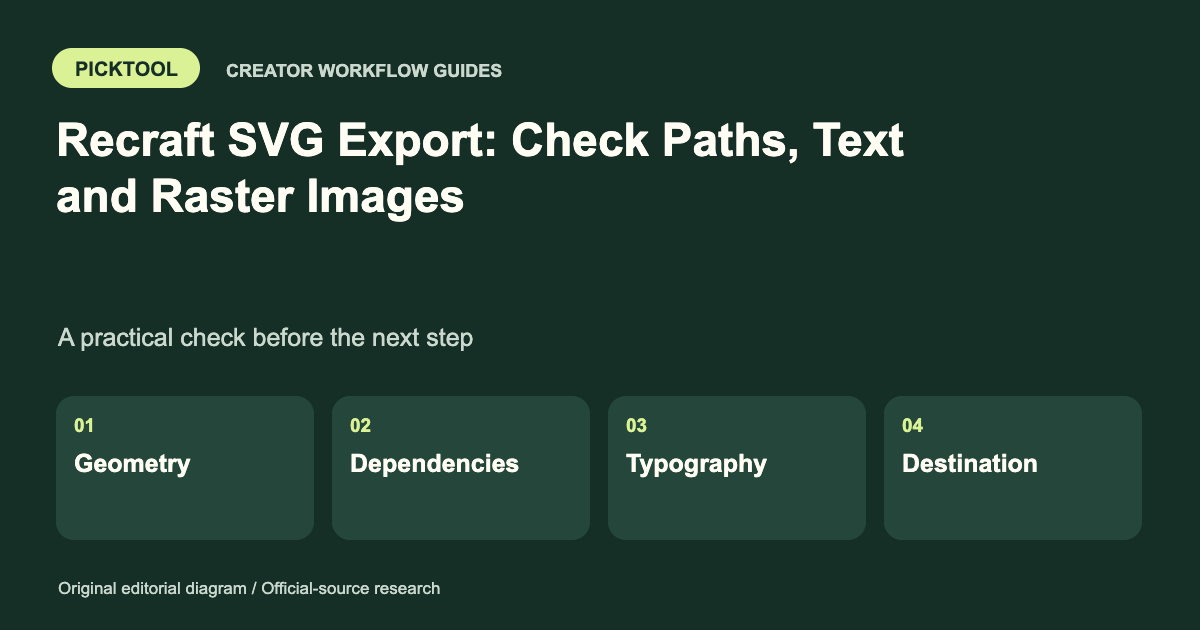
Official product, editing, enhancement, publishing, pricing, privacy and terms pages researched on 30 October 2026. Monthly and Annual pricing controls were operated. Ten ordered Google organic results were logged, with access limits. Source research and an illustrative workflow, not hands-on audio testing. The featured image is the official Hilite wordmark; the in-body diagram is original Picktool editorial artwork.
Does it fit better than your other option?
Sources & check dates
- 1. Official product overview ↑ · Checked 2026-10-30
- 2. Official transcript editor, upload formats and language limits ↗ · Checked 2026-10-30
- 3. Official pricing and live Monthly / Annual controls ↗ · Checked 2026-10-30
- 4. Official audio enhancement controls and limits ↗ · Checked 2026-10-30
- 5. Official publishing, RSS setup and directory refresh behavior ↗ · Checked 2026-10-30
- 6. Official privacy, processing, training and retention statements ↗ · Checked 2026-10-30
- 7. Official service terms, content ownership and trial conditions ↗ · Checked 2026-10-30
- 8. Featured image credit: official Hilite wordmark ↗ · Checked 2026-10-30
Other tools for a similar task
Compare options ↗
Mato
Established creator businesses and branded podcast teams with a production budget and a clear interview/distribution plan.
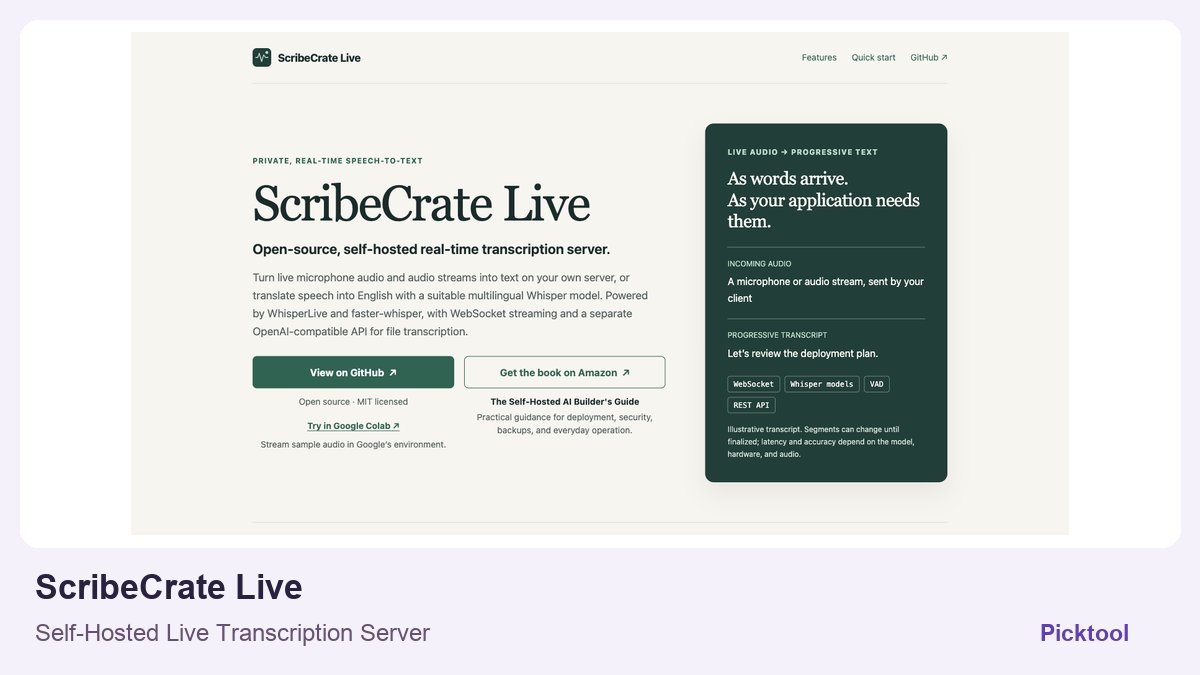
ScribeCrate Live
Technical creators and small teams building controlled live captions or speech-to-text into their own applications
Related by creator task. These are options to investigate, not measured winners.