What does Caption Counter do?
Picktool Caption Counter gives creators a live code-point count, whitespace-based word count, line count and a rough reading-time estimate for a draft. It runs in your browser. A visible emoji can contain several code points, so this is not a guarantee that a social platform will report the same count.
Understand what each number measures
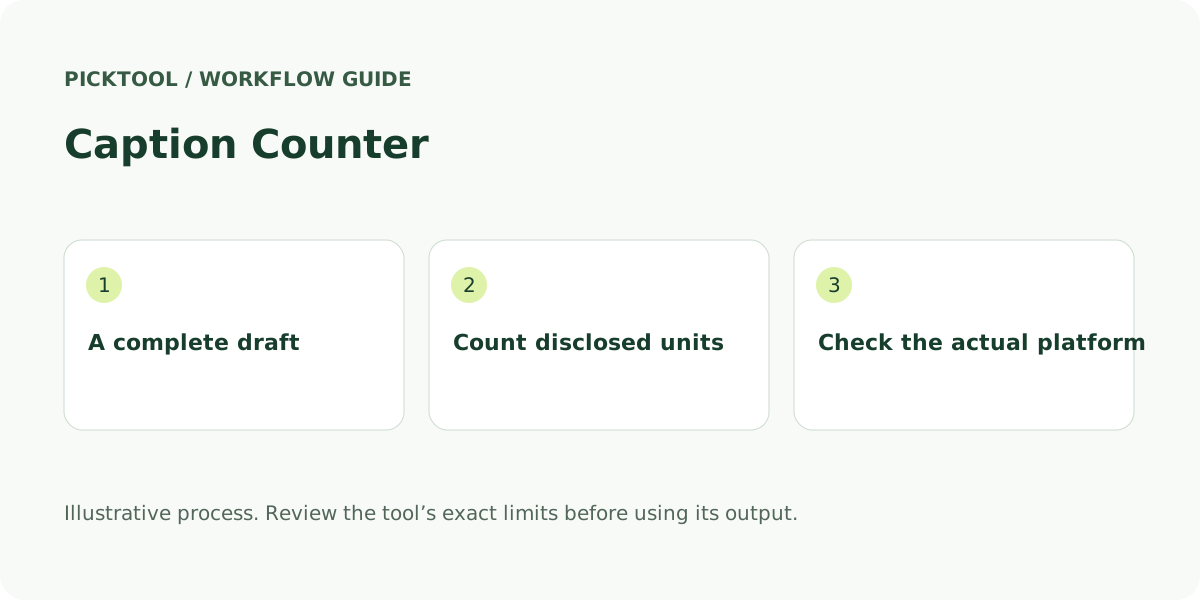
“Character” is an everyday word with several technical meanings. This tool counts Unicode code points using JavaScript string iteration. A simple Latin letter usually contributes one, but a flag or a family emoji can contain more than one. Unicode’s text-segmentation guidance distinguishes code points from grapheme clusters, the units a reader tends to perceive as individual characters. A counter should disclose which unit it uses.
Words here are non-empty groups separated by whitespace. “Video editing” counts as two, while “video-editing” counts as one. A long URL also counts as one whitespace group. The tool does not perform linguistic word segmentation, so its word total is not a dependable measure for every language, particularly text that normally has no spaces between words.
Lines are separated by line breaks, including a trailing empty line. Reading time is a simple estimate at 200 words per minute, rounded up to whole seconds. That assumption is useful for comparing two drafts in the same workflow. It is not measured speaking duration, a reader comprehension score or a platform’s recommendation about ideal post length.
Use the counter as part of an editing pass
Start with the point you want a reader to understand, then paste or write the whole caption, including spaces, hashtags, mentions and links. Watch the numbers while you edit. Separate the useful explanation from repeated phrases before shortening necessary context. A smaller number by itself does not make a caption clearer.
Illustrative example: “New video today! #Editing” has 25 code points, four whitespace-separated words and one line in this tool. Its estimated reading time is two seconds. If you add a second line, the line total changes, and the extra line-break code point contributes to the total. This describes the counting method; it is not an engagement recommendation.
For a comparison between drafts, keep the same intended meaning. Check whether the opening tells a reader what they will get, whether the link has the right destination and whether the call to action is understandable. Copy the final draft or download a plain-text copy when you are satisfied. Clearing the workspace removes its current output as well as the input.
Make the final check in the publishing platform
The first ten results included platform-specific counters that disagreed about some current limits, especially hashtag allowances and display-name fields. Those vendor pages are useful evidence of their own interfaces, but they are not a reliable substitute for the platform’s current official rules. Picktool therefore does not turn an unverified third-party limit into a green “approved” badge.
A platform may count emoji, weighted links or particular fields differently. A feed’s visual truncation also depends on presentation, not just the stored text length. Paste your completed draft into the actual publishing interface and inspect its own validation and preview. Check desktop and mobile presentation when the opening line or a line break is important.
This counter does not connect to Instagram, TikTok, Facebook or YouTube, and it does not publish anything. It makes no claim about an algorithm’s preferred length. For multilingual work, ask a fluent reader to review wording and line breaks; a technically valid count can still leave a confusing or incomplete message.
Compare a plain counter with a broader writing tool
CharacterCounter.com exposes a wider set of text statistics and optional limits. Hootsuite’s tool presents character counts with social-media guidance. Grammarly combines counts with writing-assistance offers. Keywords Everywhere adds field presets and a feed-style preview. The reviewed pages describe those capabilities; their platform-limit claims and marketing recommendations were not independently benchmarked.
Picktool is suited to a straightforward local count with a disclosed method. It does not rewrite your copy, score tone, simulate an exact social feed or sync a team’s drafts. Caption text remains in the current page rather than saved-tool history. The separate toolbox may save tool IDs, recent search terms and the theme preference in this browser; it does not save the caption as a recent search.
If your draft includes a long hashtag block, clean a separate copy of that list first, then return to the complete caption. If it includes a campaign URL, build and test that URL separately. Keeping these checks distinct makes it easier to notice a correct count attached to an incorrect message or destination.
What you can do with it
- Live Unicode code-point count
- Whitespace-based words and line count
- Reading estimate at 200 words per minute
- Copy and plain-text download
Features are based on the stated evidence level. Confirm current availability and plan limits with the official provider.
Understand the pricing first.
This installed browser utility is free to use.
What to check before choosing
Counts code points rather than grapheme clusters. Word counts use whitespace and may not suit every language. No verified platform-limit approval, writing-quality or engagement score.
Evidence and research limits
Research reviewed the first ten organic Google results for this tool’s main query plus the primary sources listed below on 30 October 2026. Search used English/US parameters in a signed-in browser, so positions are a dated observation with location and personalization limits. Competitor interfaces and public copy were inspected; no competitor performance benchmark is claimed. Picktool behavior was checked against its implementation. Illustrative examples are labelled. No paid AI generation was run for this guide.
Sources & check dates
- 1. Unicode Standard Annex 29: text segmentation ↗ · Checked 2026-10-30
- 2. MDN: Array.from and iterable inputs ↗ · Checked 2026-10-30
- 3. CharacterCounter.com ↗ · Checked 2026-10-30
- 4. Hootsuite character counter ↗ · Checked 2026-10-30
- 5. Grammarly character counter ↗ · Checked 2026-10-30
- 6. Keywords Everywhere Instagram character counter ↗ · Checked 2026-10-30