What does YouTube Timestamp Link Generator do?
Picktool YouTube Timestamp Link Generator creates a watch-page URL with a start time for creators, teachers and support teams sharing a specific moment. It runs locally and does not fetch the video. You must check that the video exists, the recipient can view it and the chosen time is useful.
Build a start-time link from a supported input
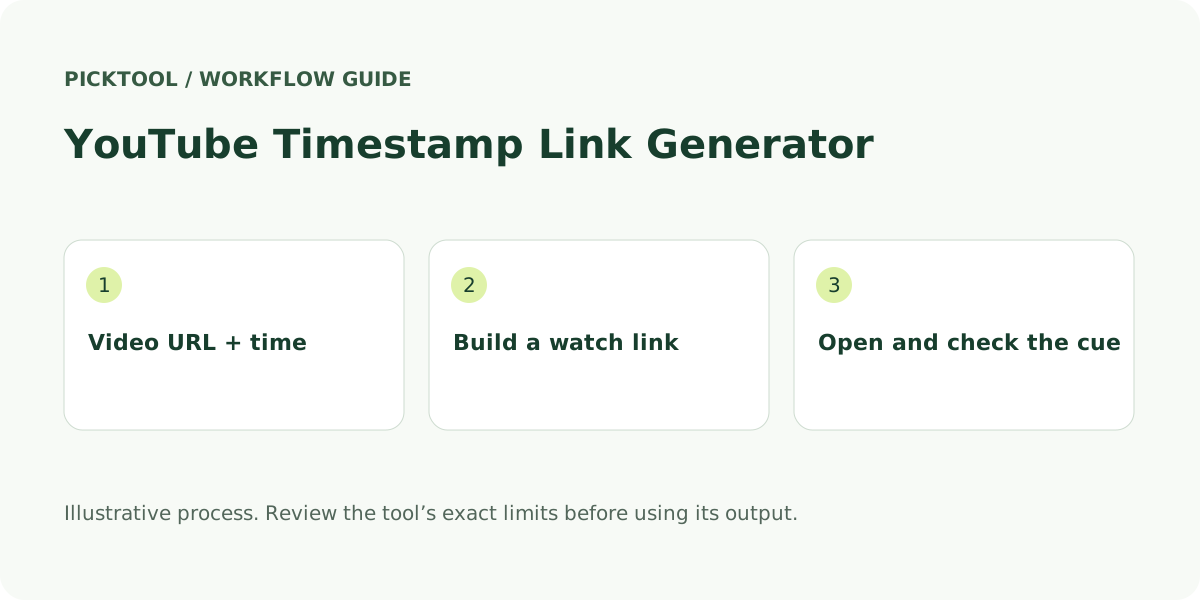
Paste a full YouTube watch URL, a youtu.be short link, or a supported Shorts, live or embed URL. You can also supply an 11-character video ID. The tool extracts the ID and creates a normal youtube.com/watch address with a t parameter. It accepts youtube.com, www.youtube.com, m.youtube.com and youtu.be, and rejects unrelated hosts rather than treating any address containing the word “youtube” as valid.
Enter a non-negative time as seconds, MM:SS or HH:MM:SS. For colon-separated input, each part after the first must be between 00 and 59. For example, 90 and 1:30 describe the same point. “1:90” is rejected instead of silently interpreting a likely typing error. The tool checks the format, not whether the video is that long.
The generated link keeps the video identity and the new start time. It does not preserve a playlist, share token or every parameter from the input. This can be useful for sending a clean link to one moment, but it changes the context if the recipient was meant to follow a particular playlist. Use YouTube’s own sharing controls when that context is required.
Choose a cue point that helps the recipient
A timestamp is useful when the destination answers a specific question. Select a point with enough lead-in to explain the scene, not just the final word of an answer. In a tutorial, that might be the start of the relevant demonstration. In a support reply, it might be the point just before the screen state changes.
Illustrative example: a video ID of abcdefghijk with a start time of 2:45 produces https://www.youtube.com/watch?v=abcdefghijk&t=165s. The ID is a format example, not a claim that a playable video exists. The time calculation is 2 × 60 + 45 = 165 seconds. Open a real generated link yourself before sending it to someone else.
Add a short description beside the link, such as “Start here for the export settings.” That description helps a reader understand the destination even if their app opens the video at the beginning. Test using the kind of device or app your recipient uses when the exact starting moment is important.
Separate sharing, chapters and embedded playback
YouTube’s official desktop sharing instructions include a “Start at” option. That is a useful built-in alternative when you are already on the video page. Picktool is convenient when you are assembling links in a draft and want a small standalone form without loading a video player in this page.
A start-time watch link does not create chapters in a video description and does not trim or download a clip. It also does not specify an enforced ending point. YouTube’s embedded-player documentation defines separate start and end parameters for embeds. A tool offering an end time may need to produce an embed address, which is a different output from a regular sharing link.
Playback is controlled by YouTube and the recipient’s environment. A deleted, private, age-restricted or region-restricted video may not be viewable. A structurally valid ID does not establish access or ownership. For a live stream, an archive and its seekable timeline may change. Confirm the final link after the stream has settled if it is going into an evergreen guide.
Compare lightweight linking with a larger timestamp workflow
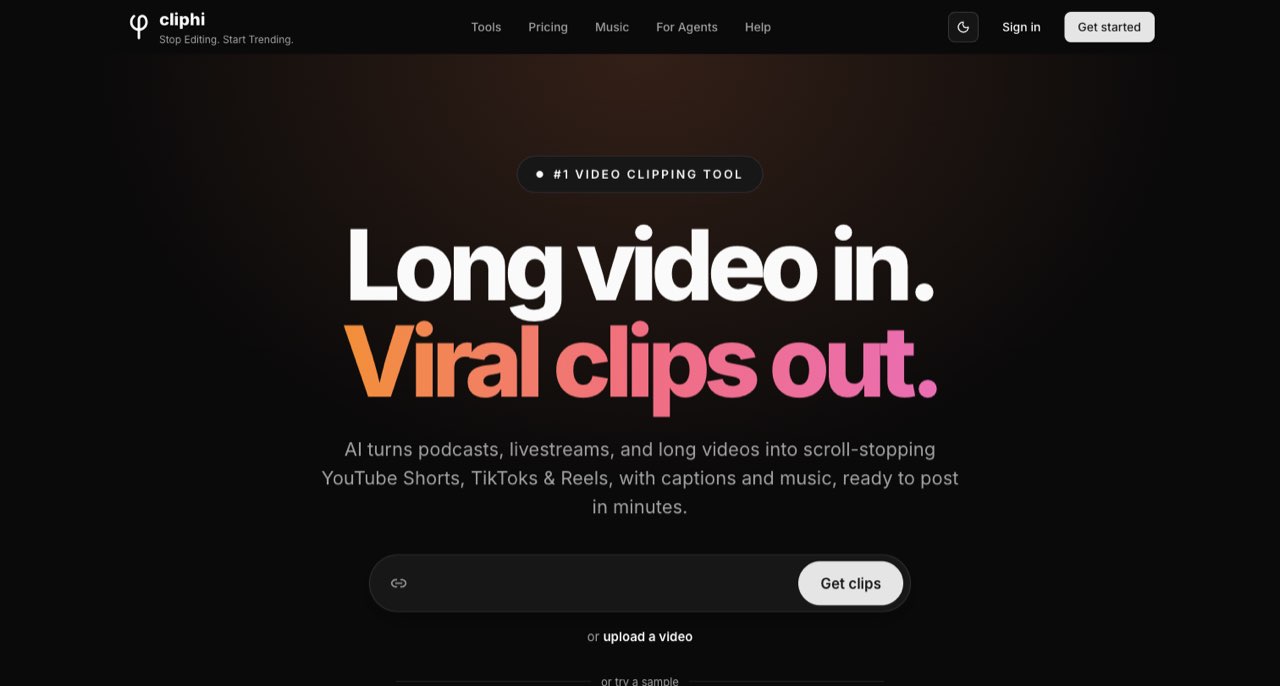
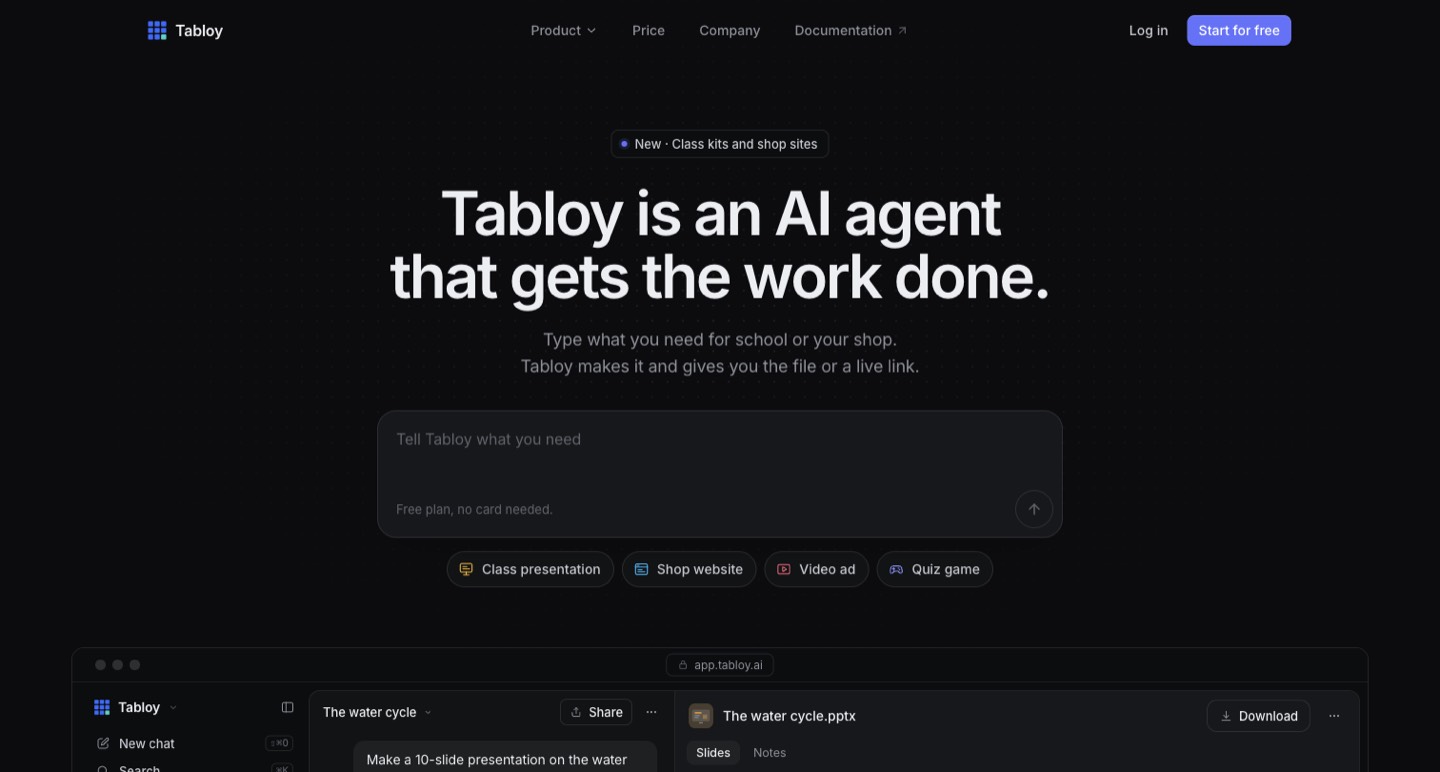
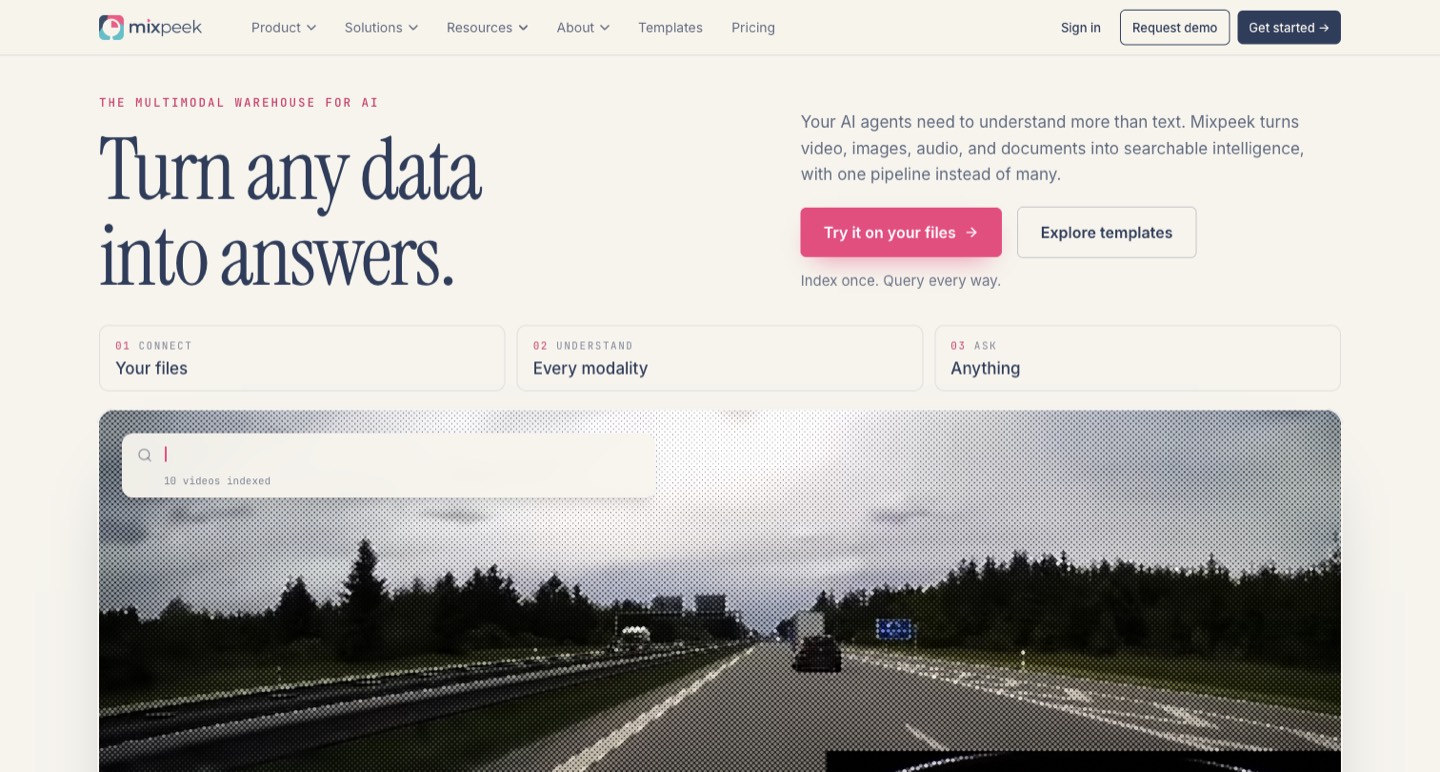
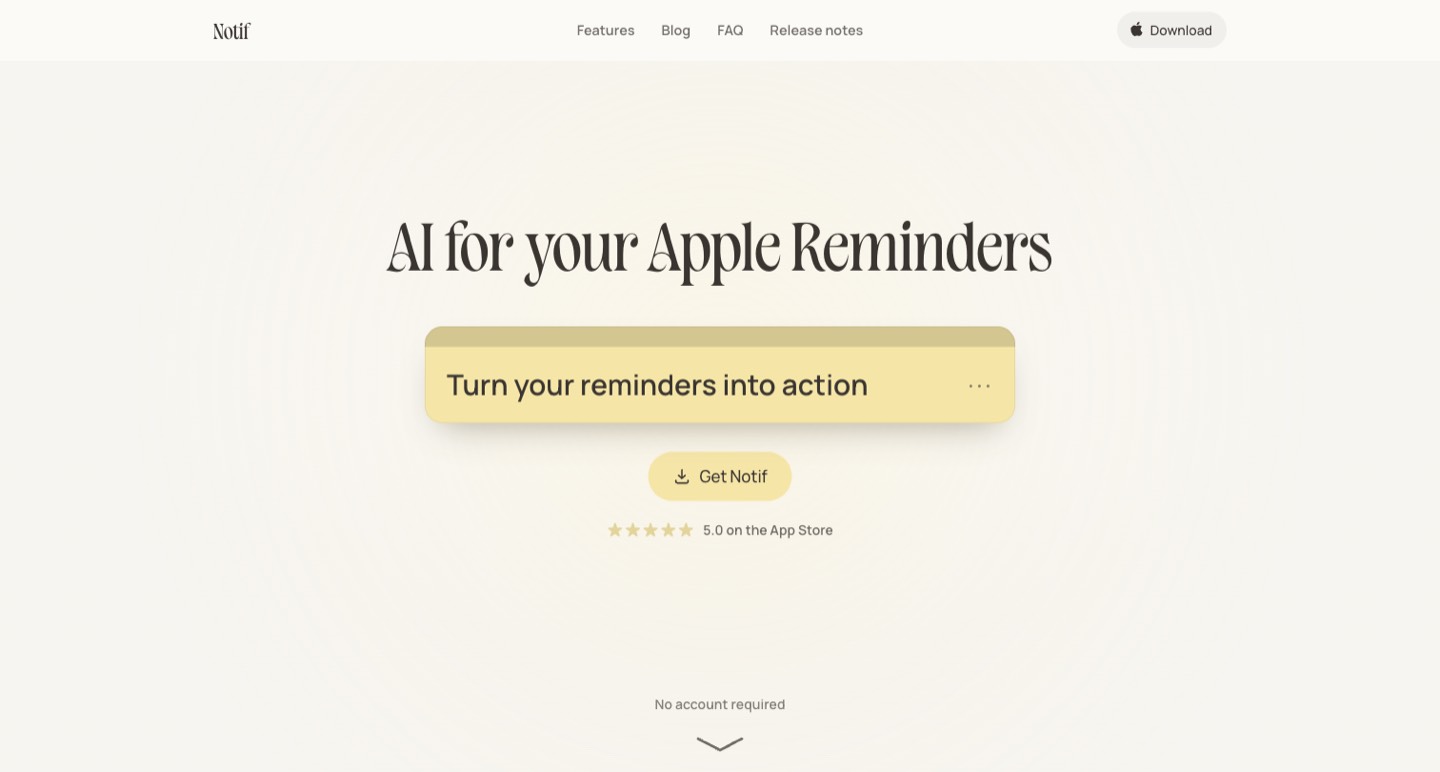
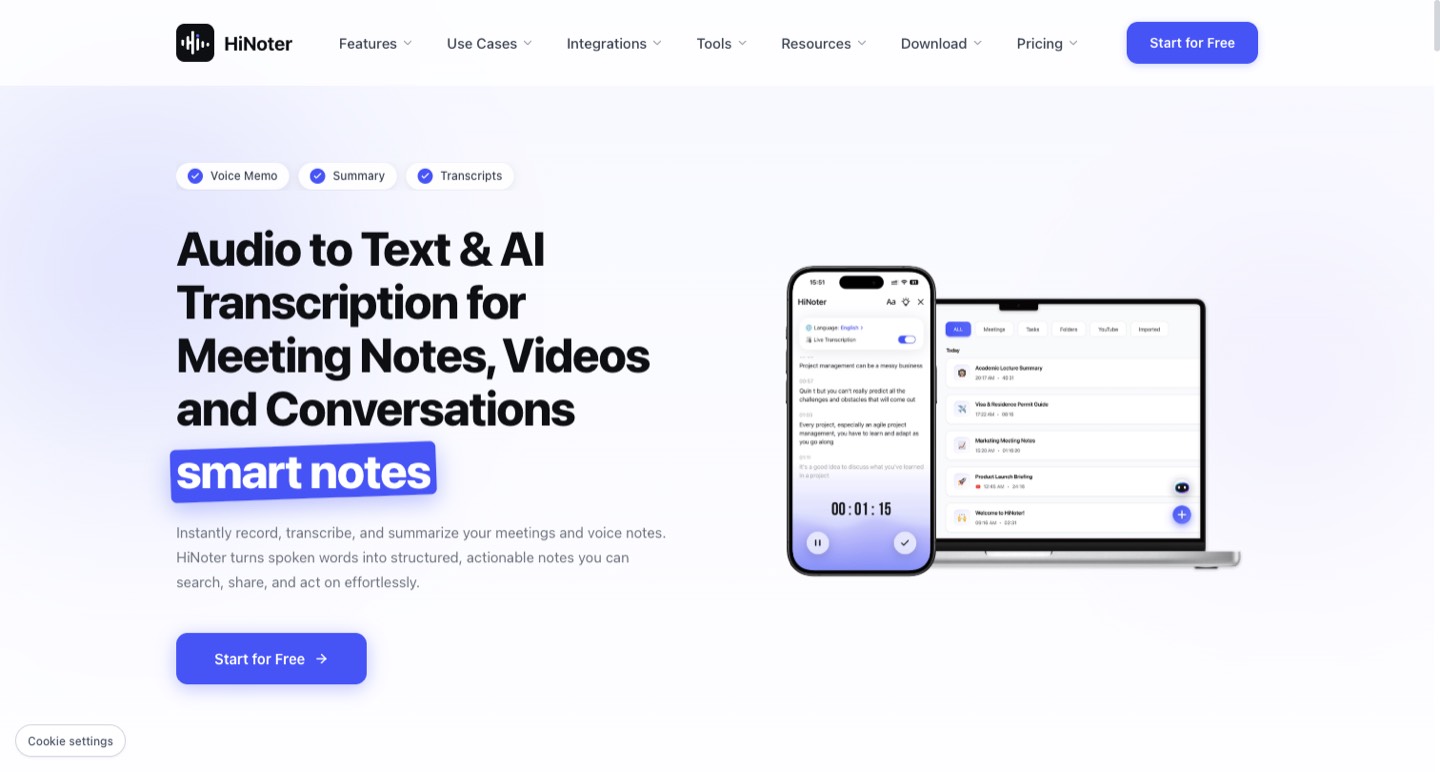
Social Video Plaza and TunePocket expose start/end-time workflows, with explanations of embed output. Keywords Everywhere and YT Playlist Length combine link generation with chapter formatting. Flyn advertises additional short-link and tracking workflows. The reviewed pages showed those different scopes; no cross-device playback benchmark or comparative reliability test was run.
Choose Picktool for a simple start-time watch link, with explicit input validation and no video fetch. Choose another workflow when you need a chapter list, a playlist-aware link, an embed or click reporting. A tracking service adds separate privacy, retention and account decisions. Keep an ordinary timestamp link when that extra infrastructure does not serve the recipient.
For your own tutorial, make the thumbnail and caption accurately describe the same task as the linked moment. A precise URL cannot repair a misleading headline. Use related tools for those separate preparation steps, and keep the source video’s permissions and context intact.
What you can do with it
- Watch, short, Shorts, live and embed URL inputs
- Seconds, MM:SS or HH:MM:SS time input
- Canonical watch-link output
- Copy and plain-text download
Features are based on the stated evidence level. Confirm current availability and plan limits with the official provider.
Understand the pricing first.
This installed browser utility is free to use.
What to check before choosing
Builds a URL only. Does not verify video existence, duration or access, preserve playlists, create chapters, enforce an end time or download video.
Evidence and research limits
Research reviewed the first ten organic Google results for this tool’s main query plus the primary sources listed below on 30 October 2026. Search used English/US parameters in a signed-in browser, so positions are a dated observation with location and personalization limits. Competitor interfaces and public copy were inspected; no competitor performance benchmark is claimed. Picktool behavior was checked against its implementation. Illustrative examples are labelled. No paid AI generation was run for this guide.
Sources & check dates
- 1. YouTube Help: sharing videos and Start at ↗ · Checked 2026-10-30
- 2. YouTube embedded-player parameters ↗ · Checked 2026-10-30
- 3. Social Video Plaza start-time generator ↗ · Checked 2026-10-30
- 4. TunePocket timestamp tool ↗ · Checked 2026-10-30
- 5. Keywords Everywhere timestamp and chapters tool ↗ · Checked 2026-10-30